
STEP 01
Your takes
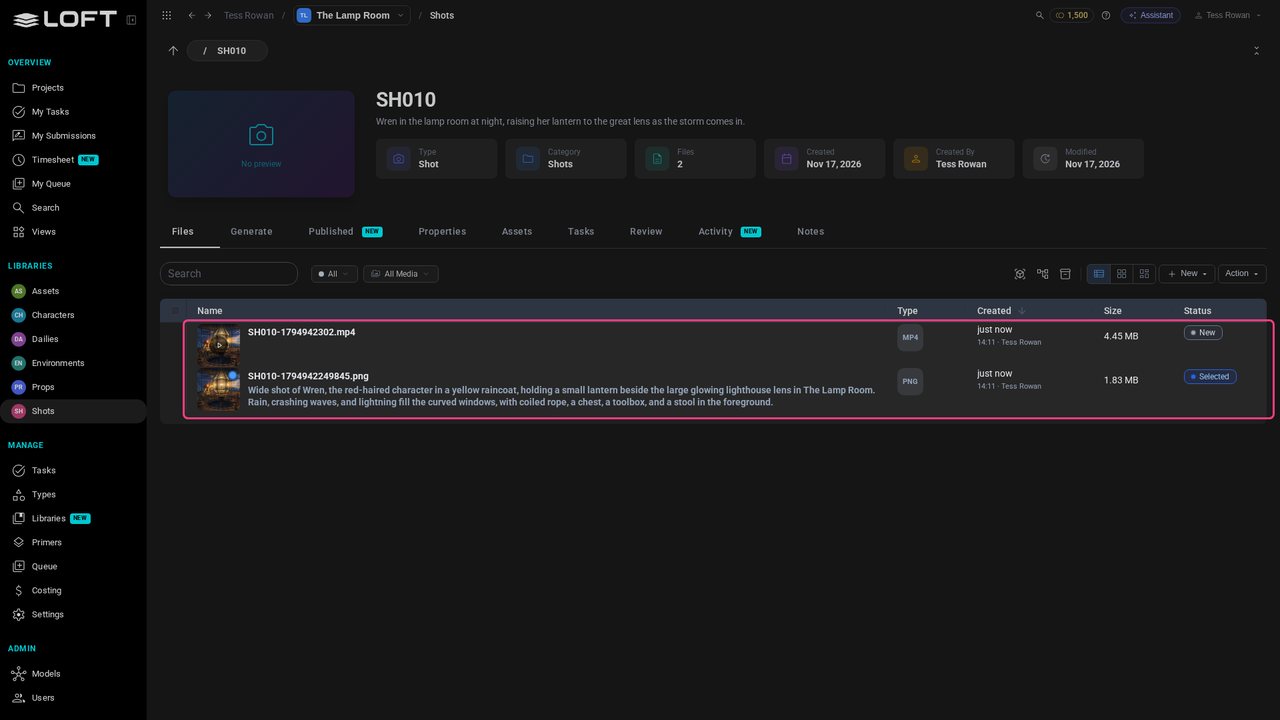
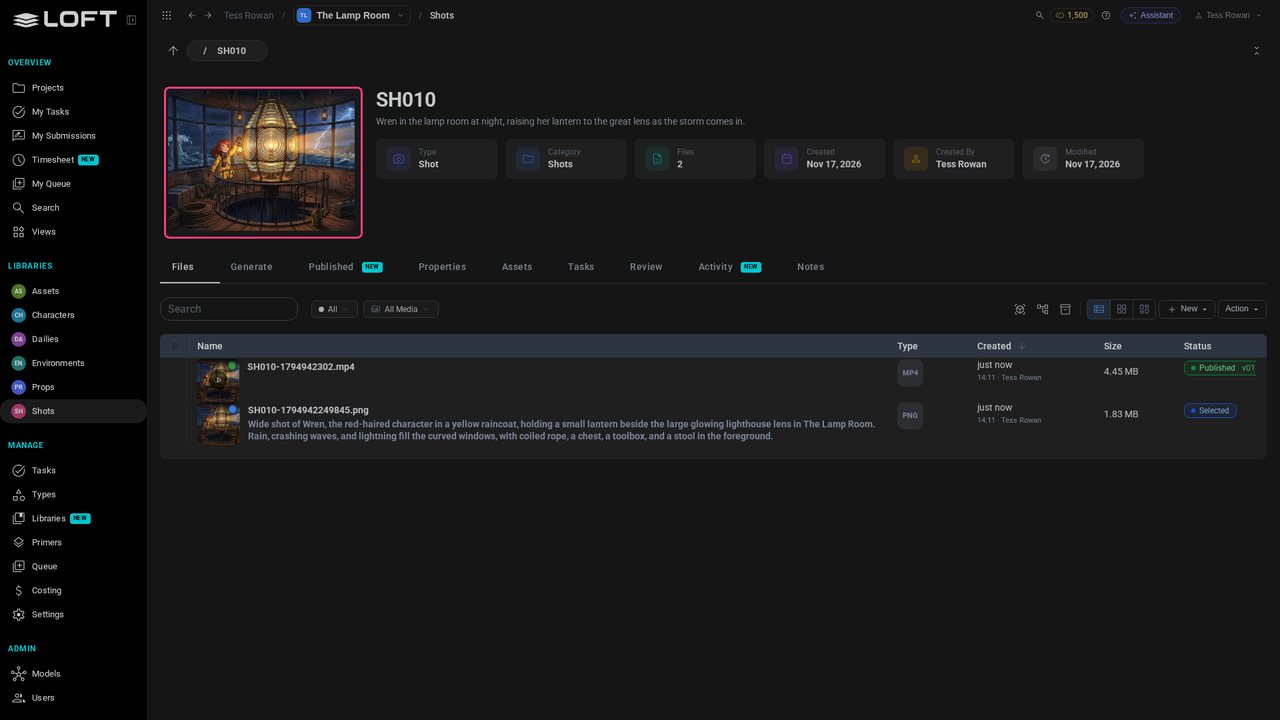
SH010 holds what you made in the last video: the keyframe, Selected, and the video, New. Nobody else depends on either yet: they're yours to decide on.
Learn/Get started
You've made takes; now decide. Publish the one you want everyone to use, and see what publishing changes. Follow along in your own shot.
Follow along
SH010 holds what you made in the last video: the keyframe, Selected, and the video, New. Nobody else depends on either yet: they're yours to decide on.
Click the video to open it.
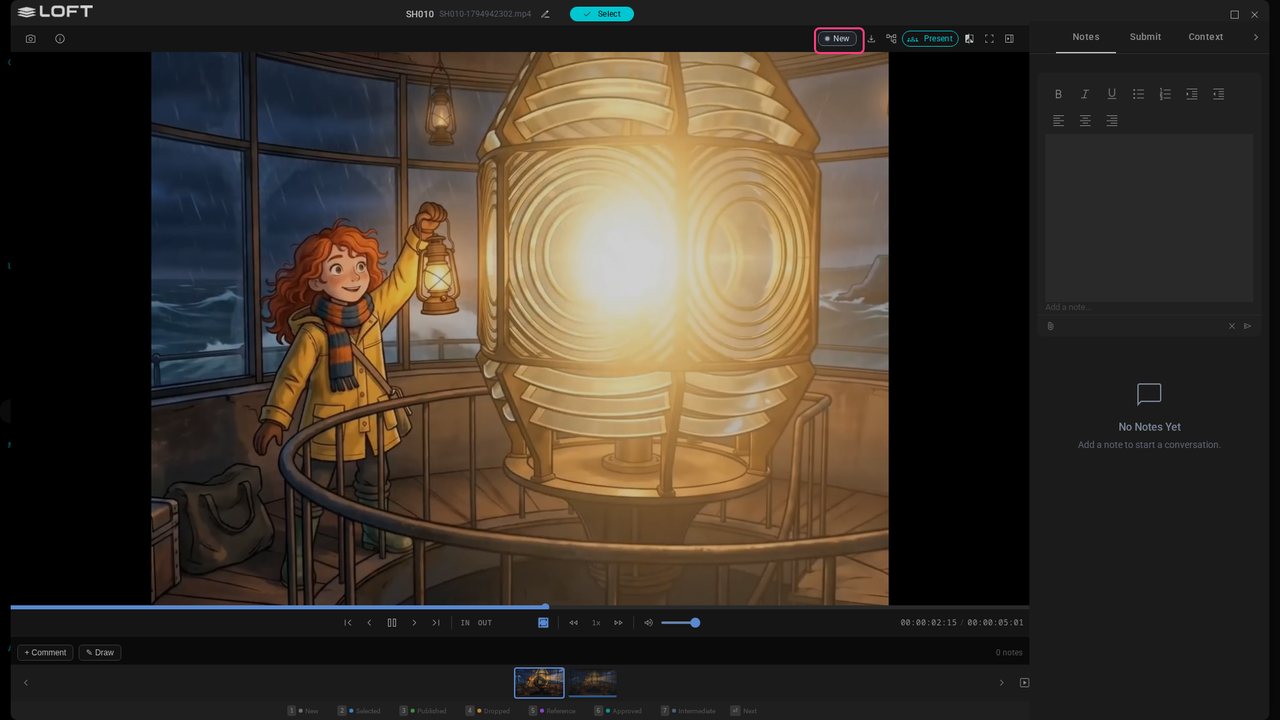
This is the take. Press 3 to publish it, and pick the pipeline step it's a version of.
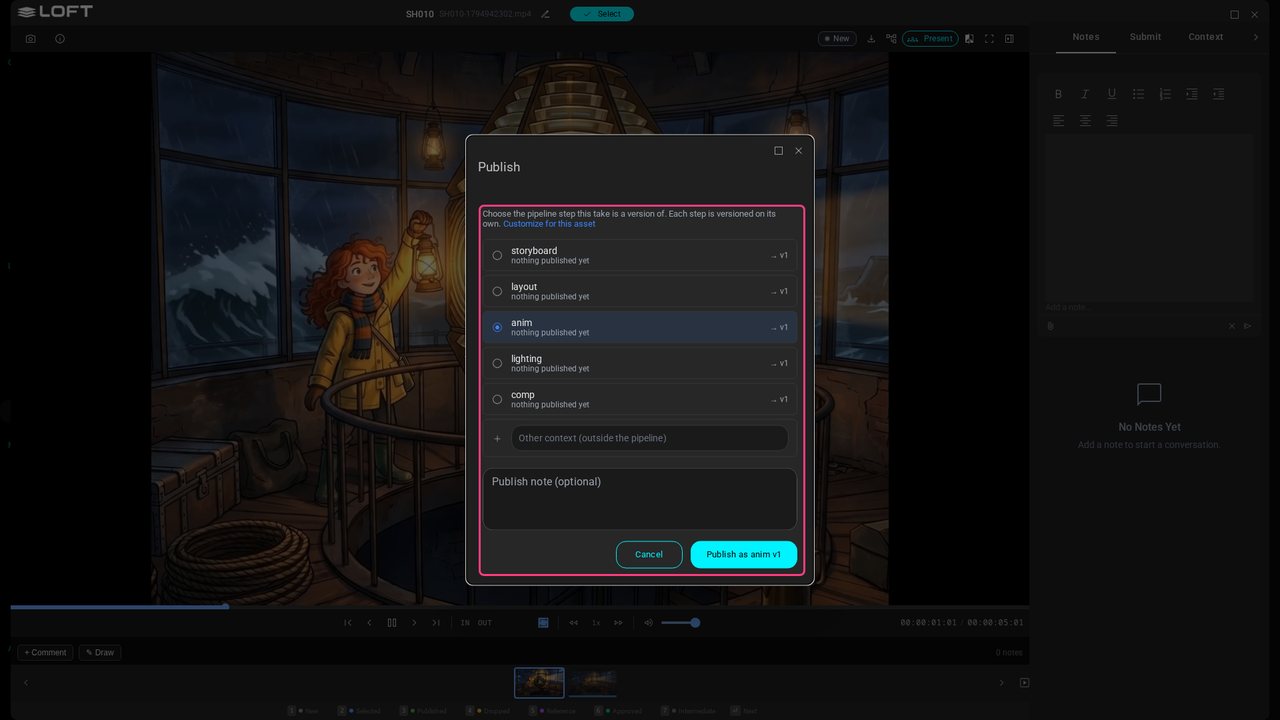
Click Publish. It's version 1 of that step. Publish another take later and it becomes version 2; this one stays.
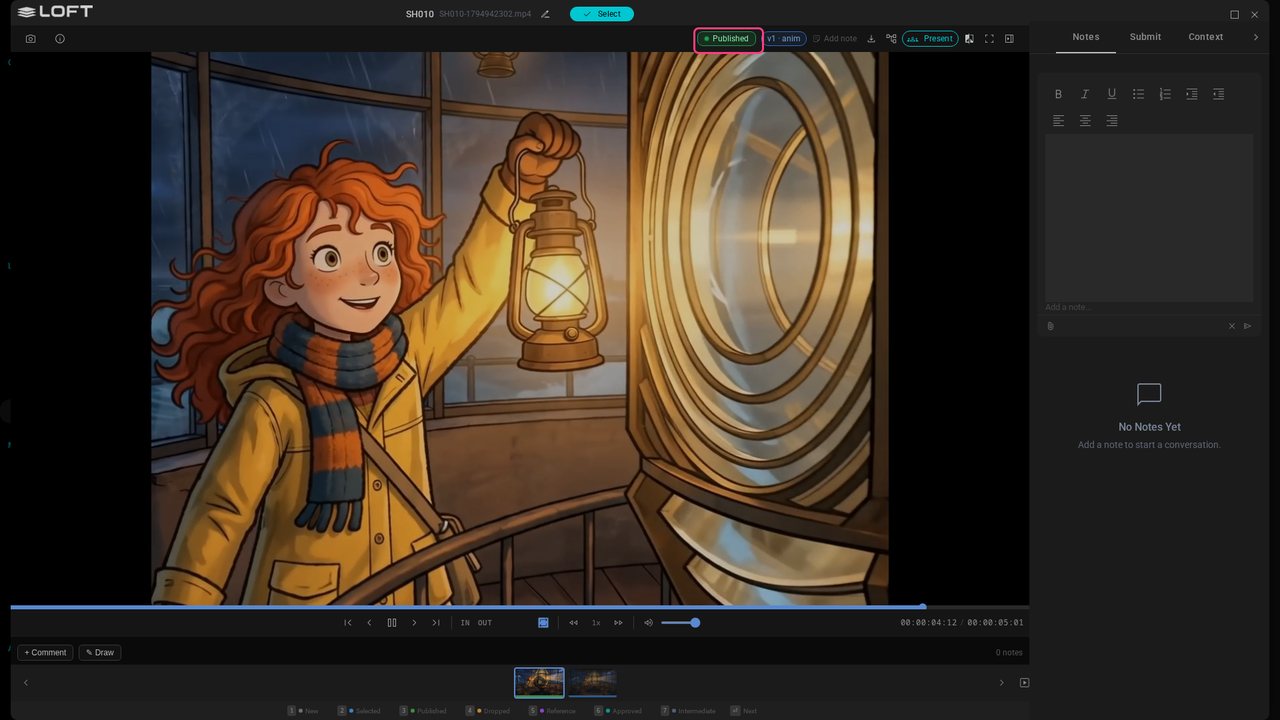
Close the viewer. The shot's picture is now its published take: it's what everyone sees for SH010, wherever it appears in Loft.
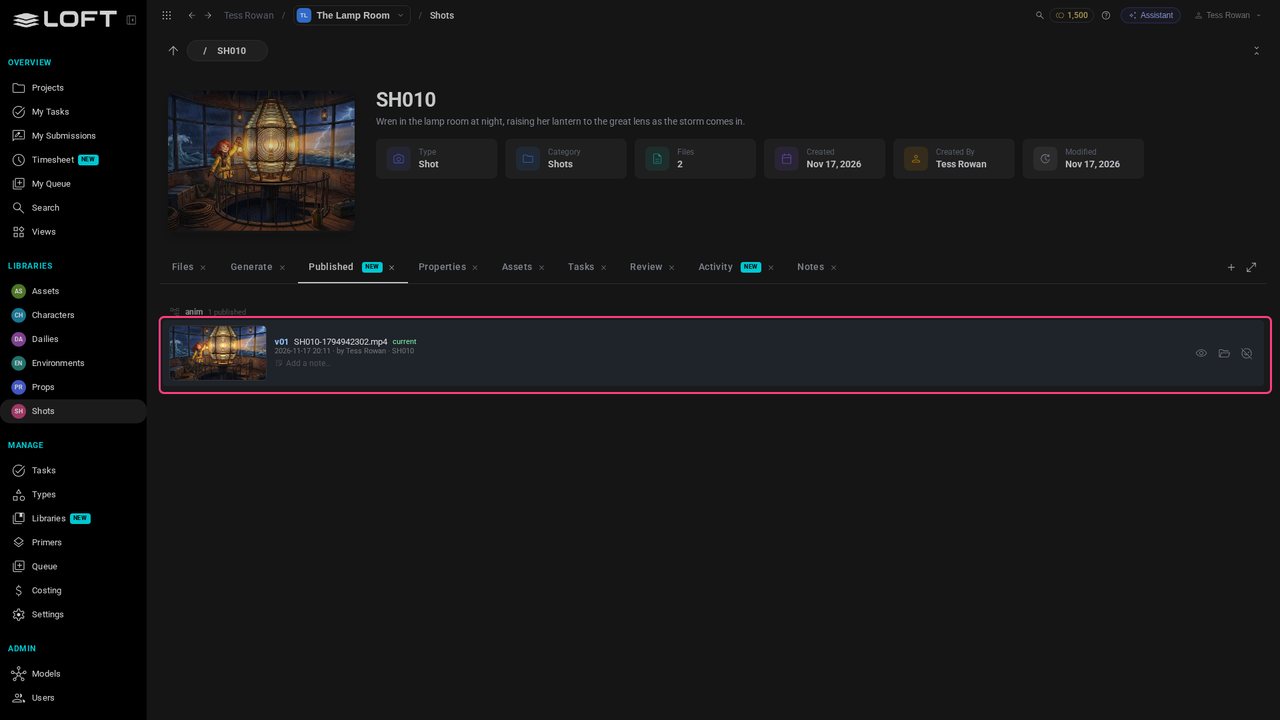
Open the Published tab: each published step of the shot, its versions newest first. This is what anyone working with SH010 uses.
Up next in Get started
The end of Get started: what you've made, where to find help on any page, and the videos to watch next.
In the playlists Get started.