
STEP 01
A real production
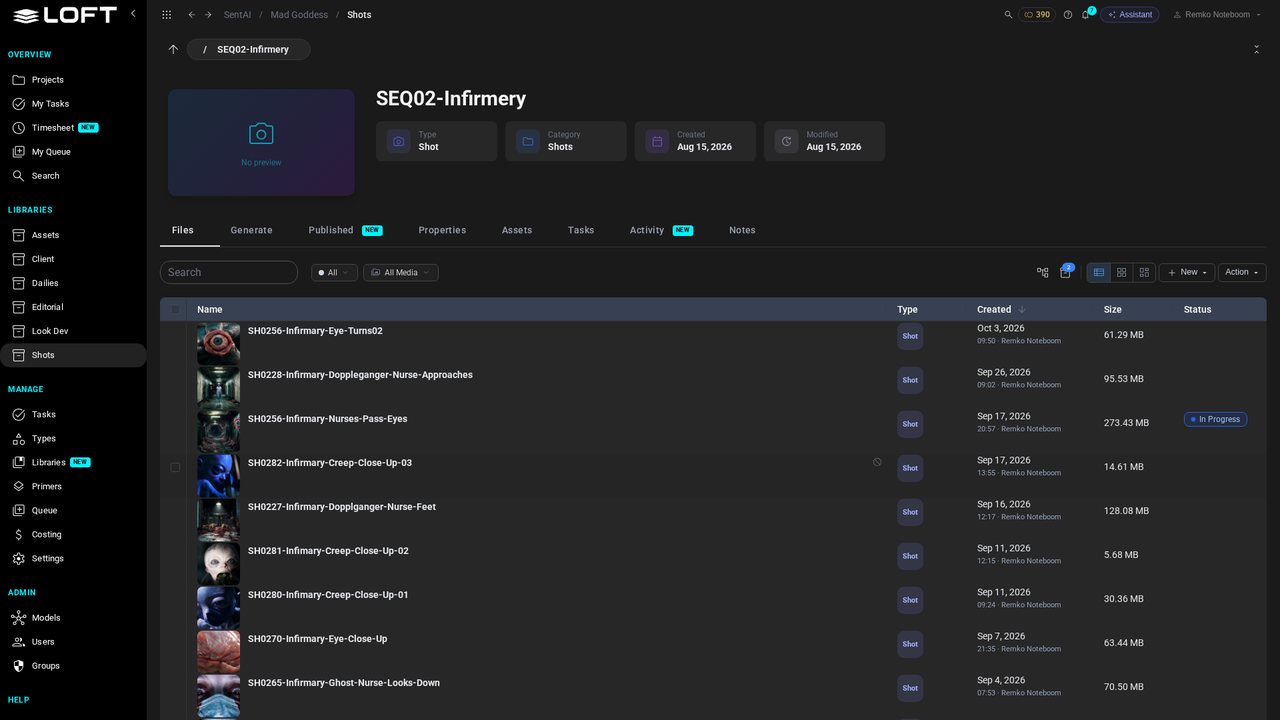
This is Mad Goddess, a production in progress. Its Shots library holds four sequences. We'll open the infirmary.
Learn/Make and review the work
Demos show one prompt and one perfect result. Real shots aren't like that. This is a shot from a production in progress, the ghost nurse coming down the infirmary corridor: sixty generations over six weeks, seven models, a brief that changed along the way, and references pulled from all over the show. Here is how Loft keeps all of it, so you can always see what made a take, why, and how to make another.
Follow along
This is Mad Goddess, a production in progress. Its Shots library holds four sequences. We'll open the infirmary.
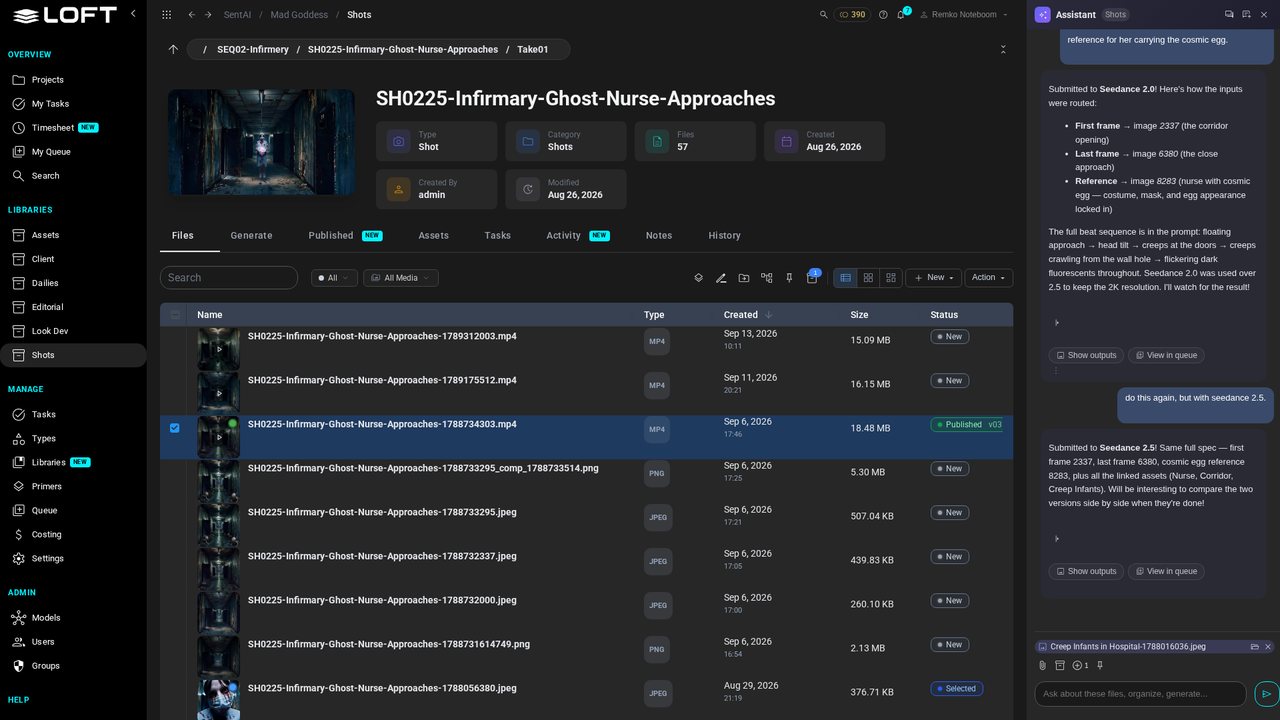
Open SH0225, the ghost nurse coming down the corridor. 57 files: takes kept in folders, and last night's hand-off from VFX at the bottom.
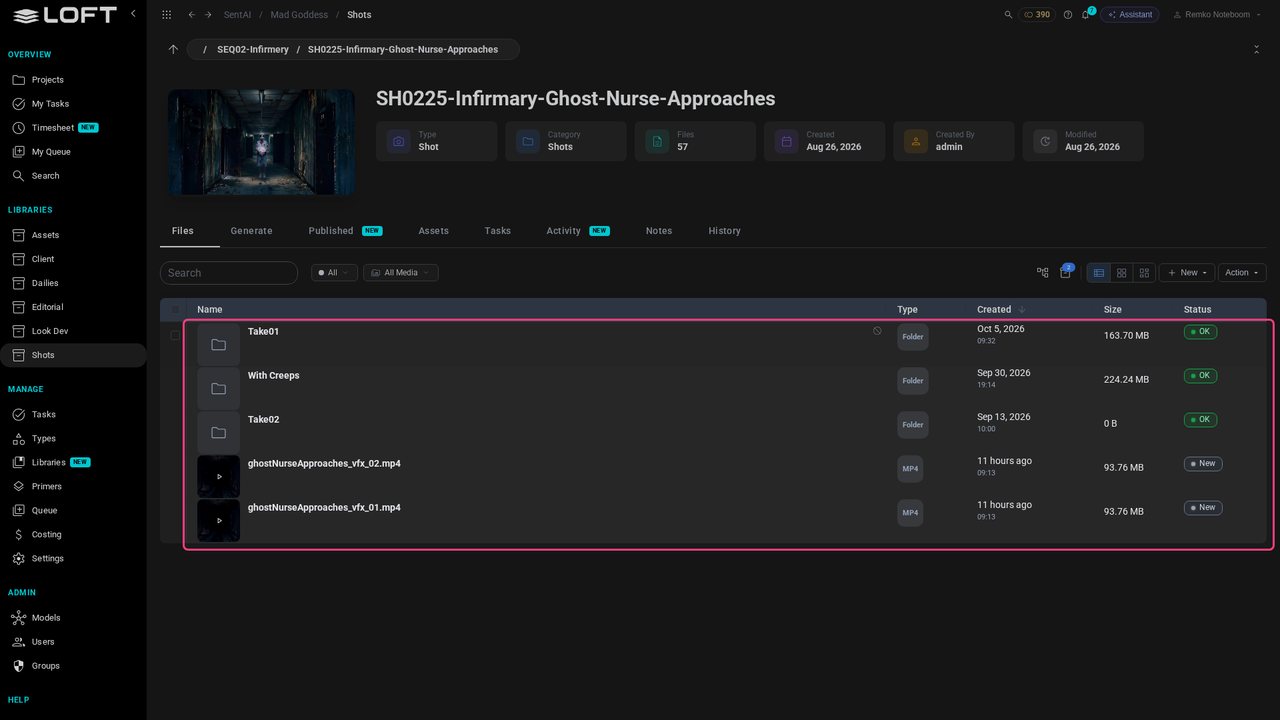
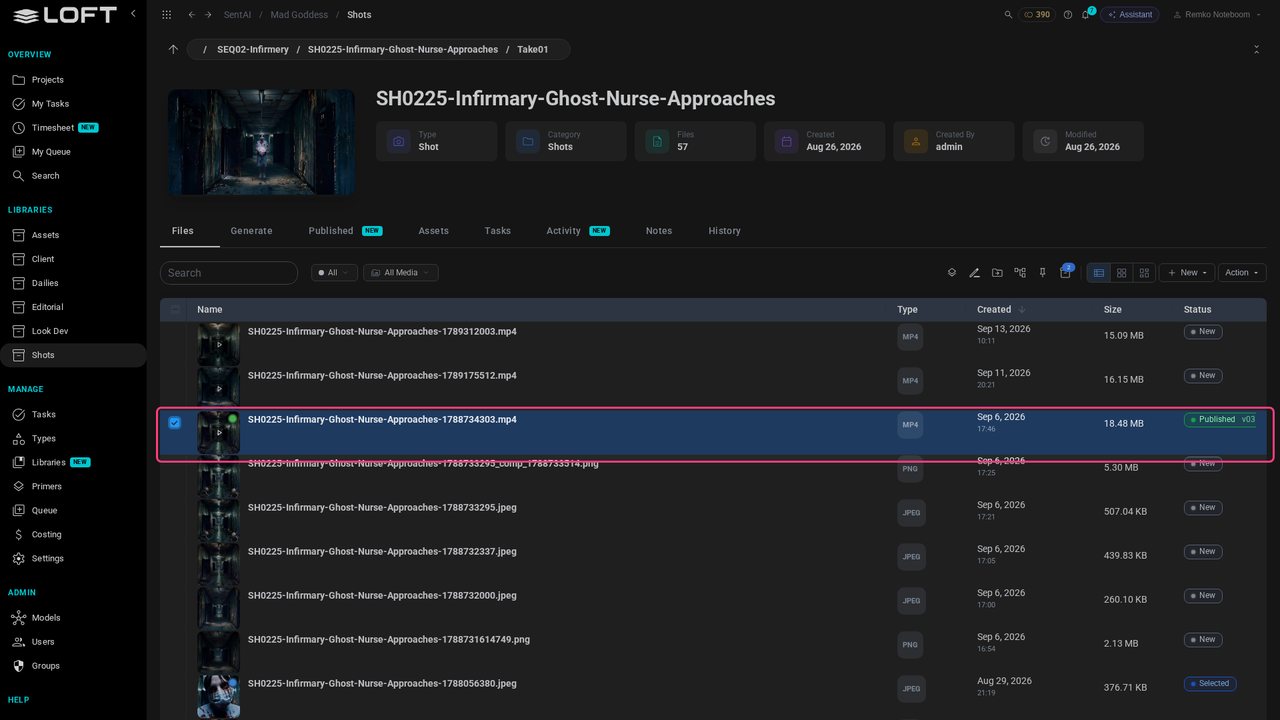
Inside Take01, the published take sits among the stills, the comp and the earlier attempts that led to it.
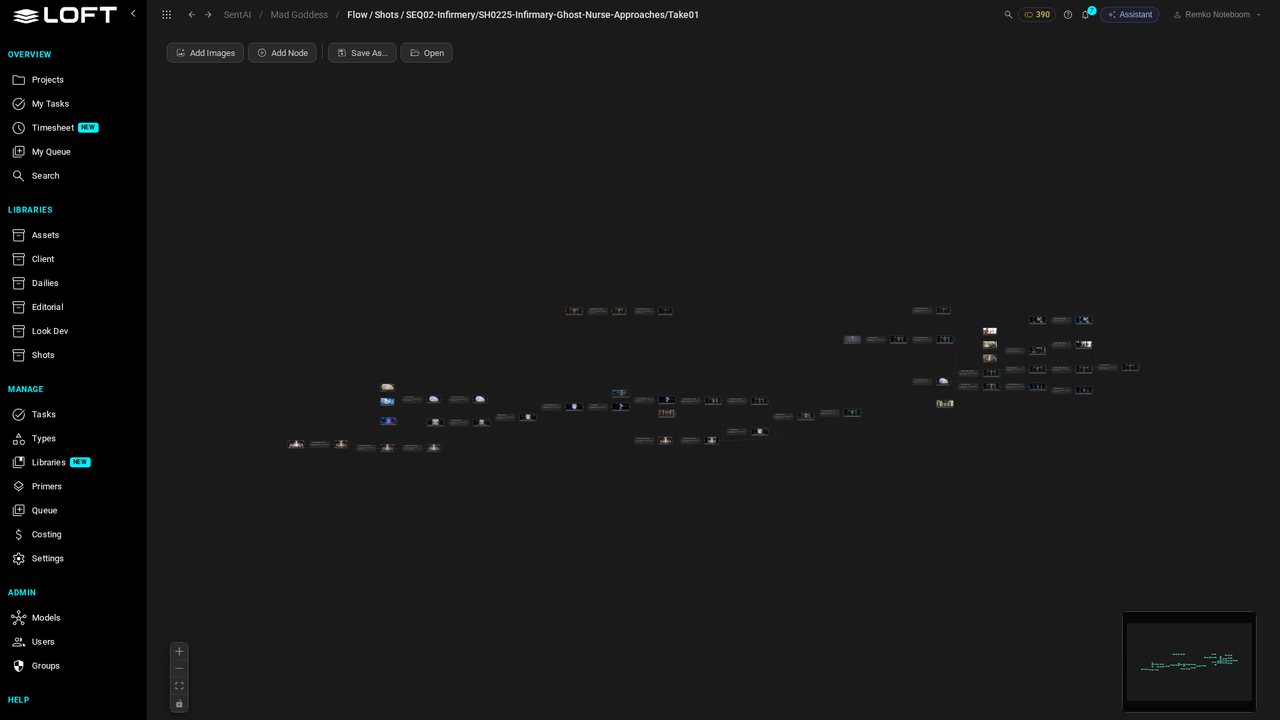
Select it and open View generation flow. Every node is a generation or a file that went into one. This is one shot: 33 generations and 47 files, from first sketches to the final video.
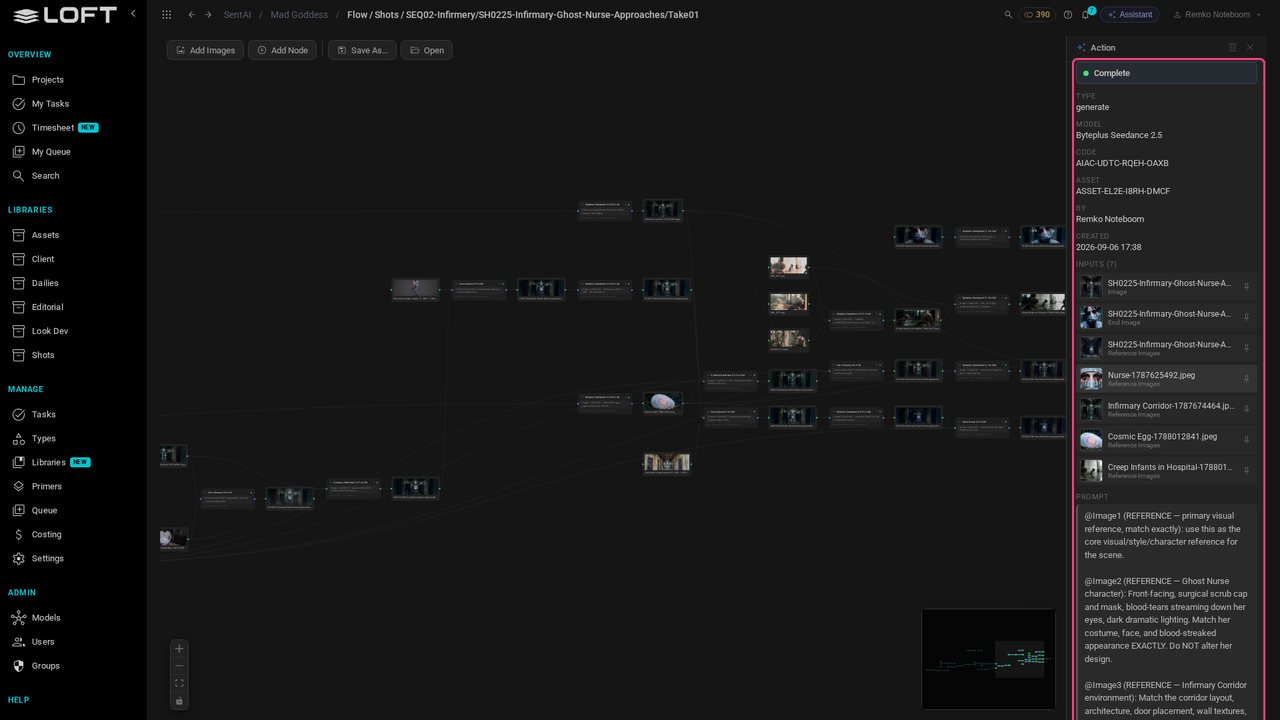
Zoom in on the last step: Seedance 2.5 made the published take. The inspector shows the model, who ran it and when, the references it was given, and the full prompt with each reference's role.
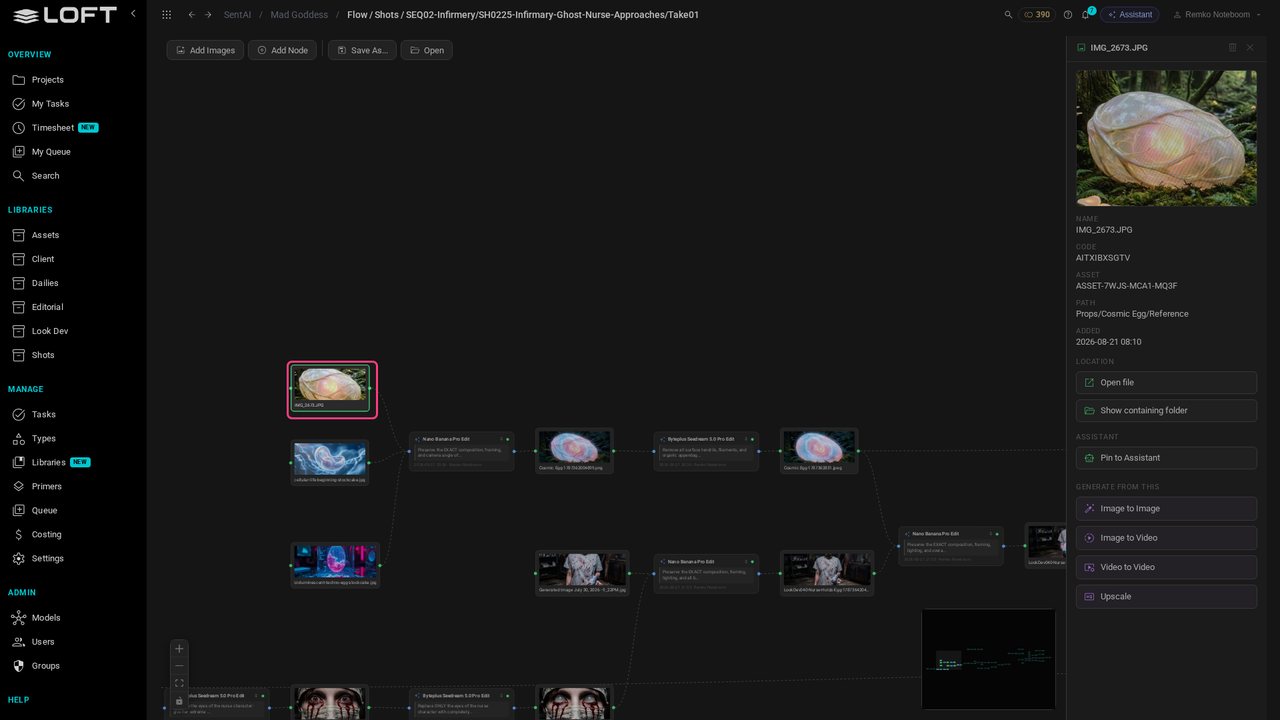
Back at the start are files from everywhere: stock photos, photos taken on a phone, the Nurse character, the Cosmic Egg, look development, frames lifted from another shot. Each one is still linked to what it fed, like this phone photo.
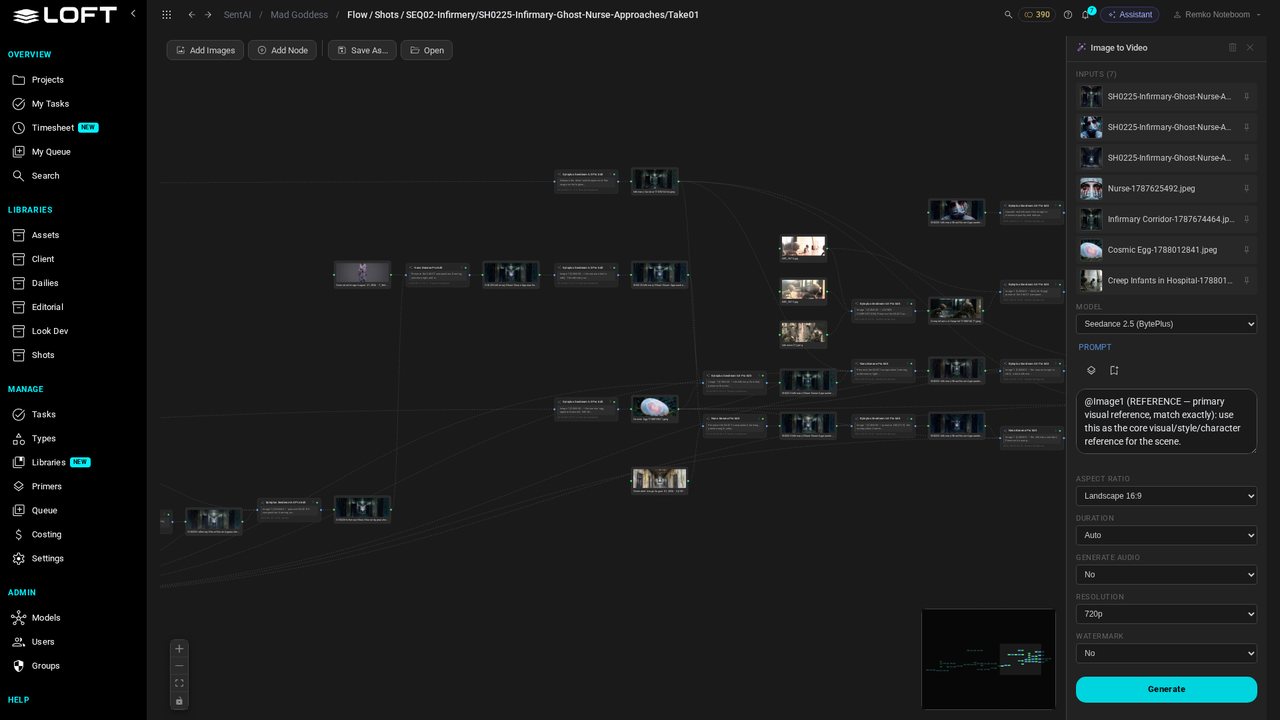
To try a variation, open a step and press Duplicate. You get an editable copy of the recipe, wired to the same inputs: swap a reference, change the model or the prompt, then Run. The original stays as it was.
Back in the files, with the take selected, open the Assistant's history. At the top: the conversation that created the selected file.
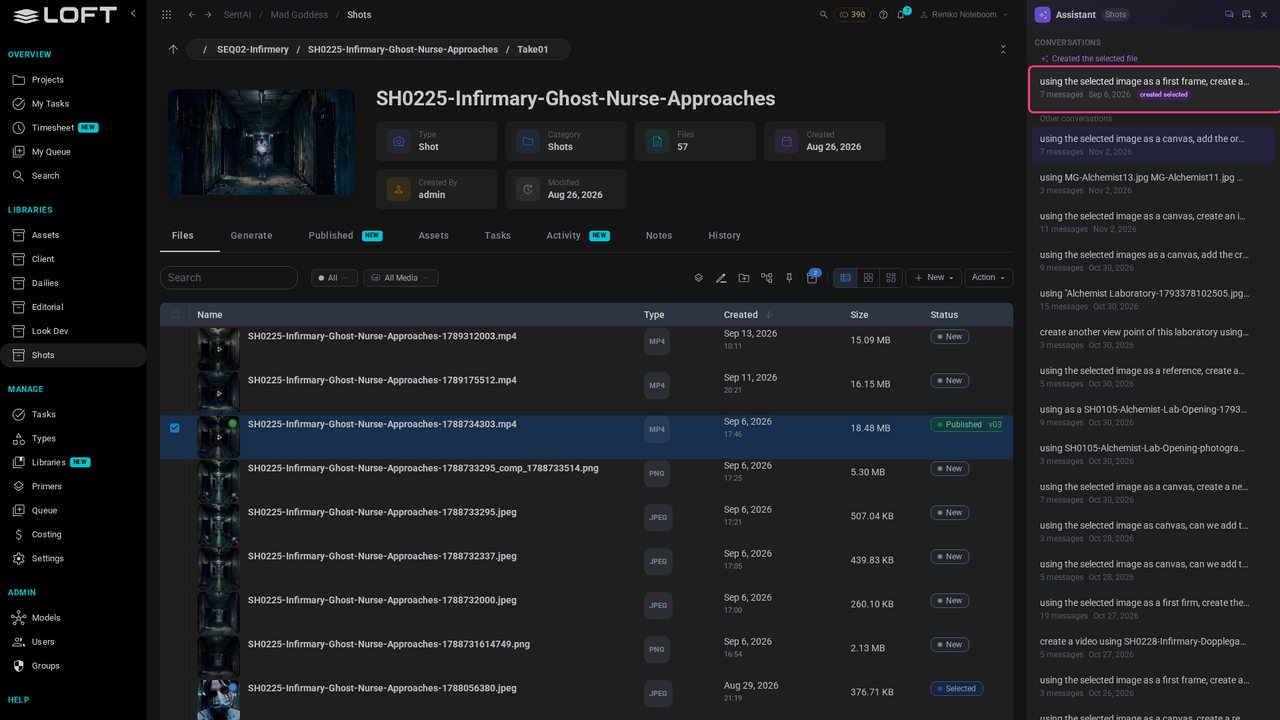
Open it, and the direction behind the take is all there: what was asked for, what was changed, and the generations it ran.
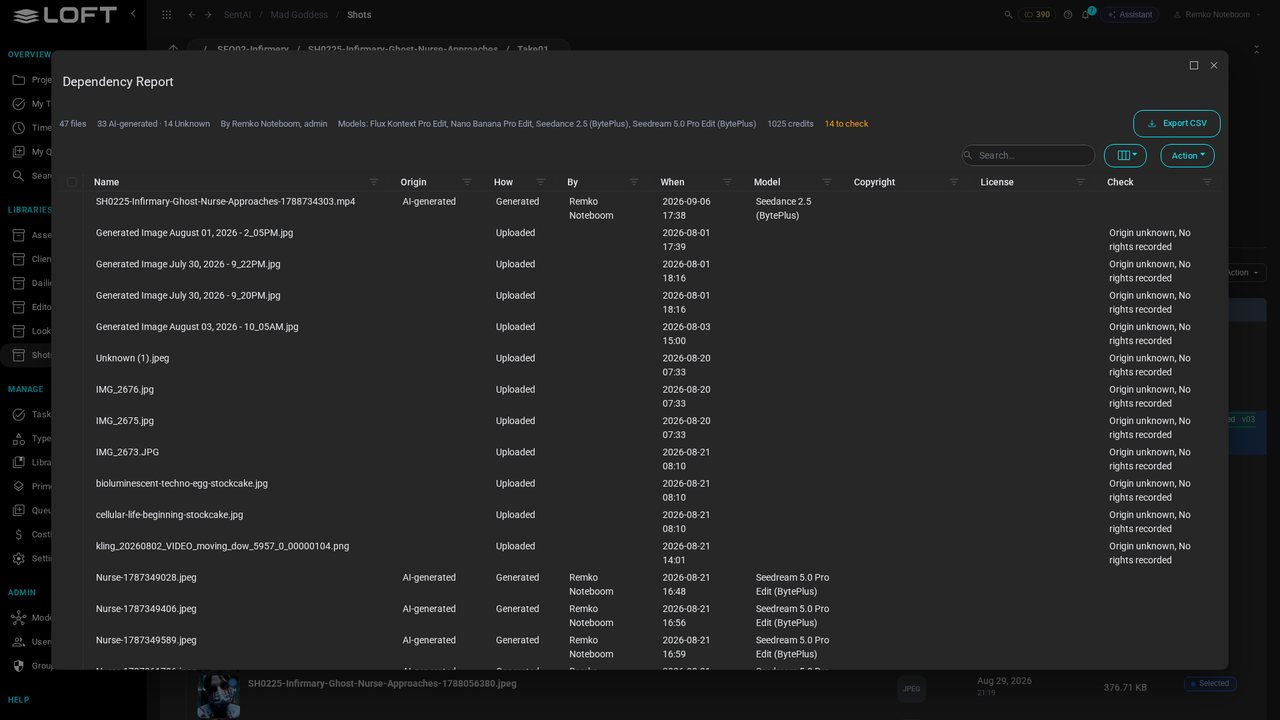
Action > Dependency Report lists every source behind the take, where each came from, and anything that needs checking before it ships.
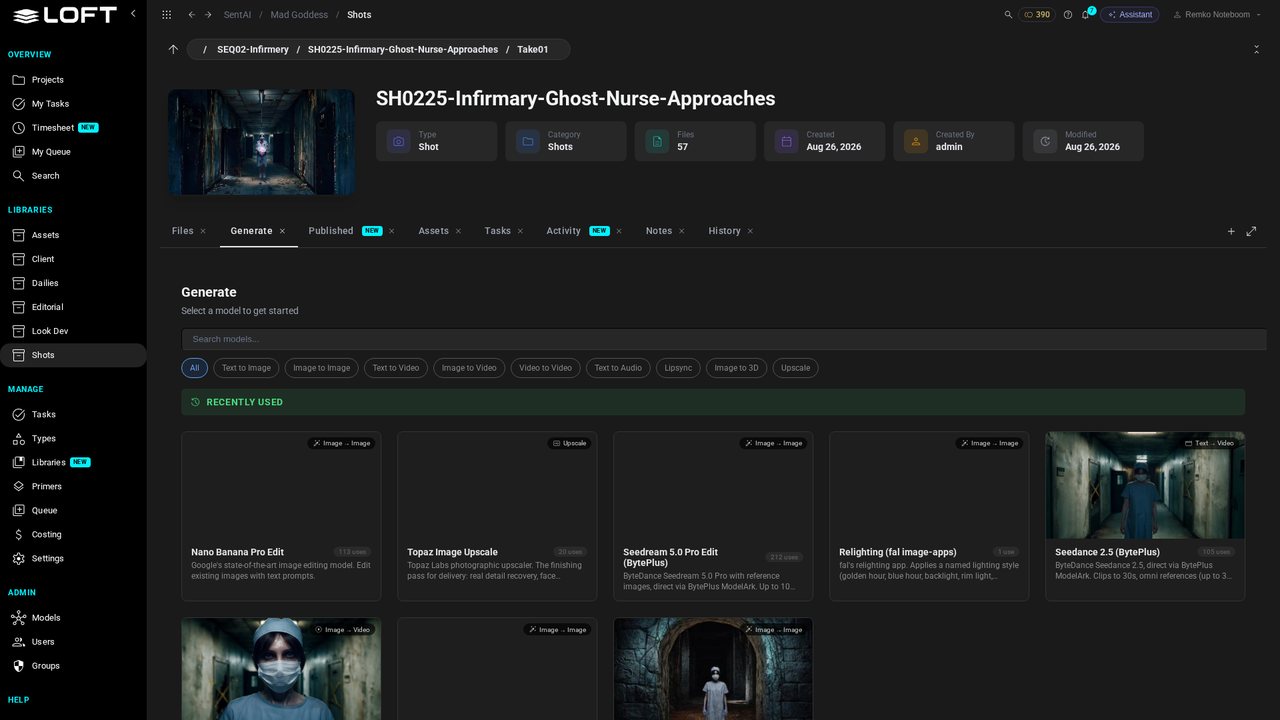
And the Generate tab remembers what this production has used, and how often: Seedream for edits, Nano Banana, Seedance for video. Real shows use many models, not one.
Up next in Make and review the work
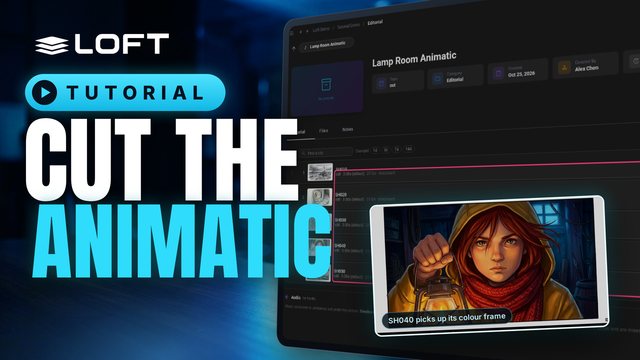
Before a shot is animated, the cut tells you how long it should be. This tutorial puts five storyboard frames on a cut, times them by dragging and by tapping along as it plays, then works on one shot and publishes a finished frame, which the cut picks up on its own. Editorial in Loft is not a full editor; it is there so continuity and timing are right from the start.
In the playlists Make and review the work.