
STEP 01
Something Loft has no page for
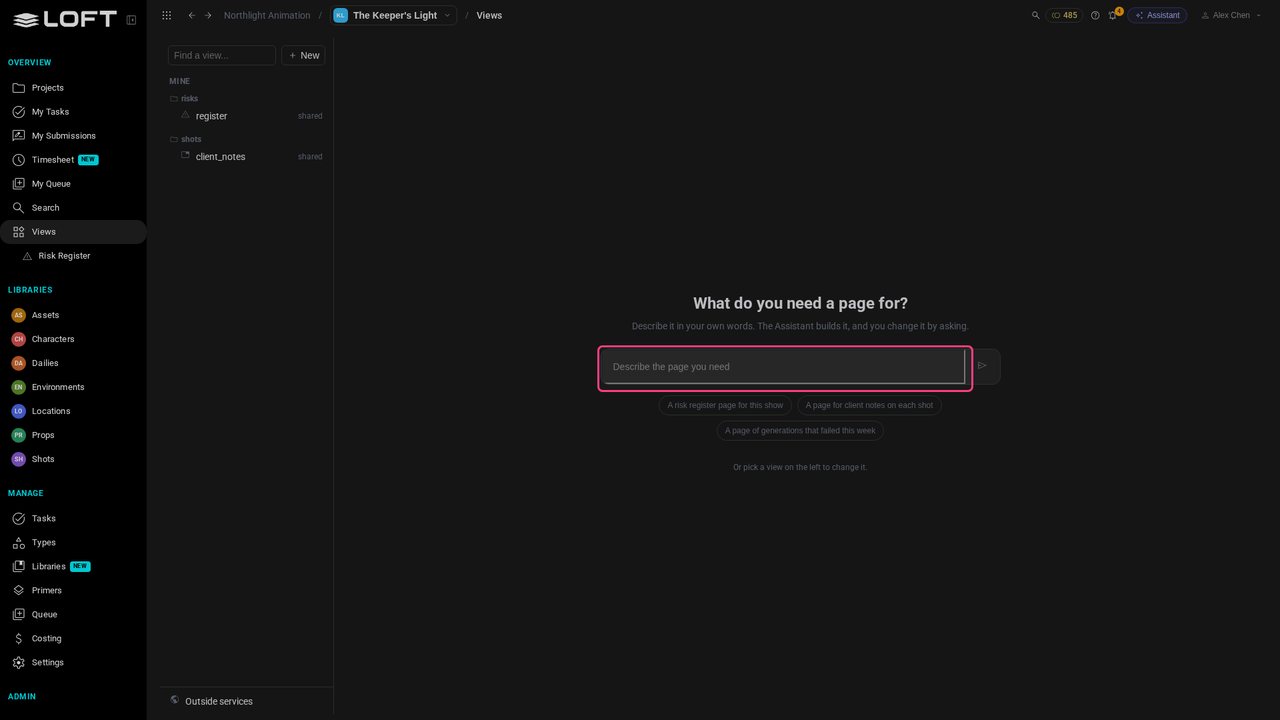
The Keeper's Light delivers shots to its client one by one, and the producer needs to see what has gone and what is due. Loft has no page for that. Click Views in the sidebar: this is where you make one.
Learn/Plan and run a production
Every production tracks something its software has no page for. In Loft you describe the page and the Assistant builds it, inside your project: a view of your own that keeps its own data and sits next to the real files, notes and tasks of your shots. Change it by asking, and share it with the studio.
Follow along
The Keeper's Light delivers shots to its client one by one, and the producer needs to see what has gone and what is due. Loft has no page for that. Click Views in the sidebar: this is where you make one.
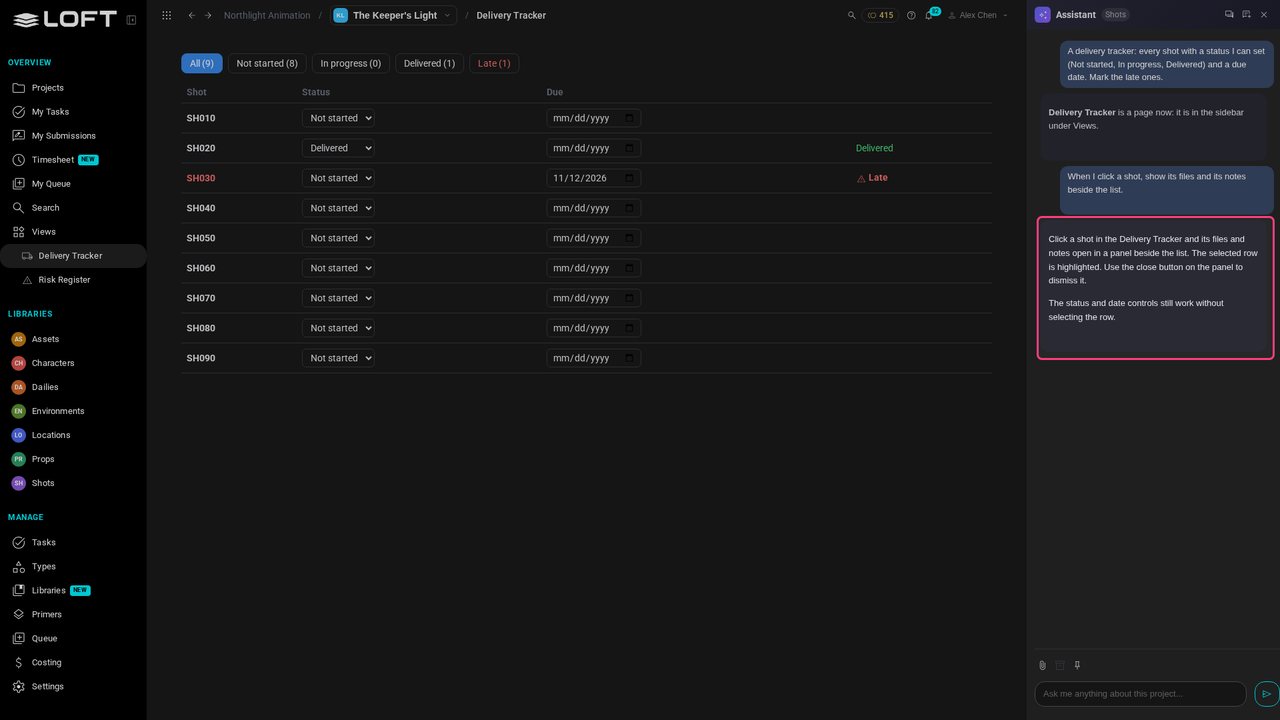
Type what you need, the way you'd ask a colleague: A delivery tracker: every shot with a status I can set (Not started, In progress, Delivered) and a due date. Mark the late ones.
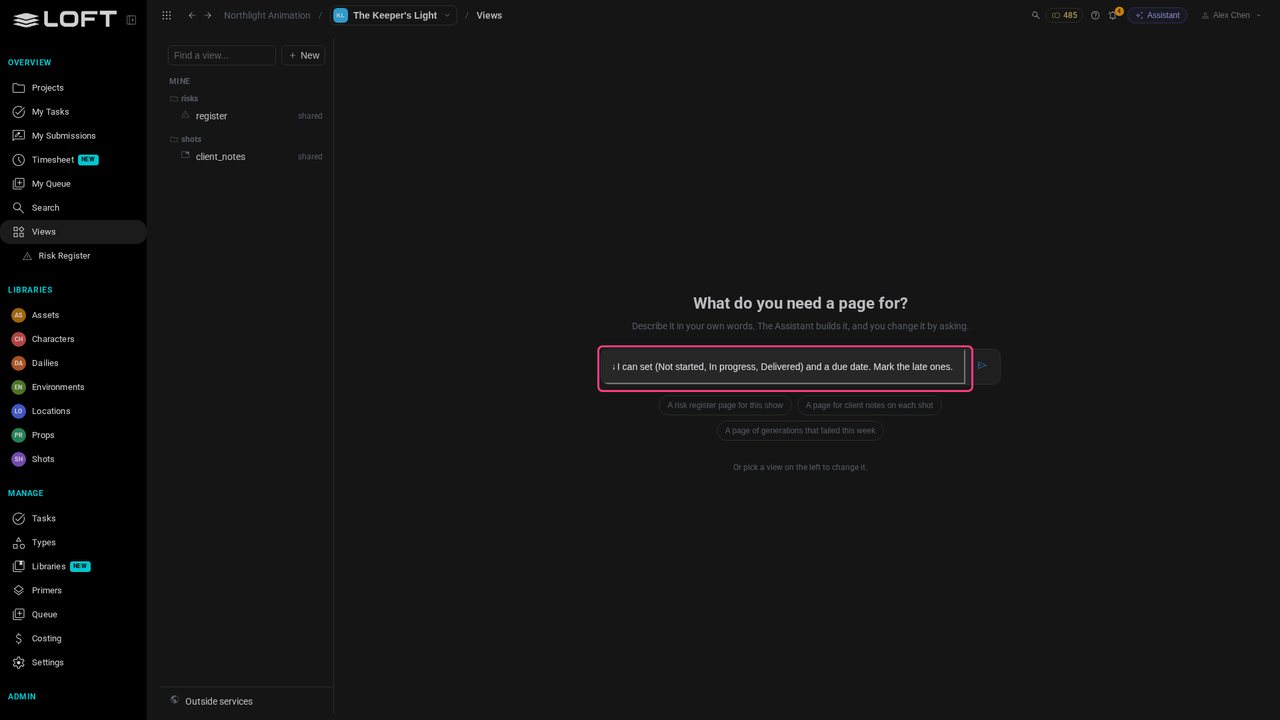
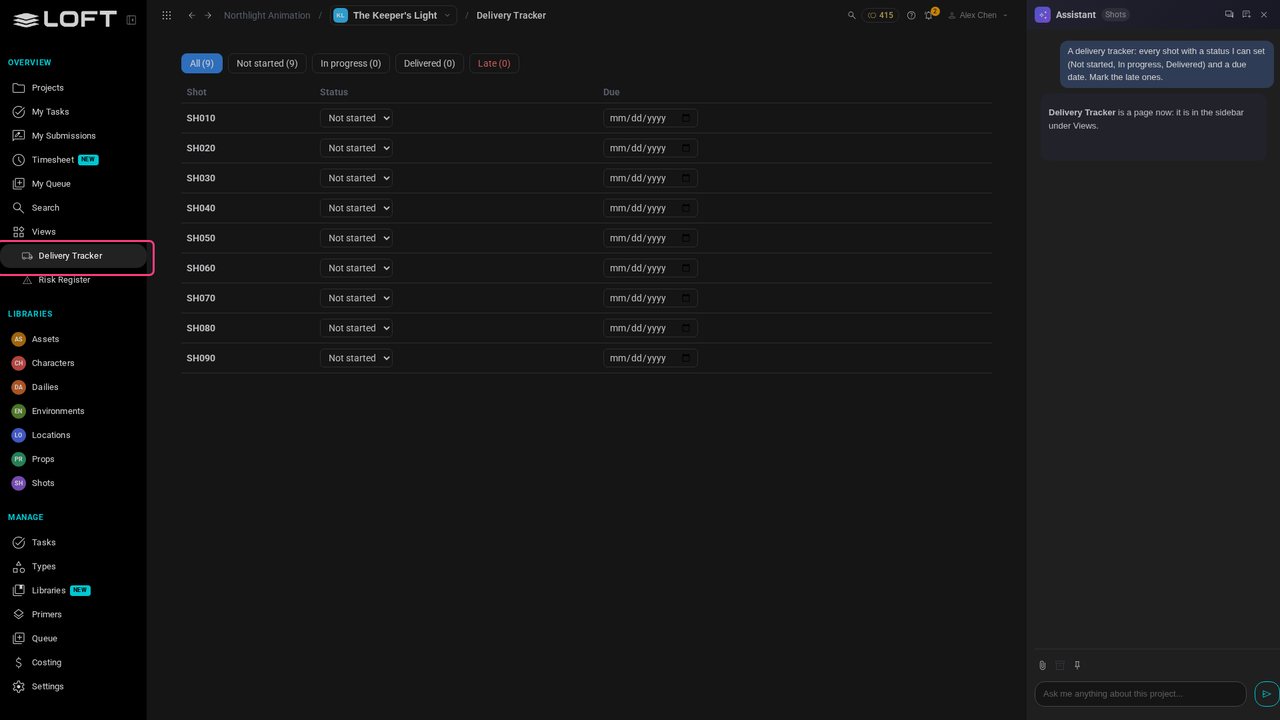
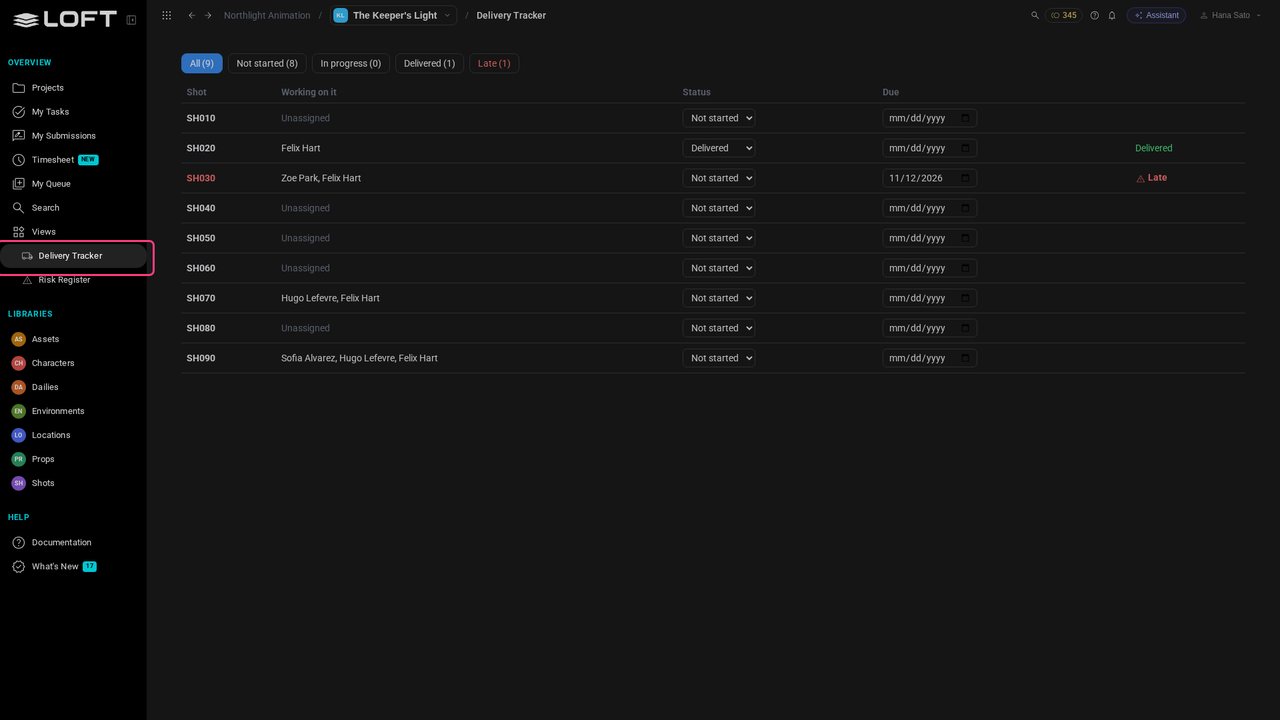
Press Enter. The Assistant writes the page and opens it: every shot of the show, each with a status and a due date. It is in the sidebar under Views now, like any other page of Loft.
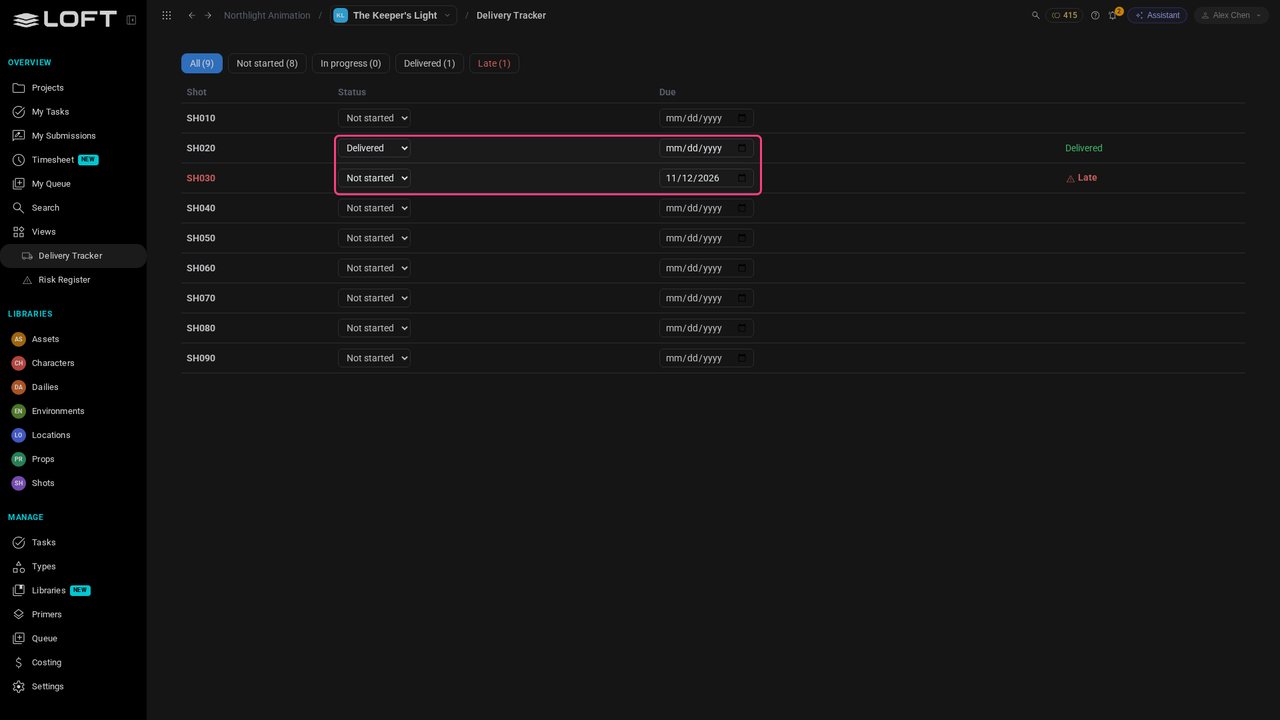
The page works. Set SH020 to Delivered, and give SH030 a due date that has passed: it is marked late. The status and the date belong to this page; they are saved for everyone on the show, and the shots themselves are not changed.
A late shot raises a question: what was delivered, and what did the client say? Click Assistant and type: When I click a shot, show its files and its notes beside the list.
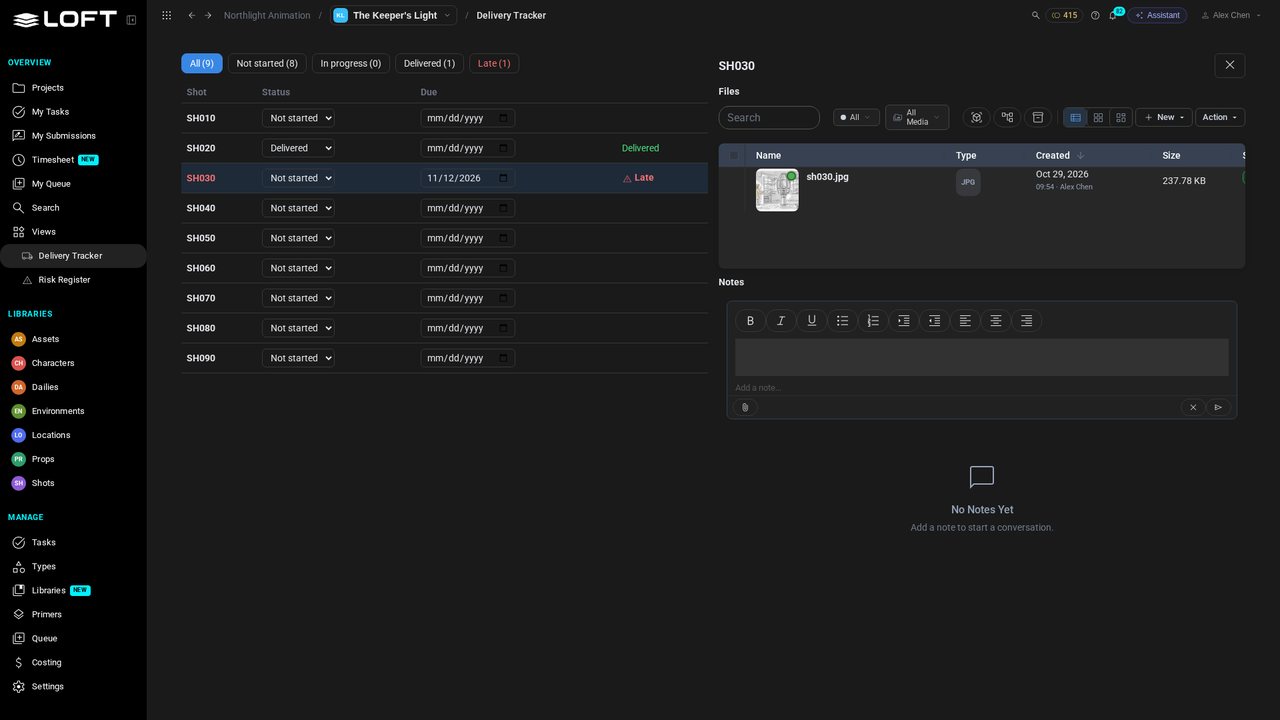
Click SH030. Its files and its notes open beside the list. These are not copies: they are Loft's own Files and Notes tools, the ones on the shot's page, so you can preview, upload and add a note right here.
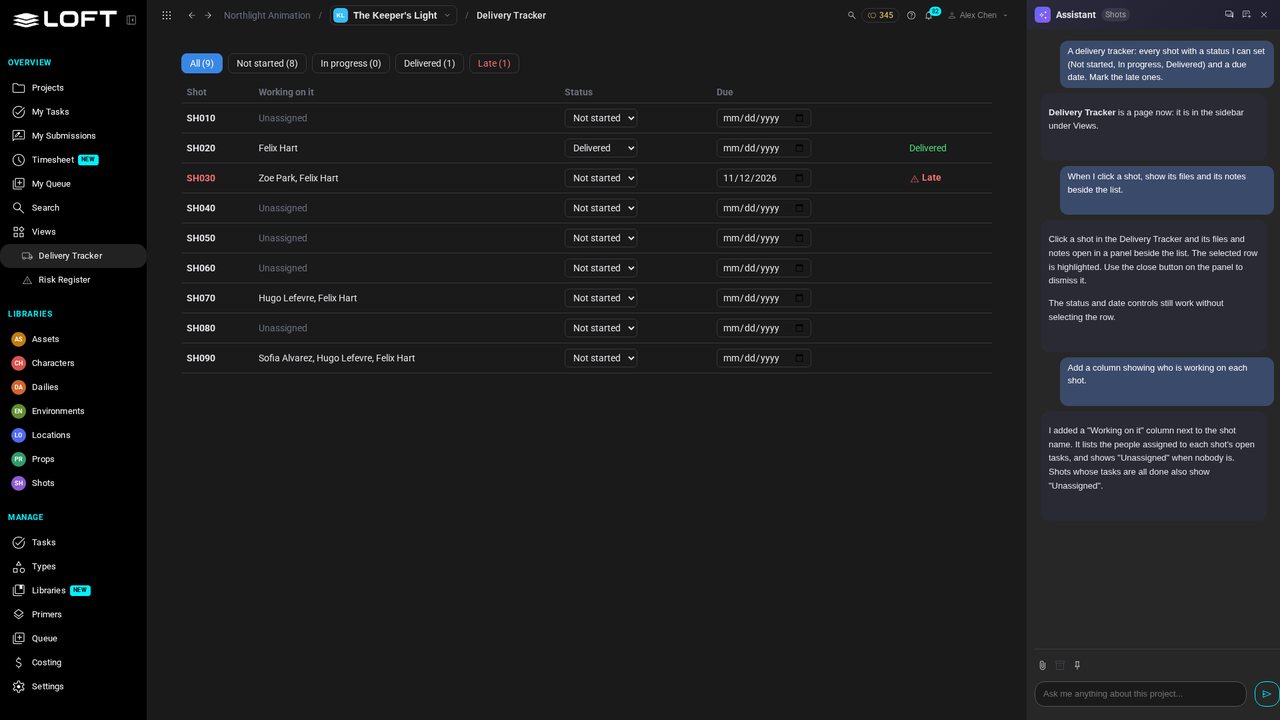
The page can read what Loft already knows. In the Assistant, type: Add a column showing who is working on each shot. The names come from the shots' tasks.
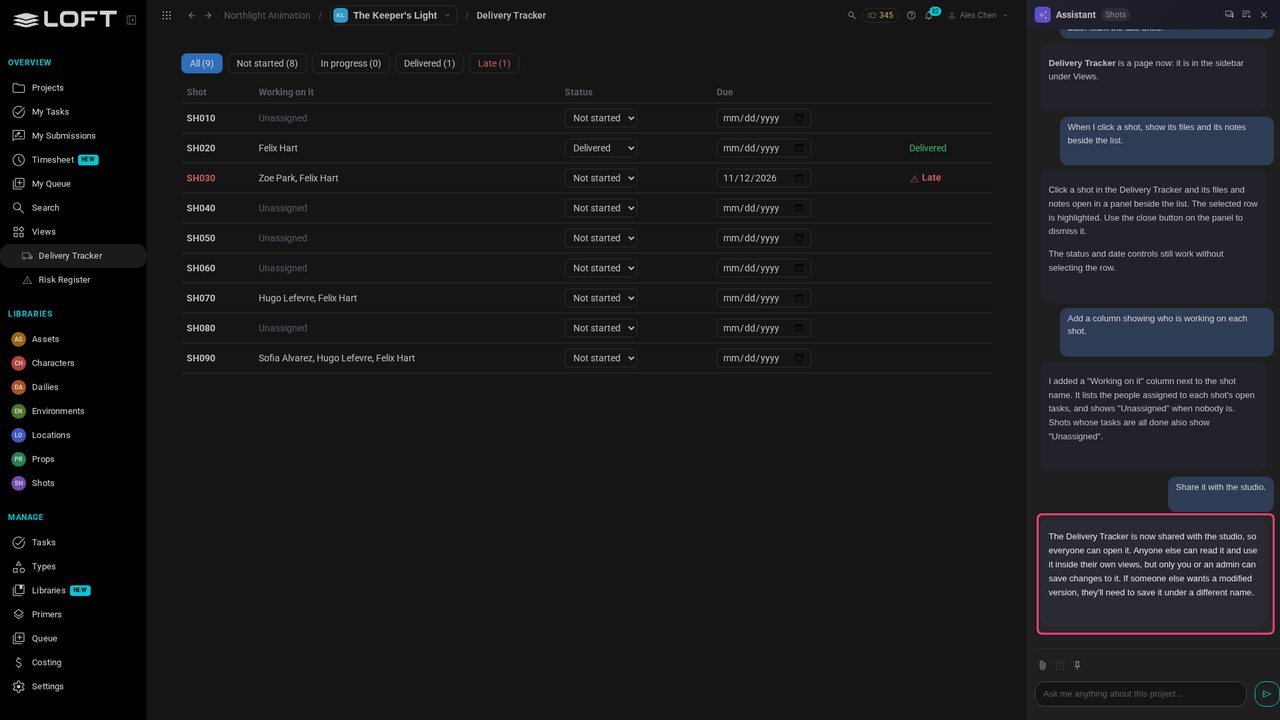
So far only you see the page. In the Assistant, type: Share it with the studio. An admin's page is shared at once; anyone else's goes to an admin to approve.
Hana Sato, an artist on the show, signs in. Delivery Tracker is under Views in her sidebar too, with the status and the due date Alex set.
Up next in Plan and run a production
Files, Tasks, Notes: every asset in Loft opens on a row of tools. Now you can add your own. Describe the tool your production is missing and the Assistant builds it as a tab on every asset of a type. This one puts the client's notes next to each shot's images, live from the client's own review tool, with a button that turns a note into a new take.
In the playlists Plan and run a production.