STEP 01
Send two takes to dailies
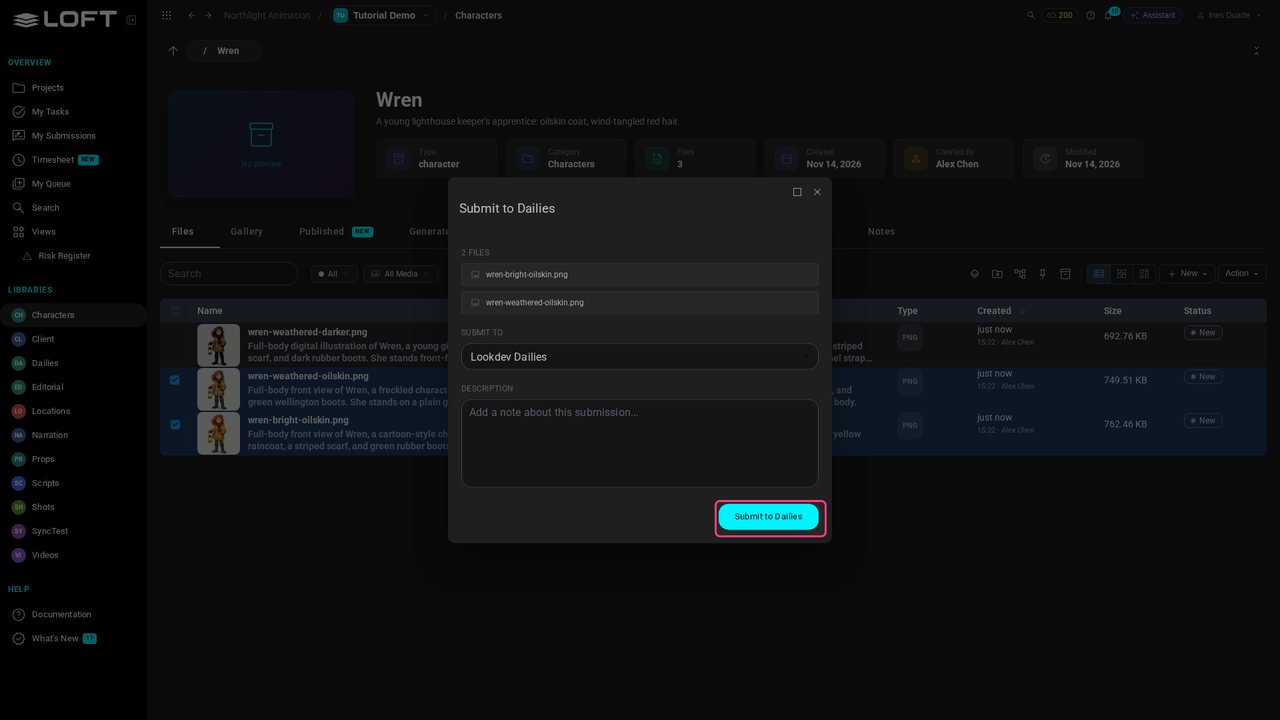
Ines is a lookdev artist working on Wren. She has two directions for the oilskin coat, so she ticks both takes and chooses Action > Submit to Dailies.
Learn/Make and review the work
A verdict is given in dailies, but an artist shouldn't have to open every daily to find out what came back. My Submissions lists everything you sent and the notes on it, and each asset's Review tab keeps the whole history of what was shown and what was said.
Follow along
Ines is a lookdev artist working on Wren. She has two directions for the oilskin coat, so she ticks both takes and chooses Action > Submit to Dailies.
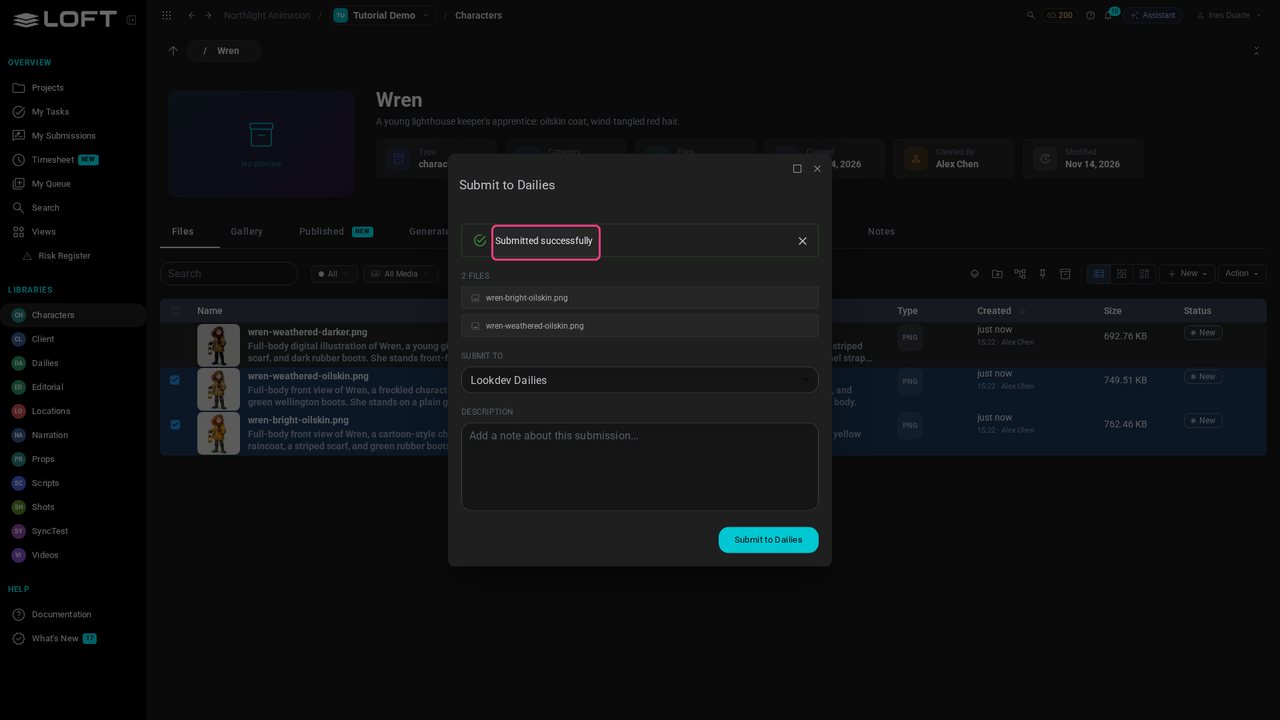
She adds a line about what she's showing and submits. From here on, the takes are in the director's hands.
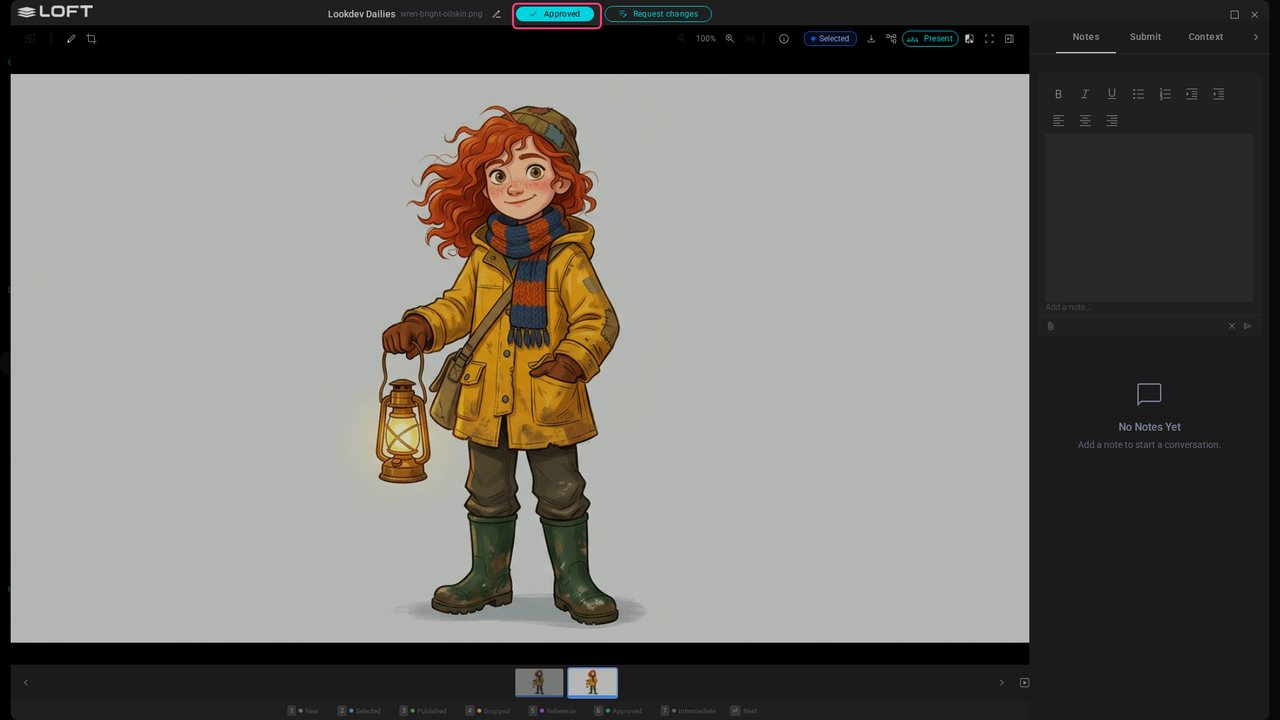
Elena is the director. She opens the daily, looks at the first take full size and clicks Approve.
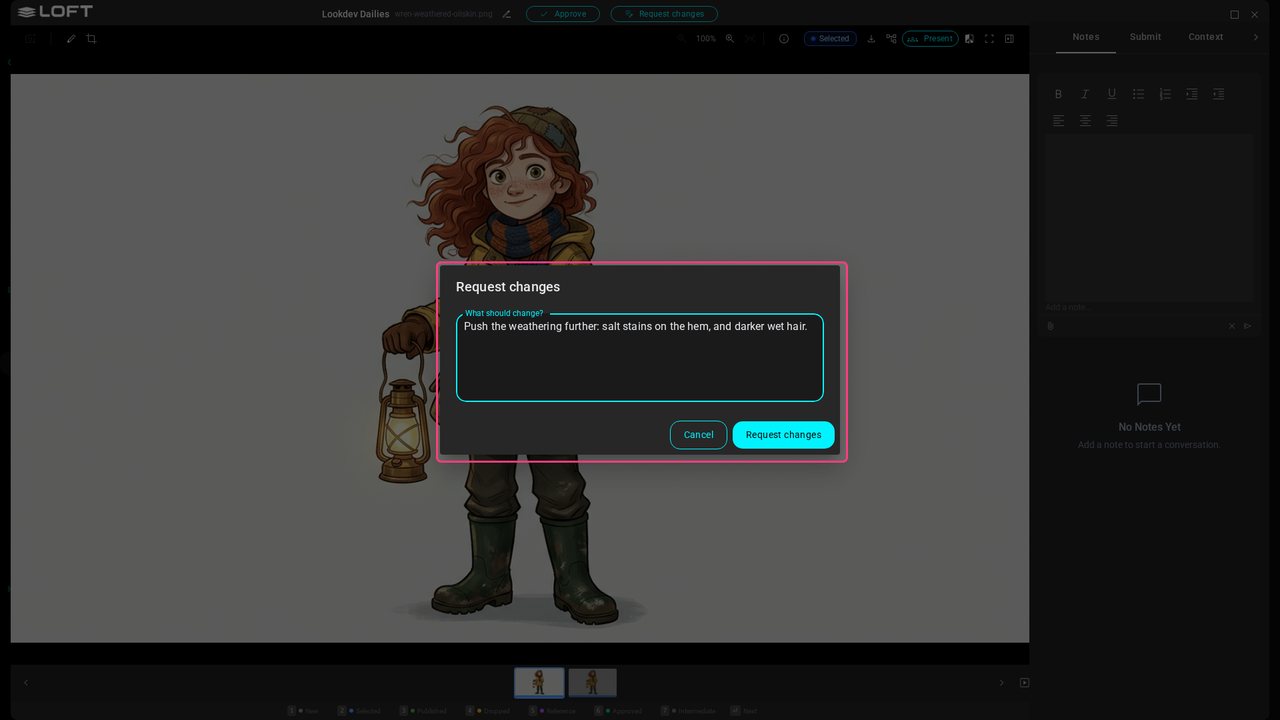
On the second take she clicks Request changes and writes what she wants to see.
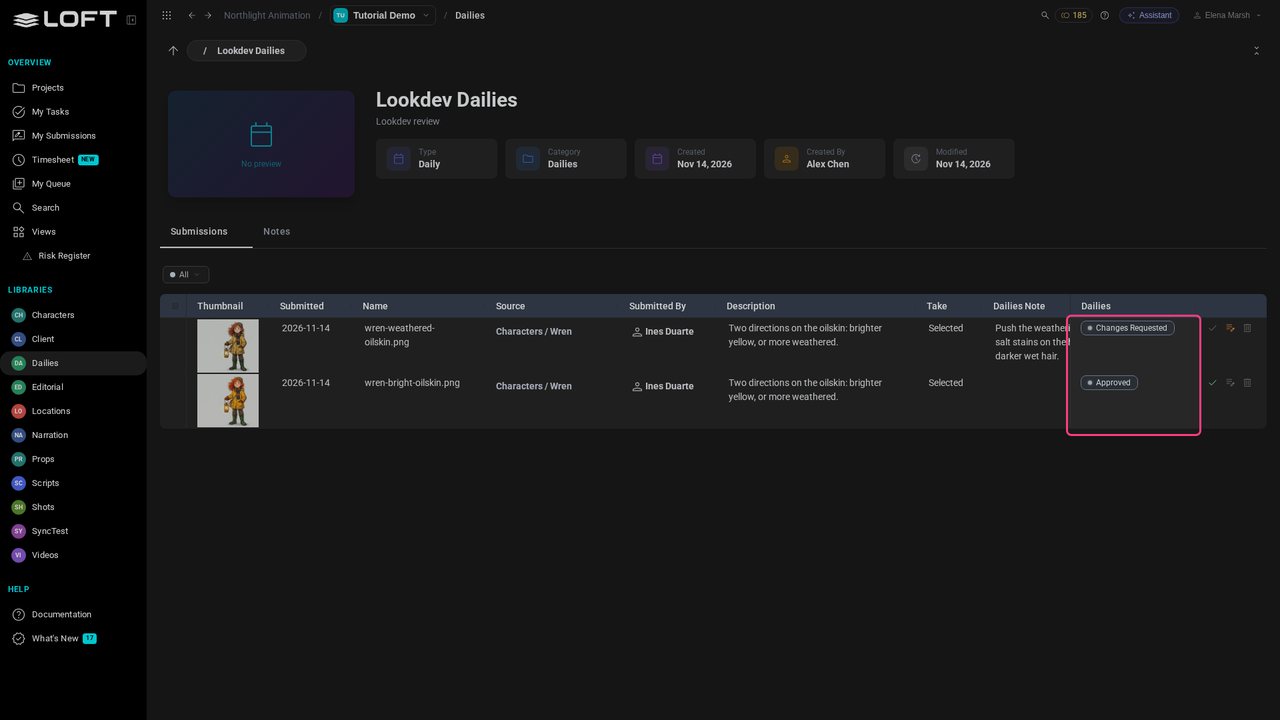
Both verdicts are now on the daily. But Ines isn't watching this page, and she may have work in several dailies at once.
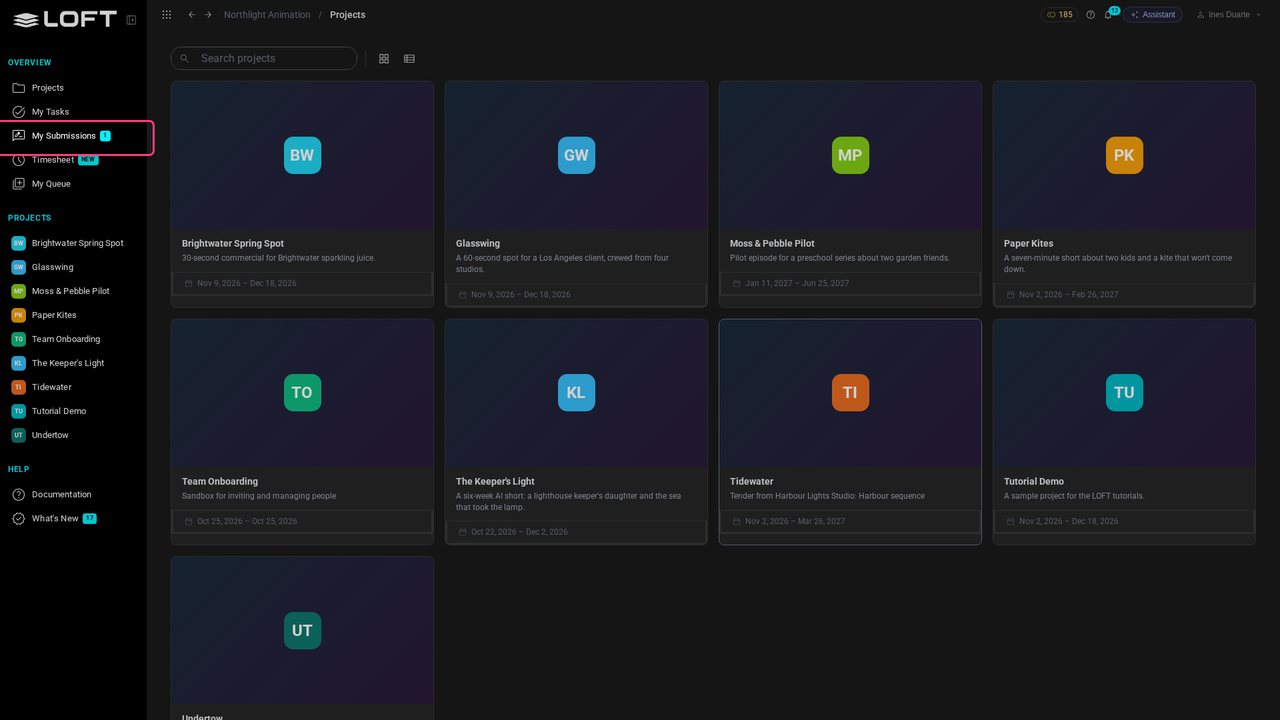
Back to Ines. My Submissions in the sidebar shows a number: the notes that are waiting on her.
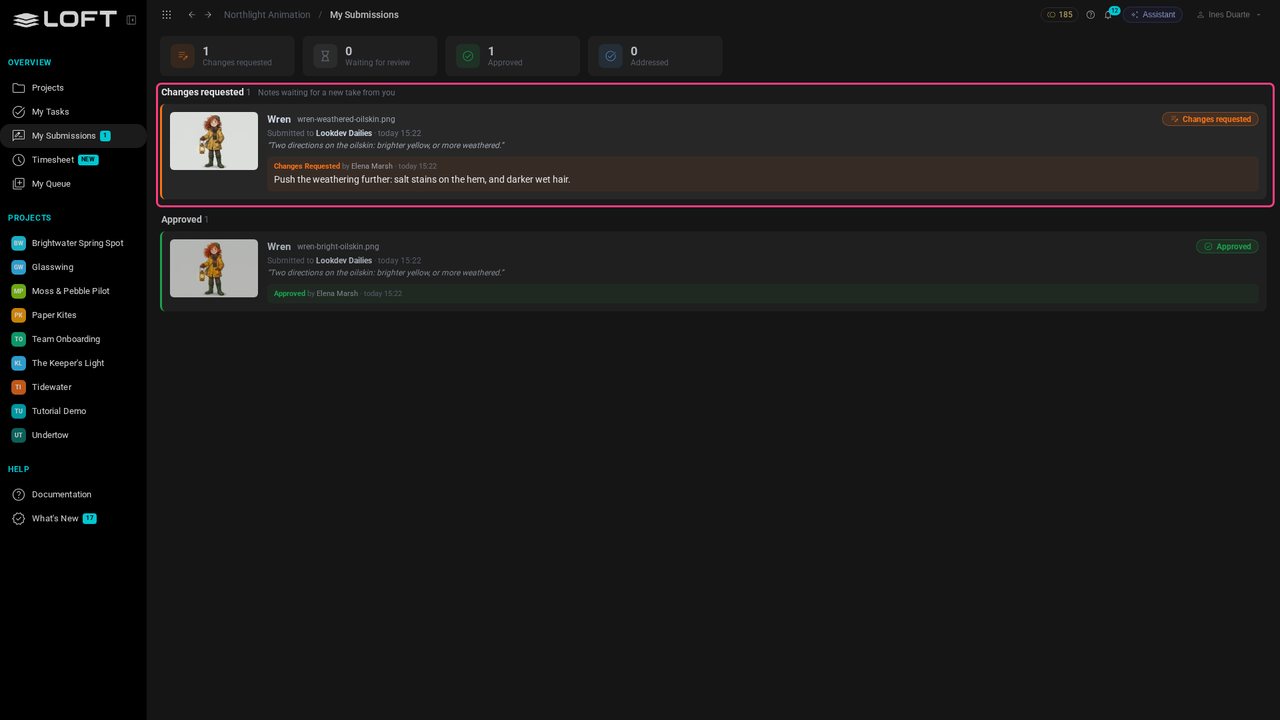
The page lists everything she has submitted, across her projects. Changes requested comes first, with the director's note in full, who gave it, and which daily it was in.
Click the thumbnail to see that take full size, so there is no doubt which image the note is about.
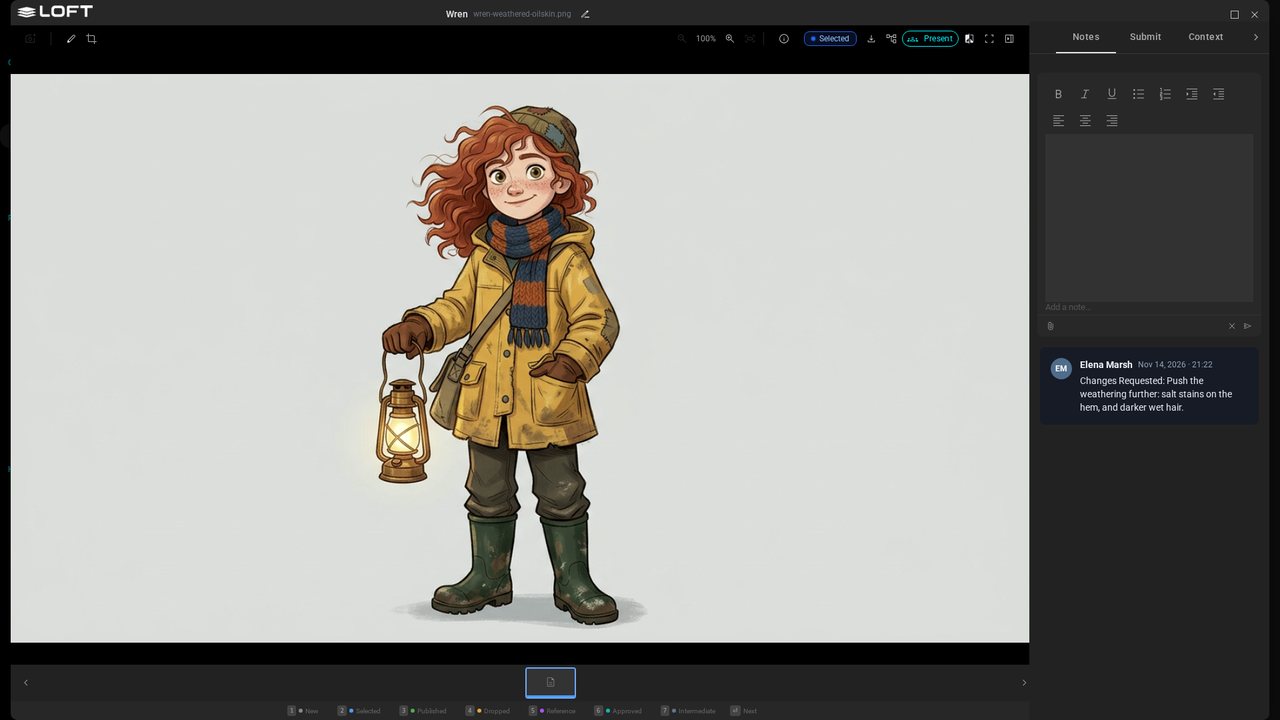
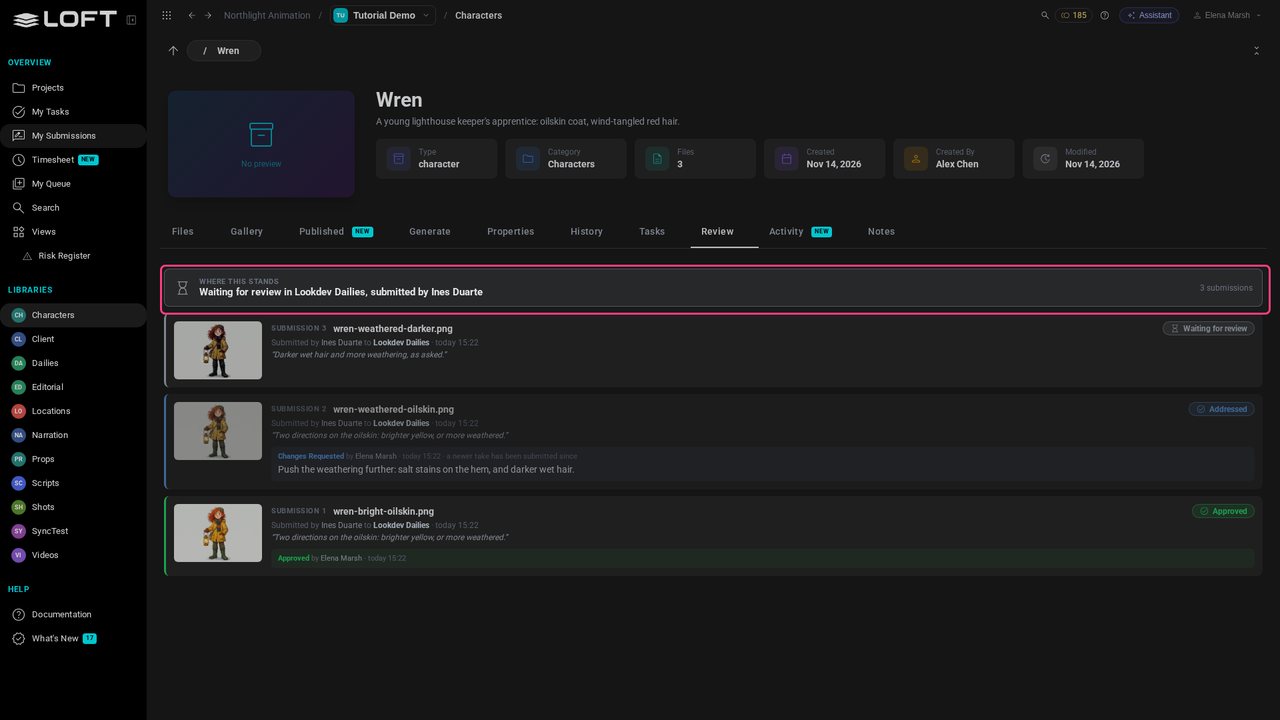
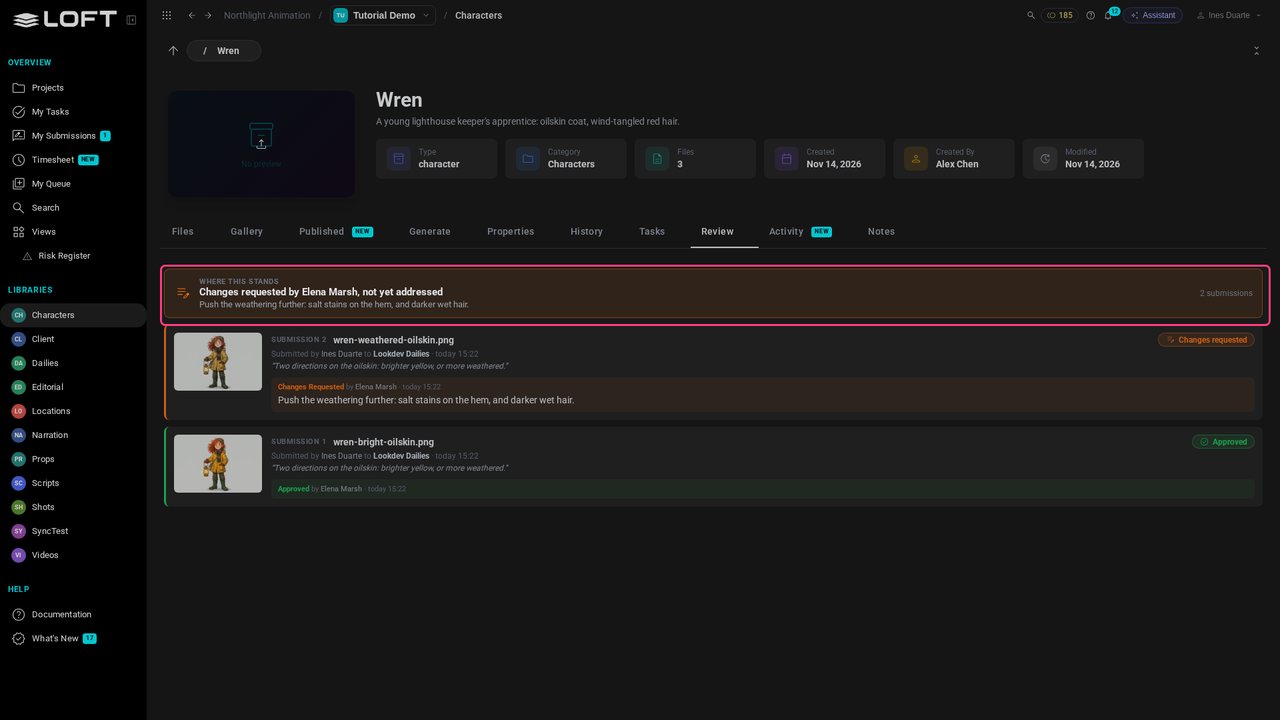
Close the take and click the asset's name. Wren's Review tab is the same story from the asset's side. The line at the top says where Wren stands right now.
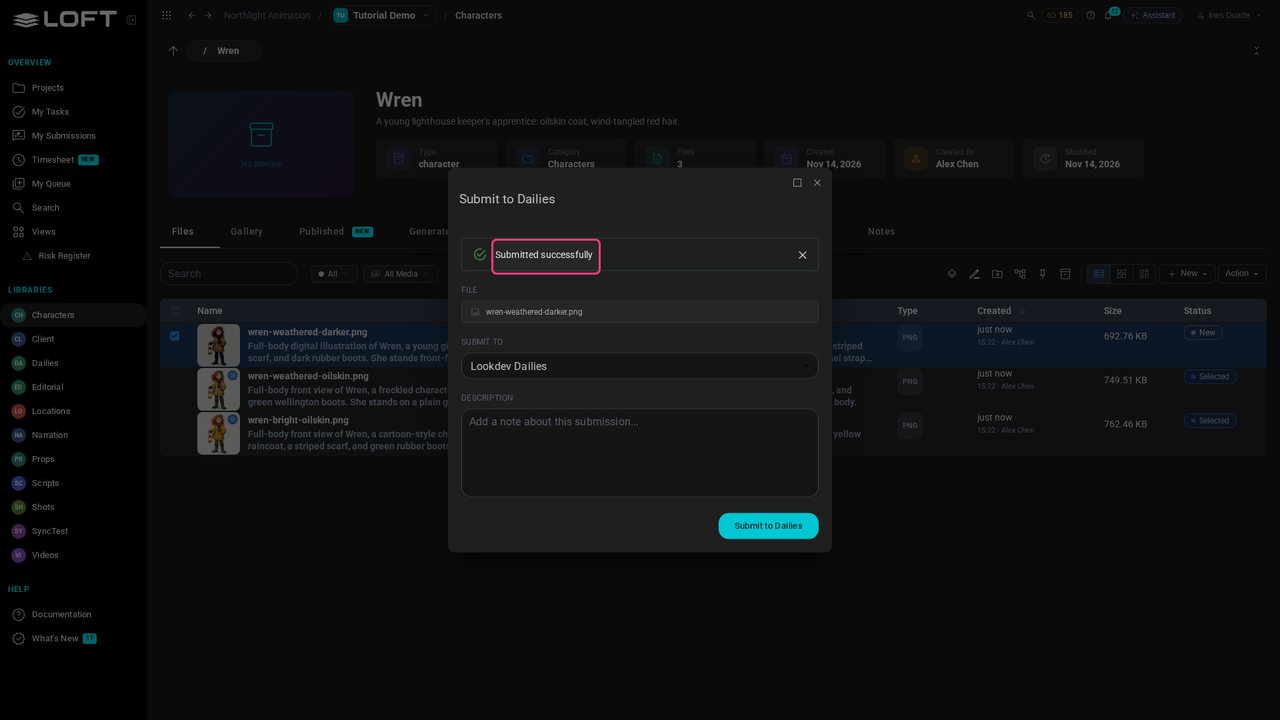
Ines makes the change. In Files she ticks the new take and submits it to the same daily.
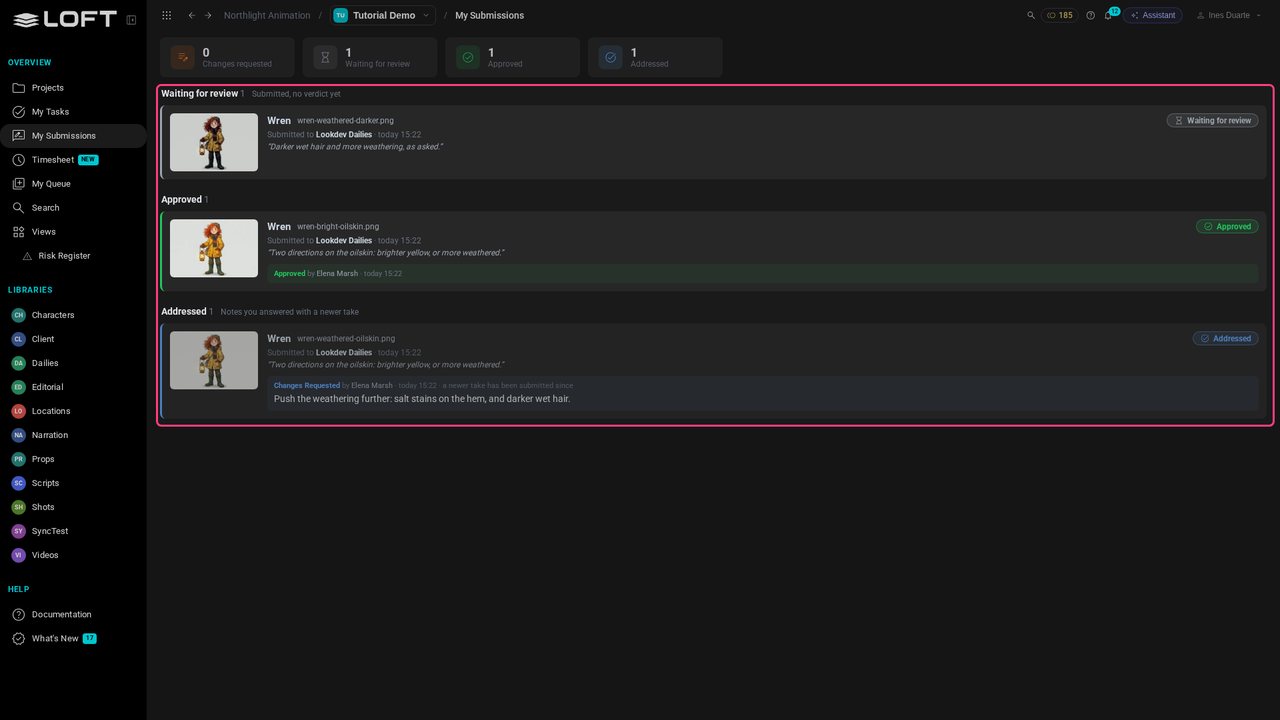
Back in My Submissions, the new take is Waiting for review, and the note it answers has moved to Addressed by itself. The count in the sidebar is gone.
Elena opens Wren and its Review tab. Every take that was shown, who sent it, and what was said about it, newest first. Nobody has to ask what happened on this asset.