STEP 01
Robin's project
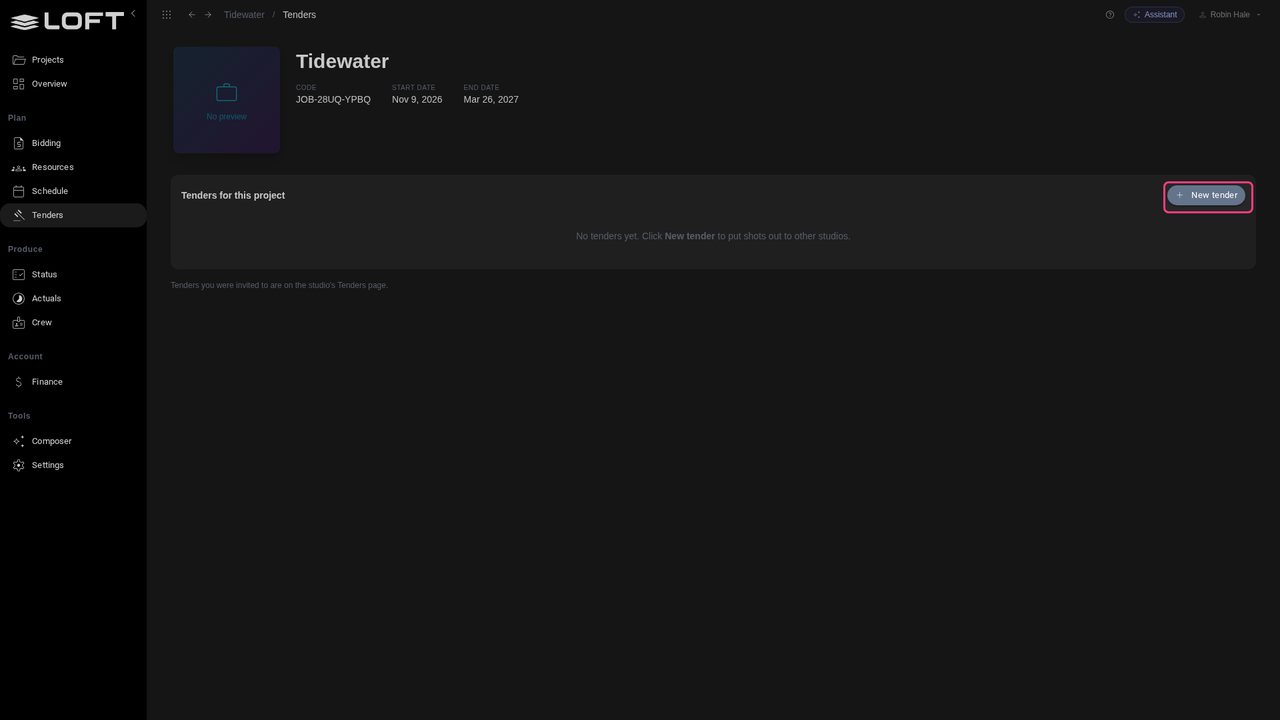
Robin Hale produces Tidewater at Harbour Lights Studio. The studio wants three shots made outside, so Robin writes a tender: in the sidebar's Plan group, click Tenders. It lists this project's tenders; there are none yet.
Learn/Plan and run a production
A producer can send shots to other studios on Loft for a price. This tutorial follows one tender from both sides: the producer builds the shots and invites two studios, a studio costs the work in its own bid and sends back a price, and the producer compares the replies and awards the work.
Follow along
Robin Hale produces Tidewater at Harbour Lights Studio. The studio wants three shots made outside, so Robin writes a tender: in the sidebar's Plan group, click Tenders. It lists this project's tenders; there are none yet.
Click New tender and name it Harbour sequence. A tender says what to make, not how: no departments, no days. Each studio that bids decides that for itself.
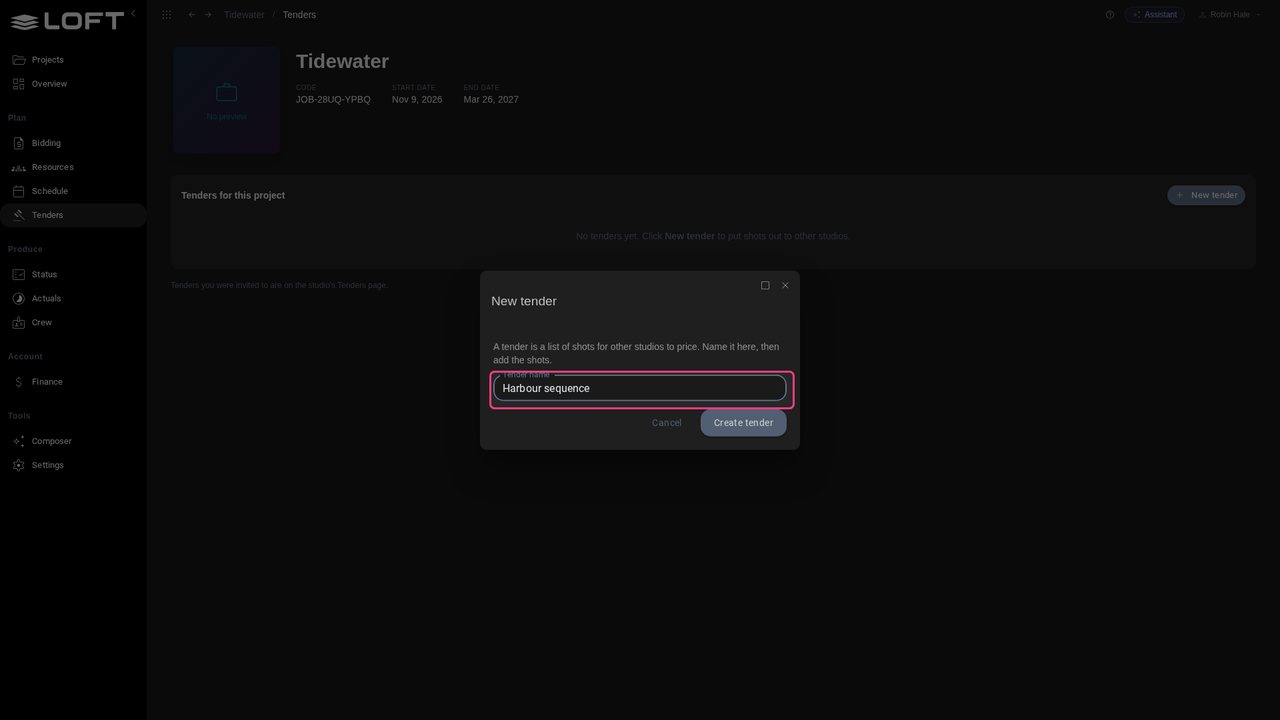
Click Create tender. It opens as a draft: nobody outside Harbour Lights sees it until Robin puts it out to tender.
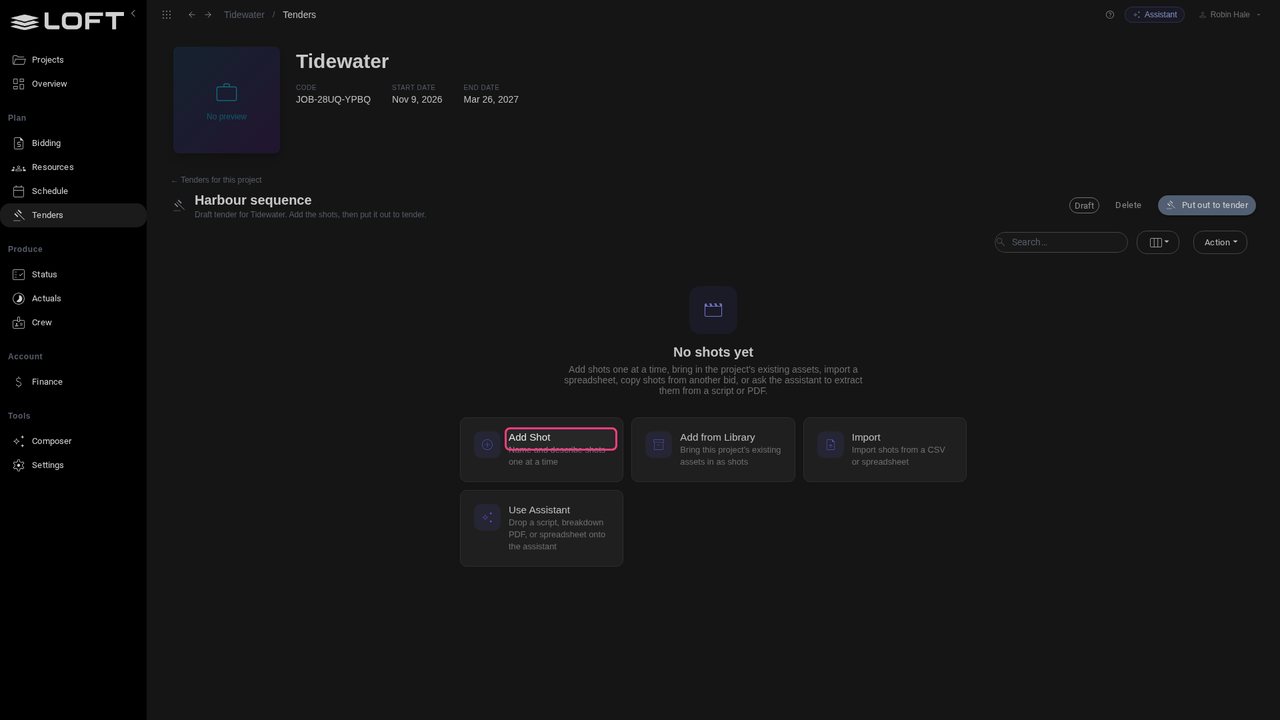
The tender has no shots yet: click Add Shot. Give the shot a name, its length in frames and a description. The description is what the other studios will price, so write it as a brief: what happens, how long, and what to match.
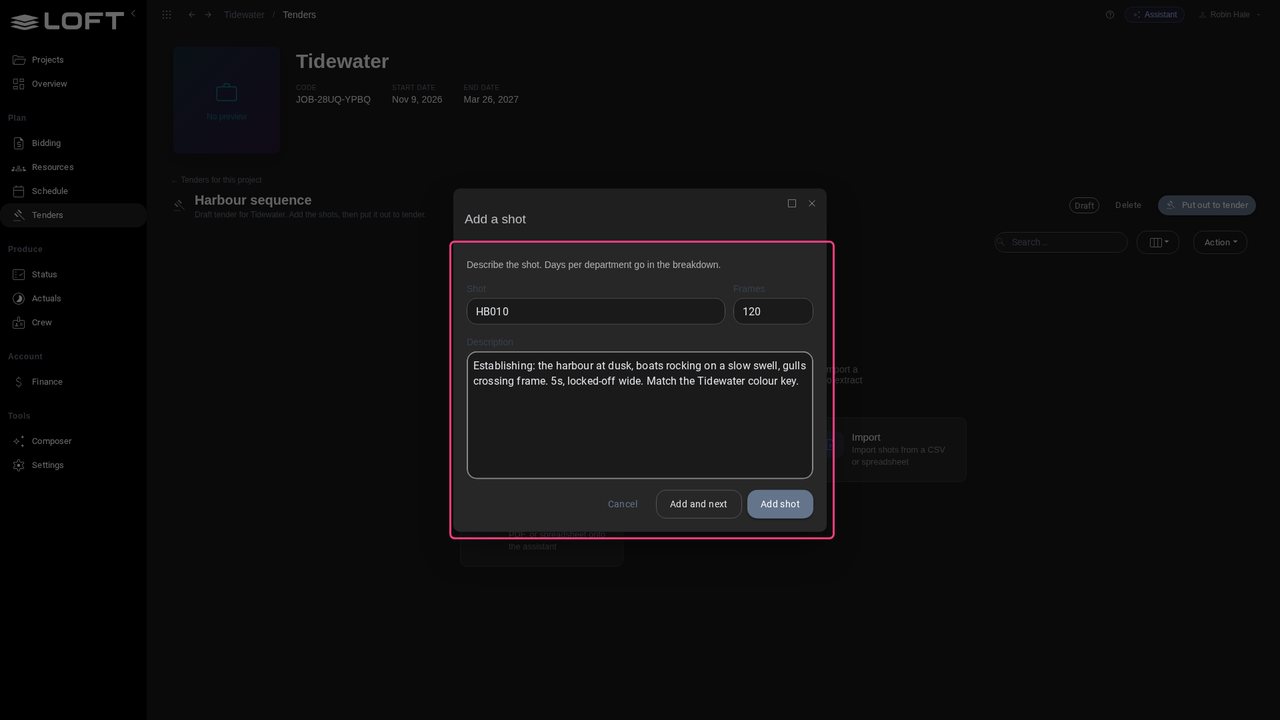
Click Add and next: the form suggests HB020 for the next shot. Add the third the same way, and finish with Add shot. Robin doesn't fill in any days: pricing the work is the other studios' job.
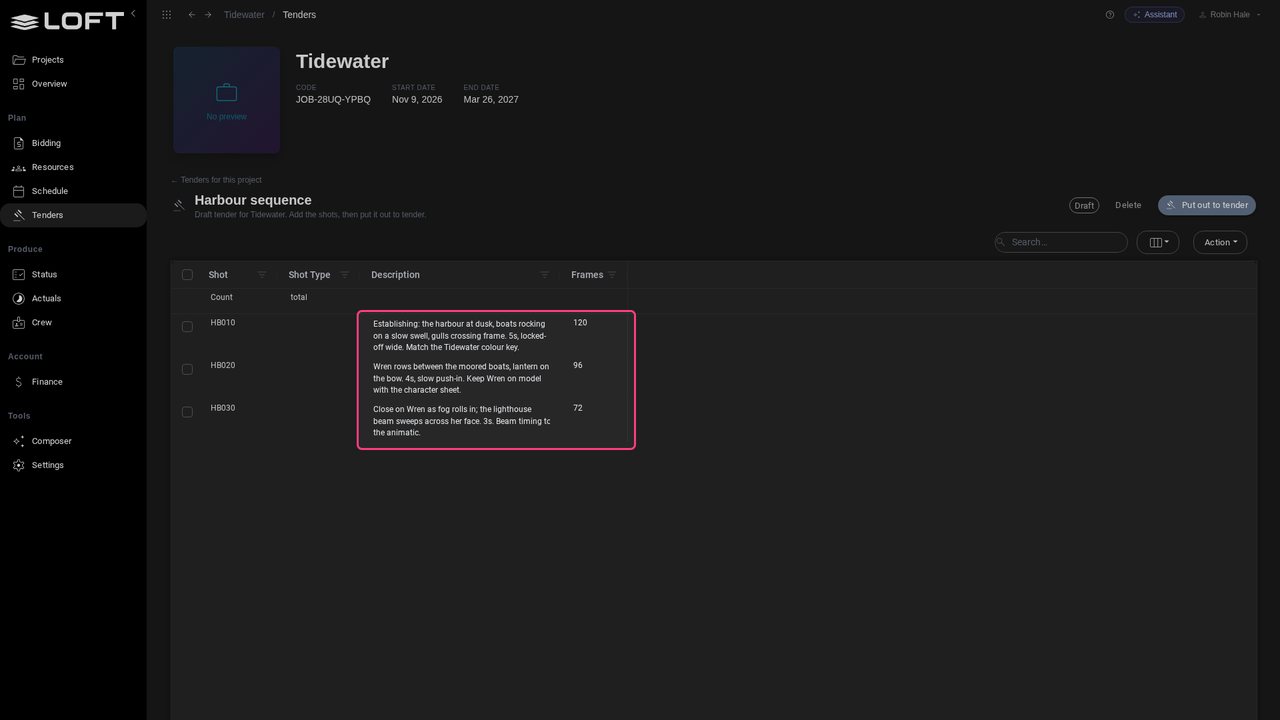
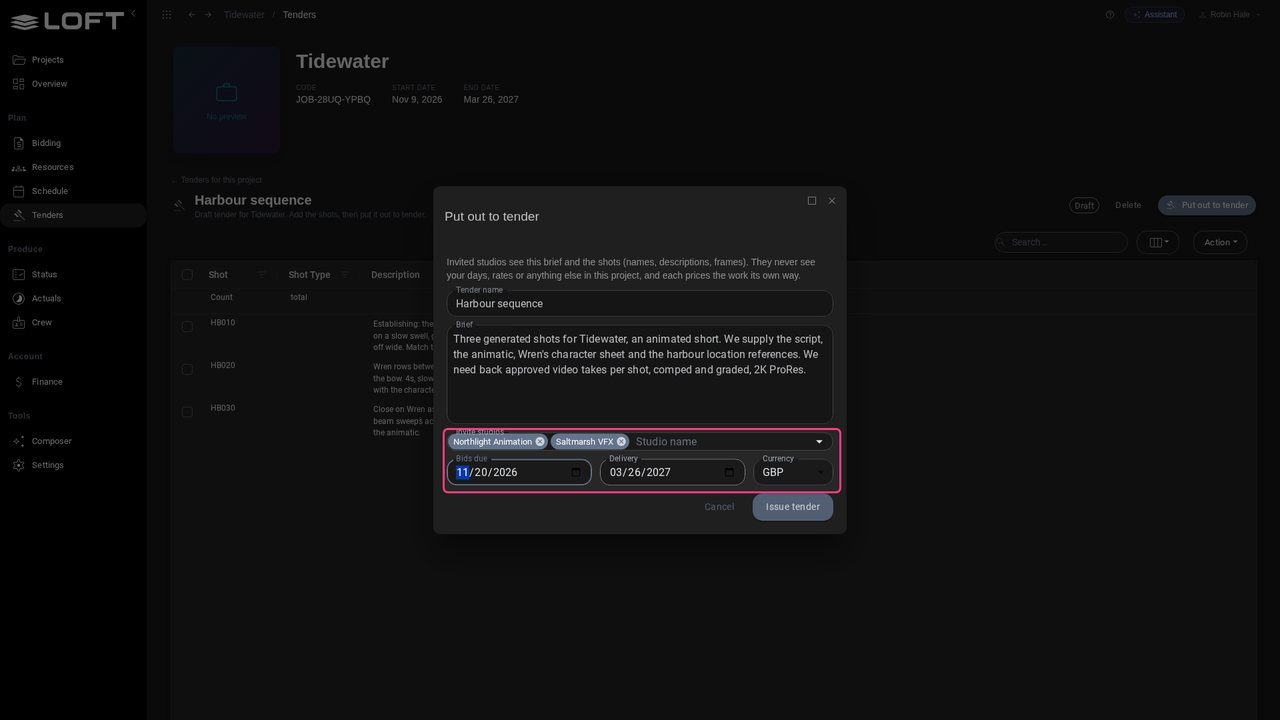
Click Put out to tender and write the brief: what the studio supplies, and what it needs back. Invited studios see this brief and the shots. They never see Robin's days, rates or anything else in the project.
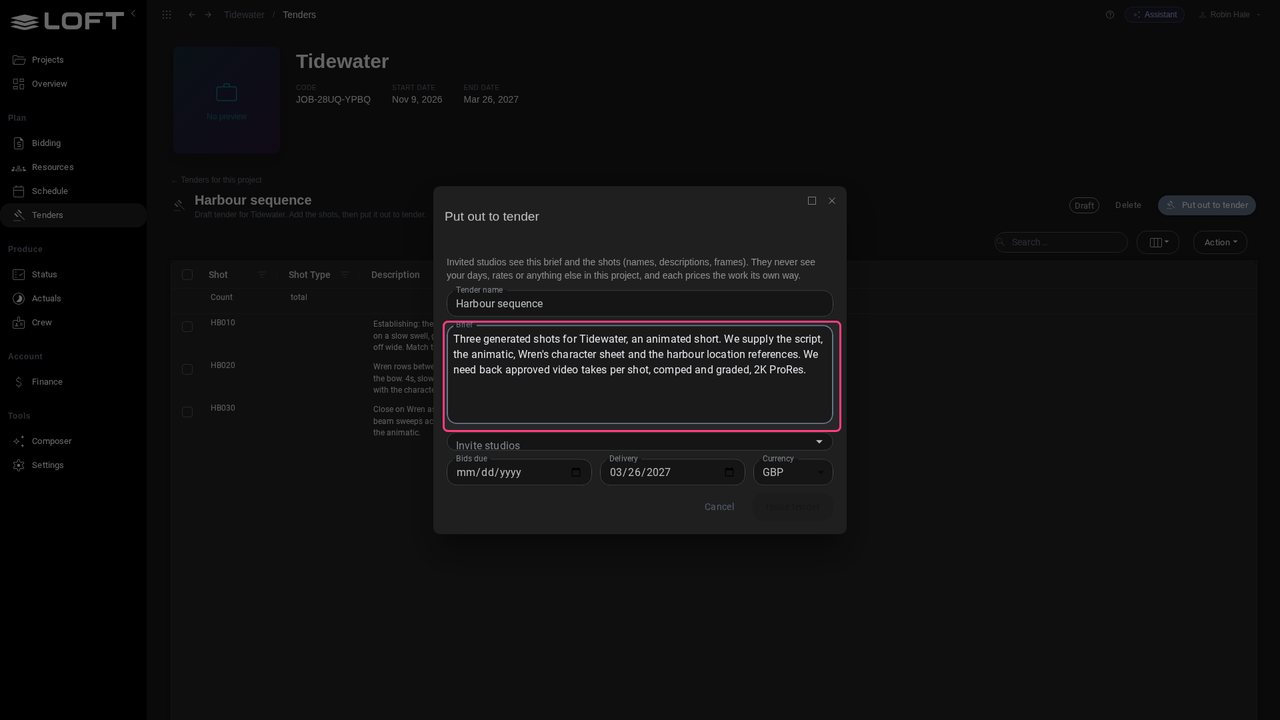
Type part of a studio's name to invite it: Northlight Animation and Saltmarsh VFX. Set when bids are due. Delivery defaults to the project's end date, and the currency to the studio's.
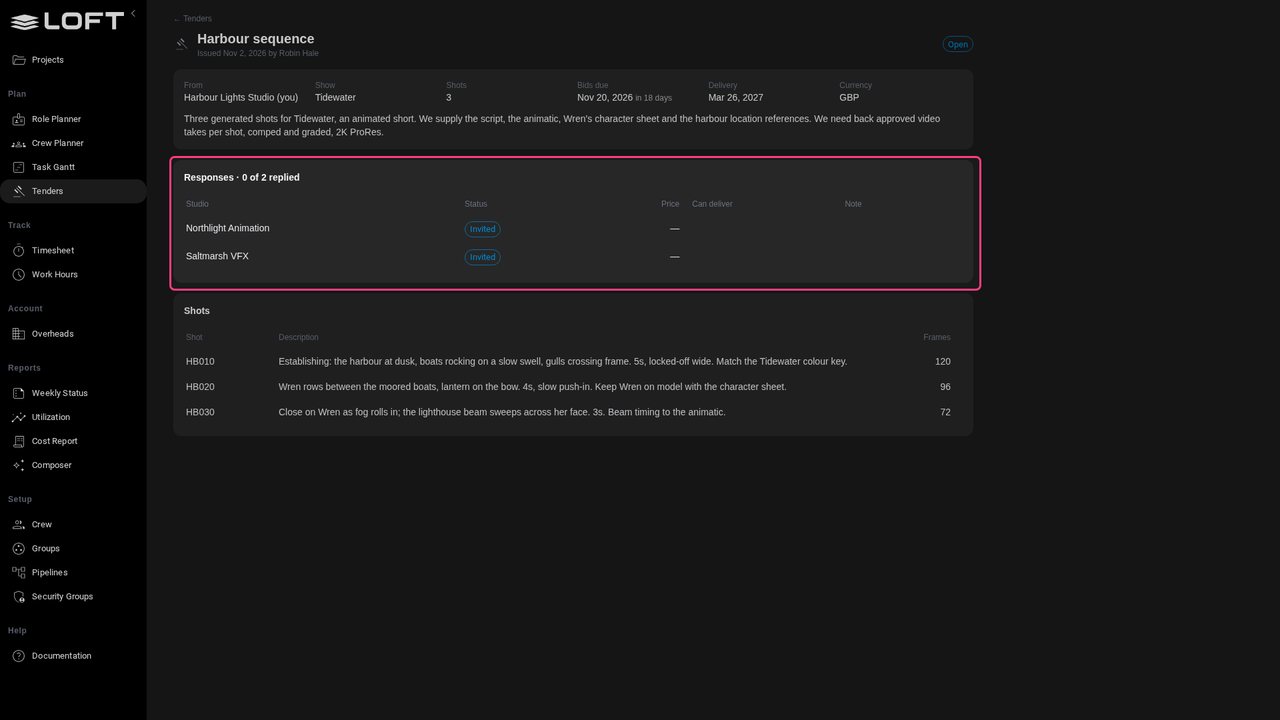
Click Issue tender. The tender page tracks the replies: none yet, from two studios.
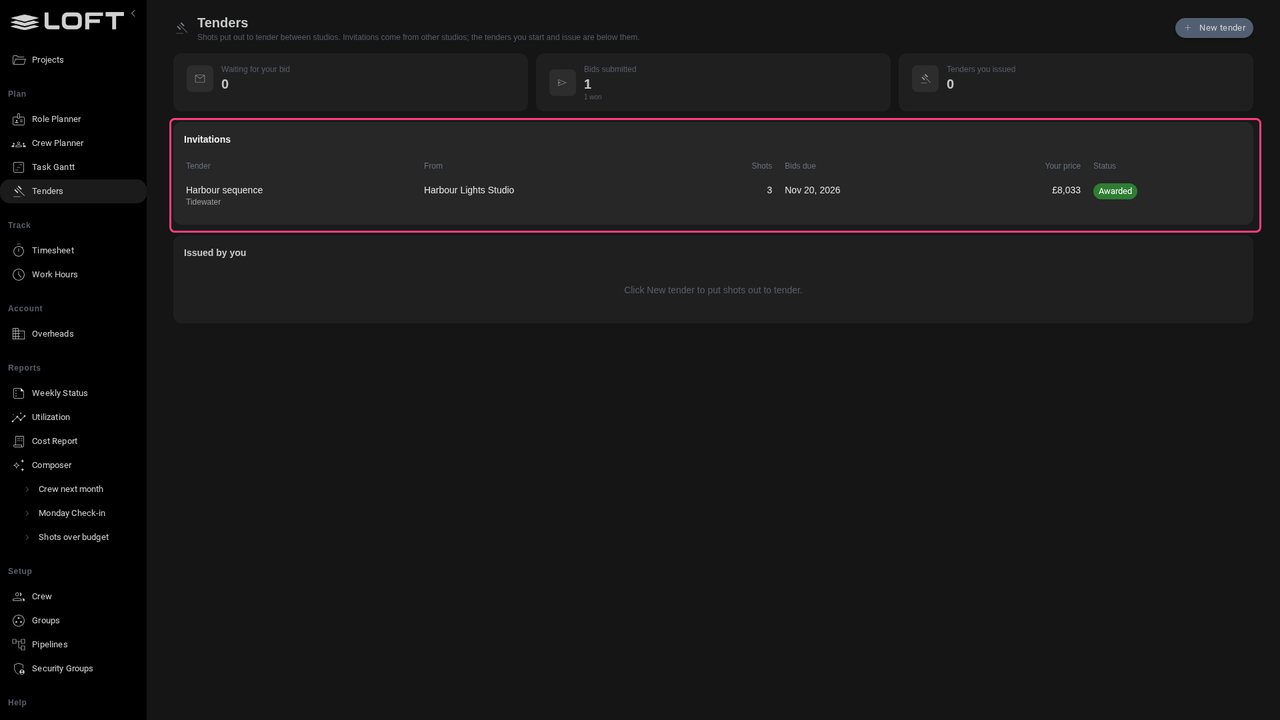
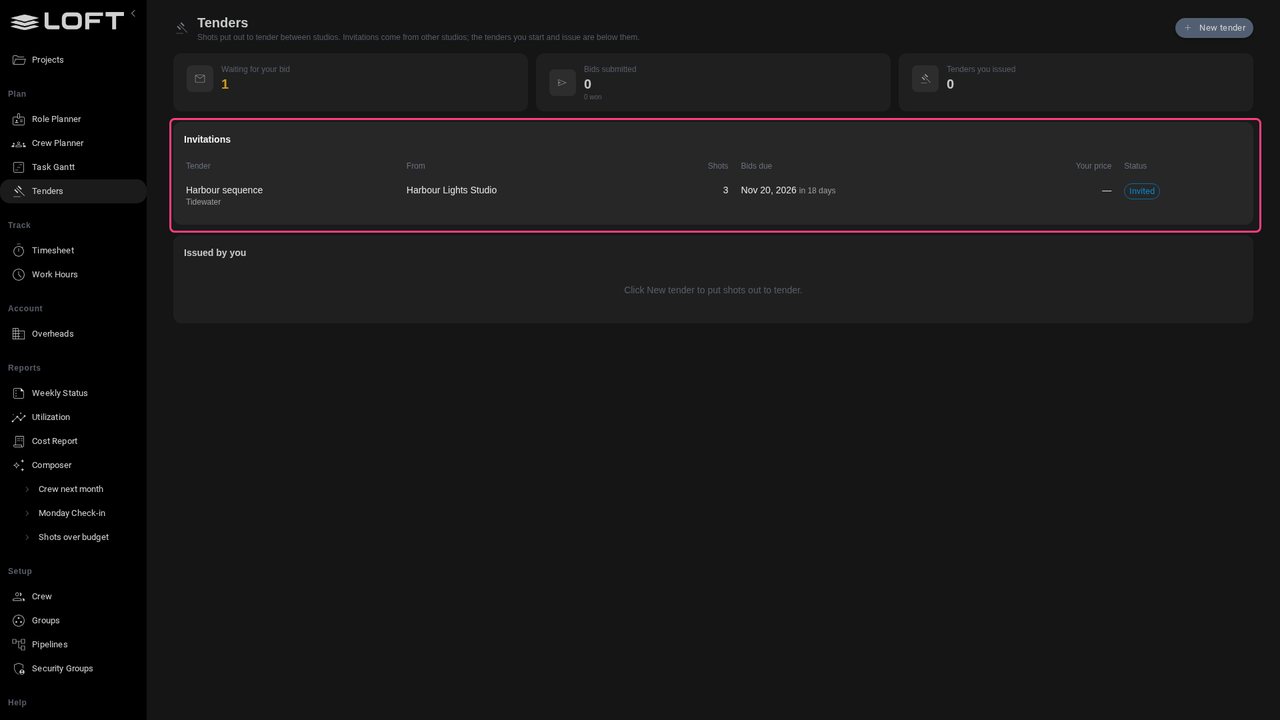
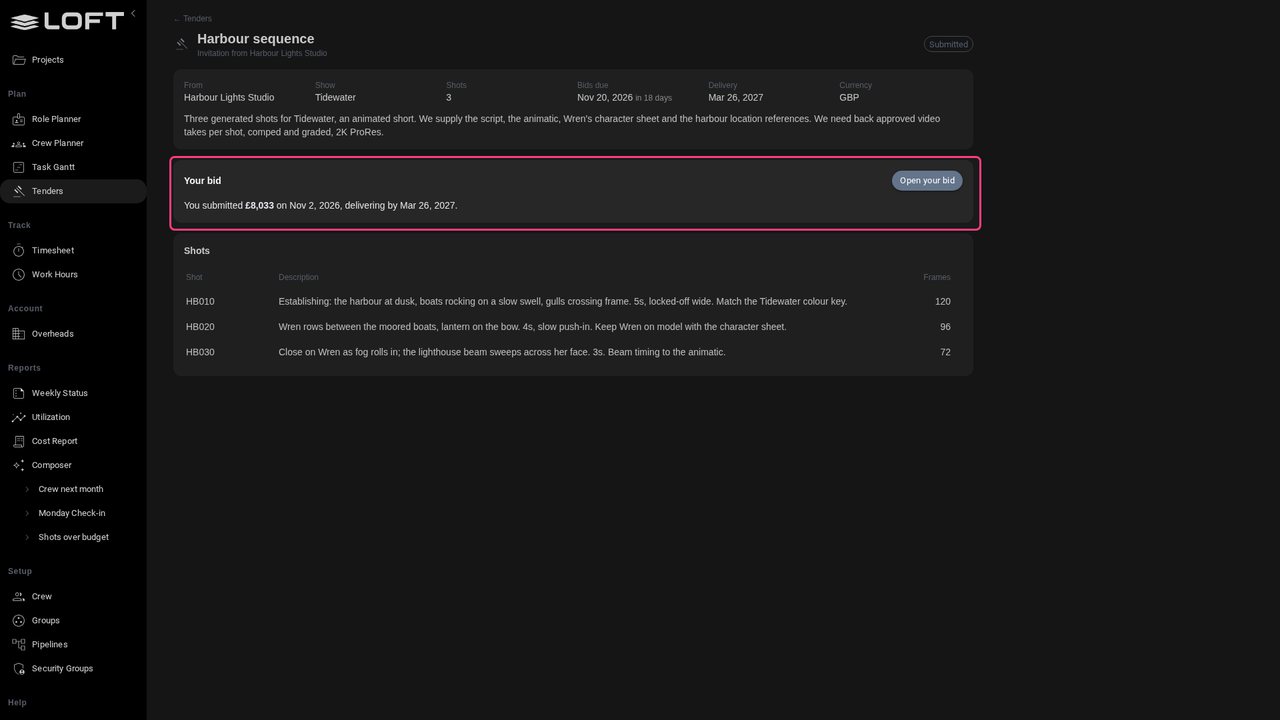
Now Alex Chen at Northlight Animation. The studio's Tenders page, under Plan, lists the invitations: one from Harbour Lights, with bids due in a few weeks.
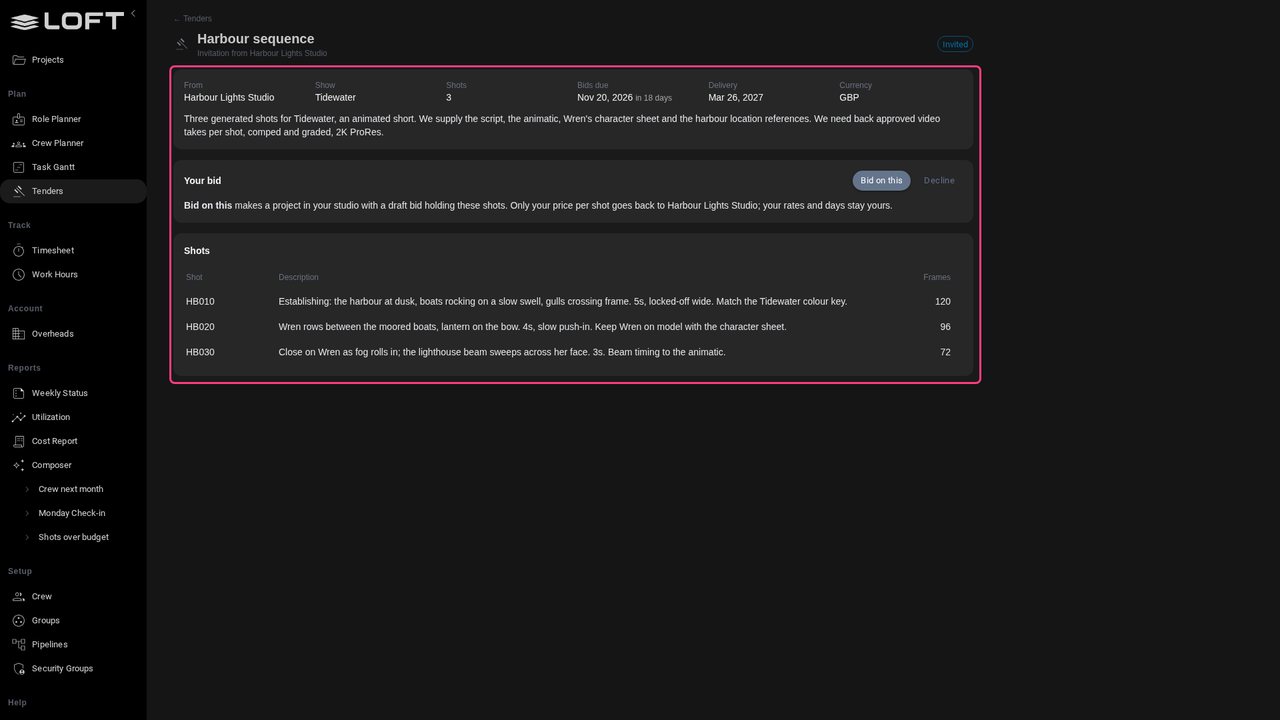
Open it. Alex sees the brief, the dates and each shot's description and length, and nothing else of Harbour Lights.
Click Bid on this. How to make the shots is Northlight's call, so Alex picks Northlight's own departments: its AI pipeline, Storyboard, Layout, Video and Compositing. The rest are unticked.
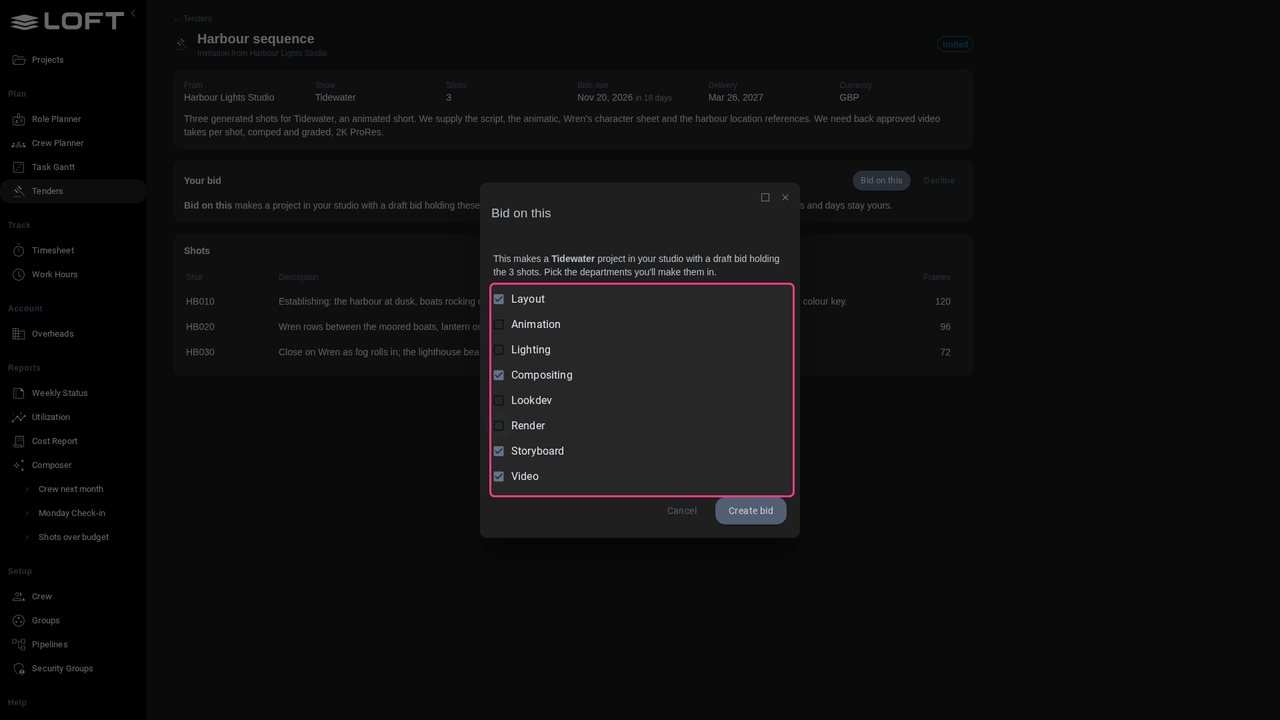
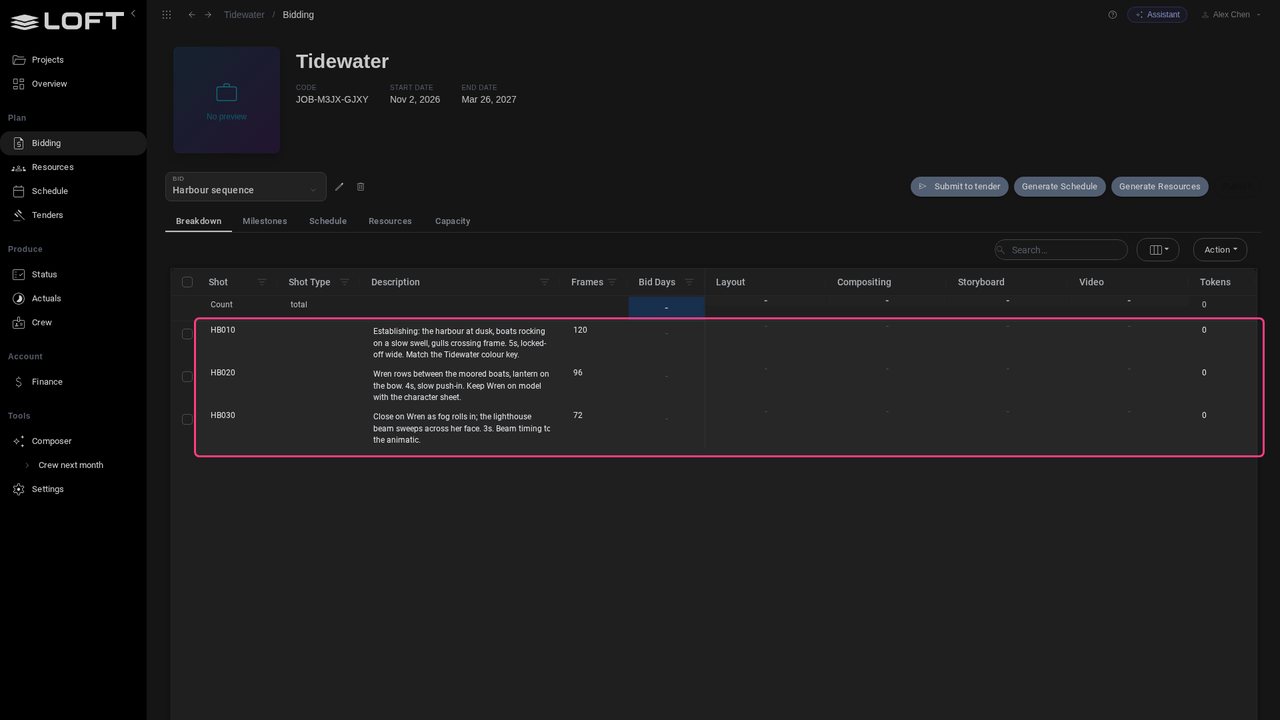
Click Create bid. Northlight gets its own Tidewater project with a draft bid: the three shots and their descriptions, in Northlight's departments, ready to cost.
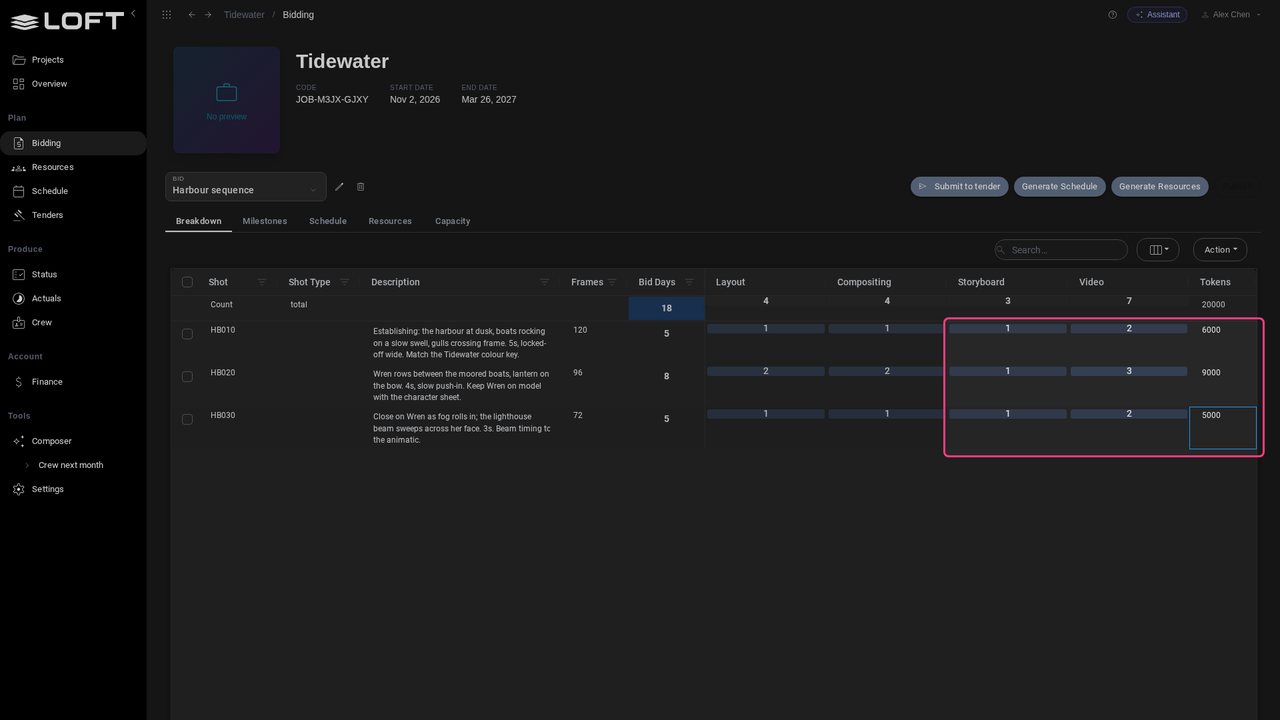
Alex estimates it like any bid: days per department, and the AI tokens each shot will burn generating takes. Video is the big one: three days and nine thousand tokens on HB020.
Click Submit to tender. Loft prices each shot at Northlight's own day rates, plus the tokens, in the tender's currency. Alex adds a note for Harbour Lights.
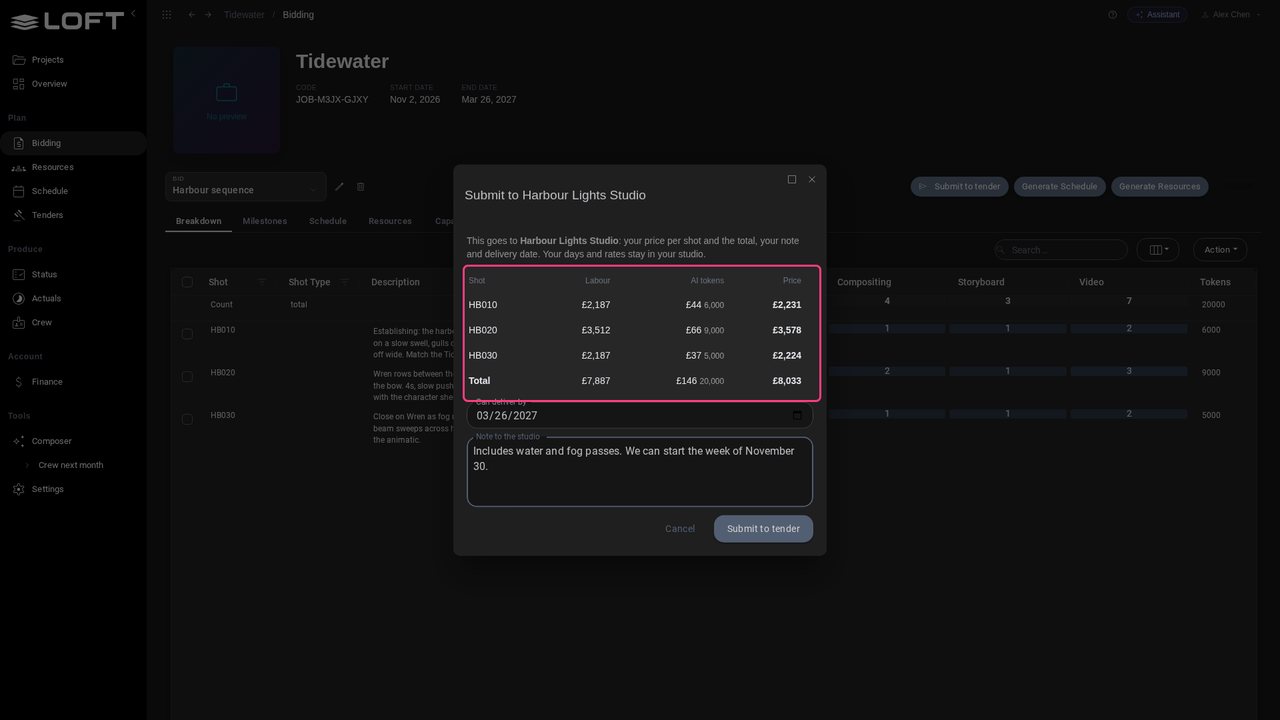
Click Submit to tender. Only the prices, the note and the delivery date go back. Northlight's rates and days stay in Northlight.
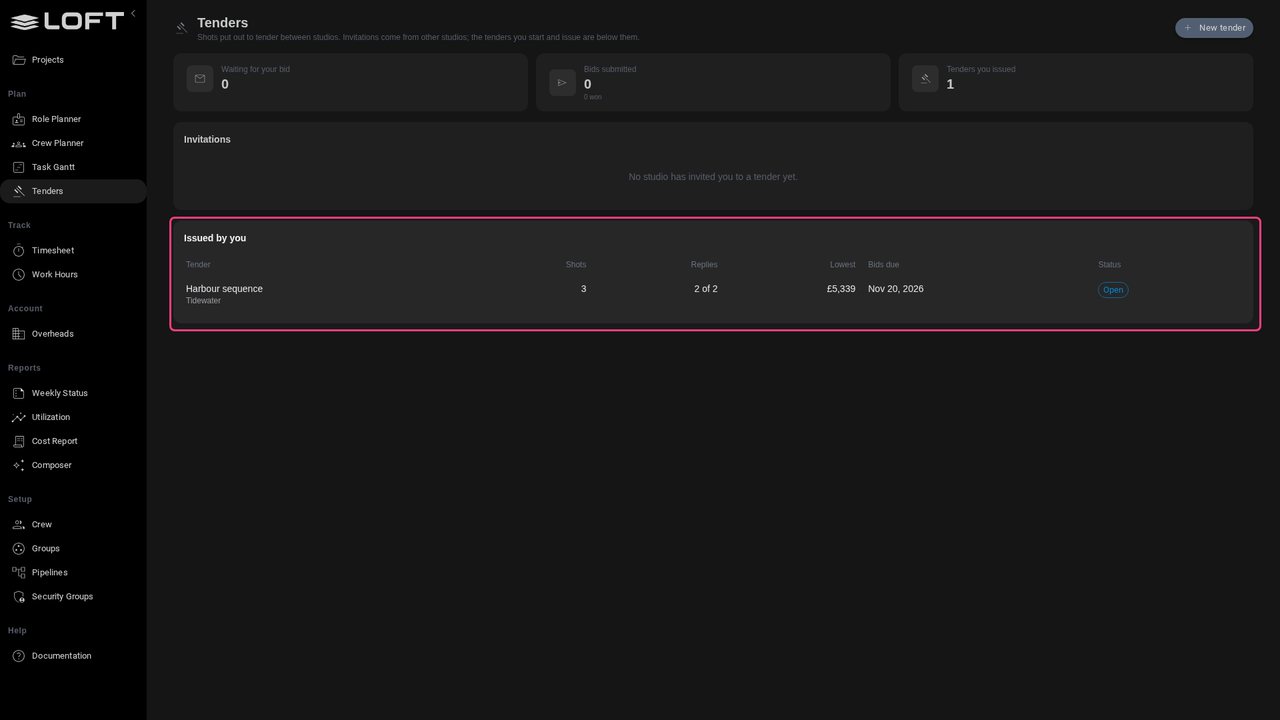
Back at Harbour Lights. Saltmarsh has replied too. Robin's Tenders page shows two replies and the lowest price.
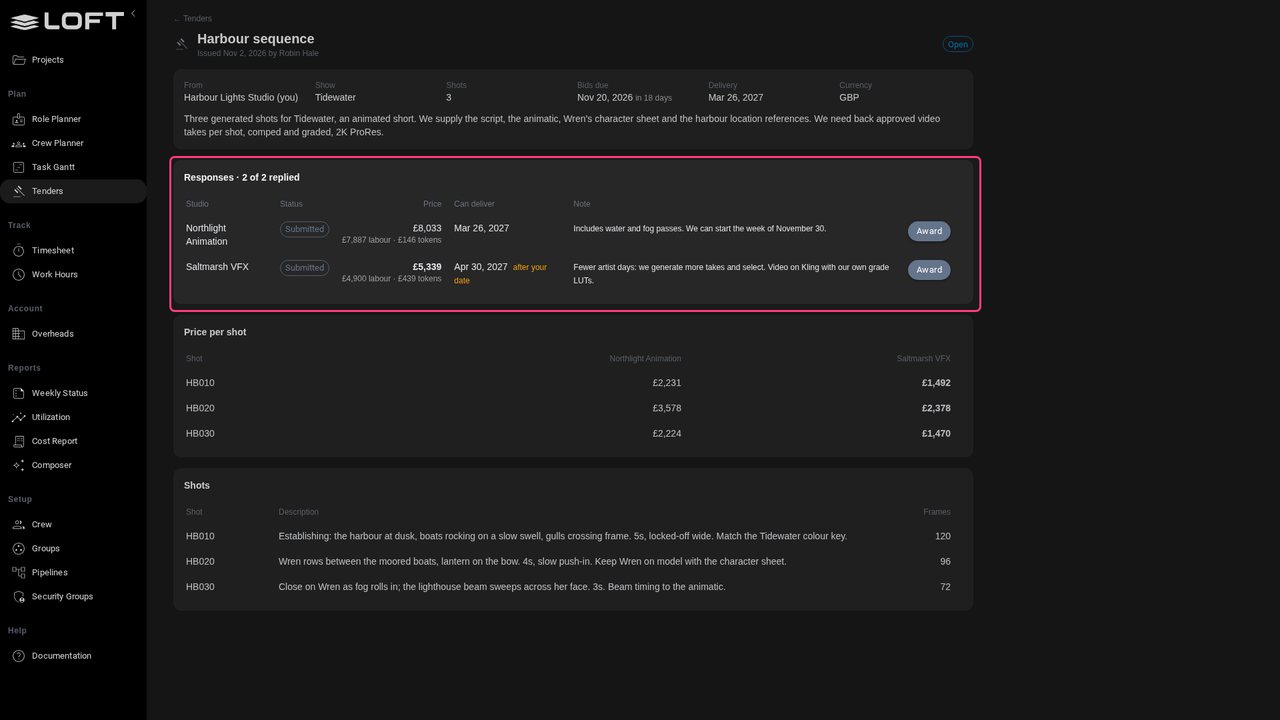
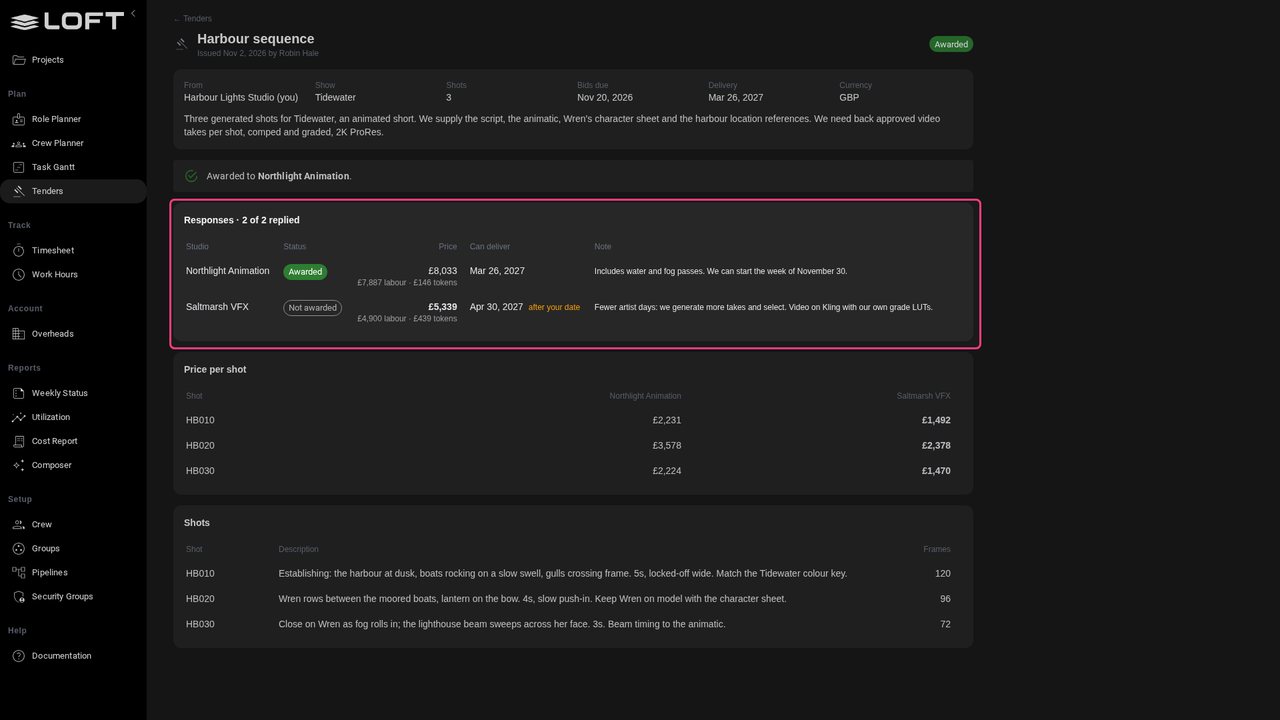
Open the tender. Saltmarsh is cheaper: fewer artist days, more tokens. But it delivers after Robin's date. Northlight costs more and delivers on time. Each price shows its labour and its tokens.
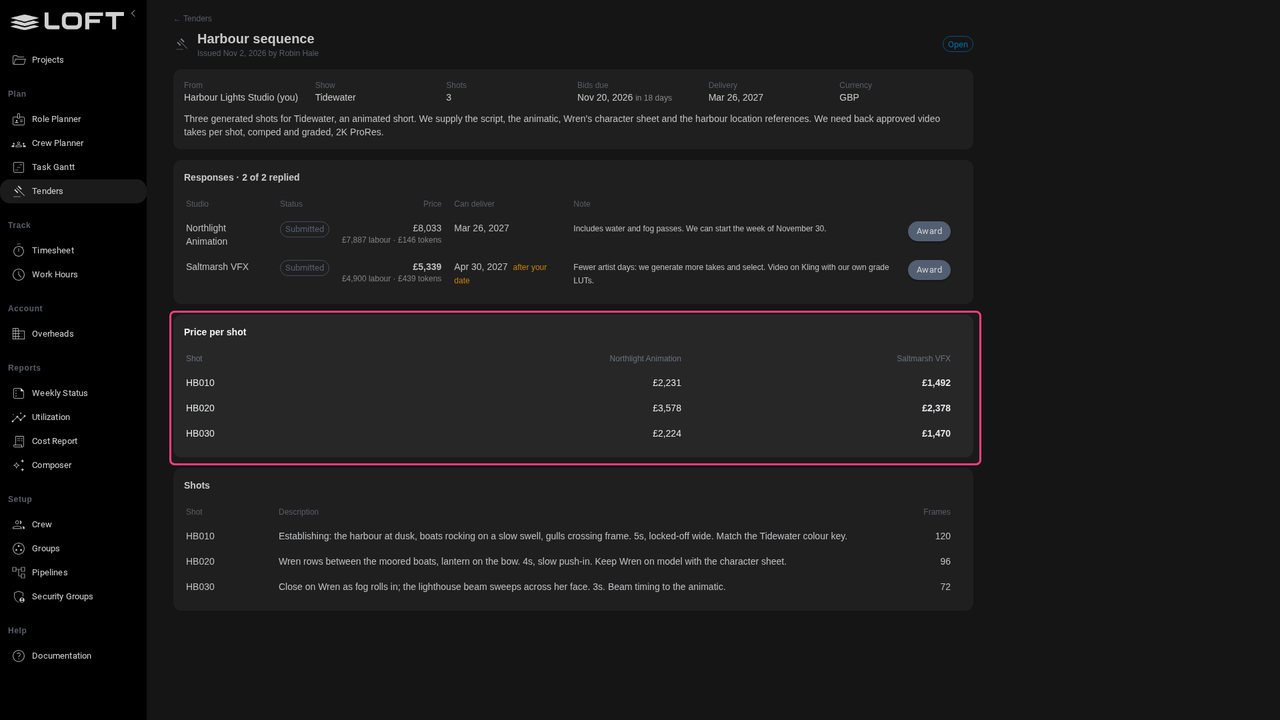
Price per shot lines the studios up shot by shot, the lowest in bold, so Robin can see where the difference comes from.
The date matters more than the saving. Robin clicks Award on Northlight's row.
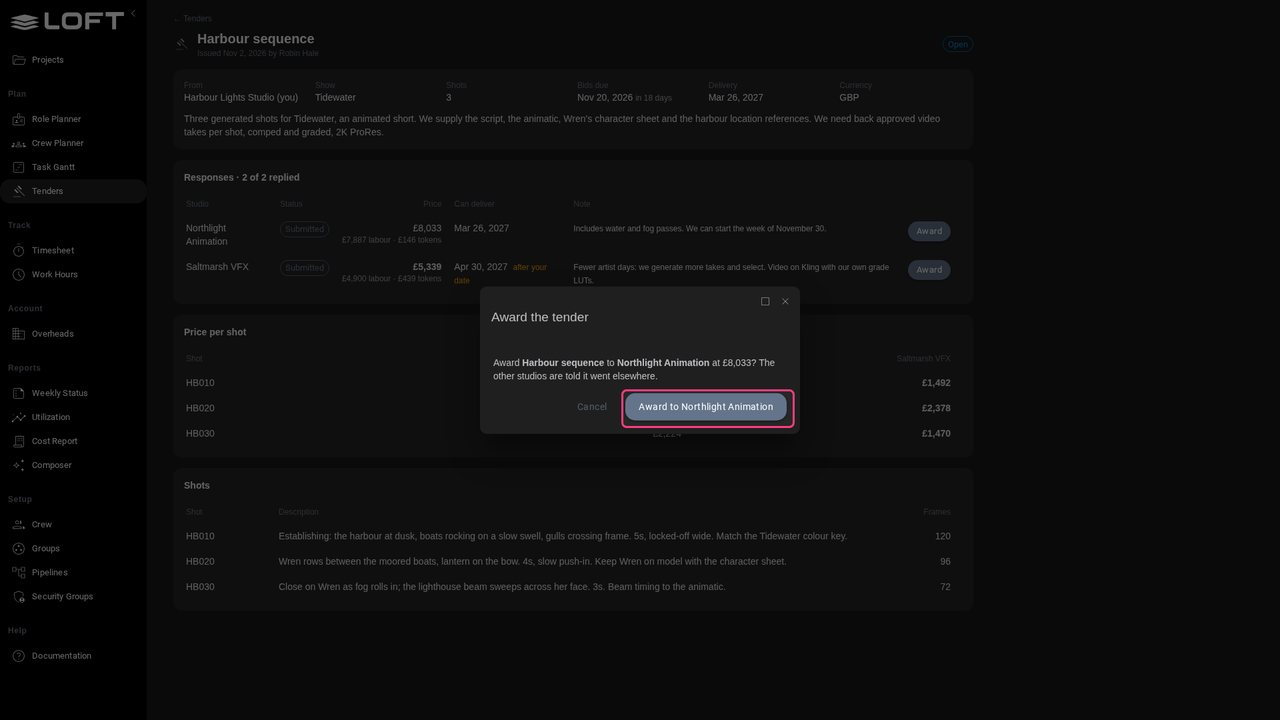
Confirm. The tender is awarded to Northlight, and Saltmarsh is told it went elsewhere.
On Northlight's Tenders page the invitation now reads Awarded. Northlight's bid is already a project of its own, ready to schedule and staff.