STEP 01
Start creating
Go to app.loftapps.com. This is the sign-in page; you don't have an account yet, so click Start Creating.
Learn/Get started
The first of the Get started videos: make your account, and see where Loft puts you. Follow along on your own screen. If someone at your studio has invited you, use the link in their email instead, and skip to the next video.
Follow along
Go to app.loftapps.com. This is the sign-in page; you don't have an account yet, so click Start Creating.
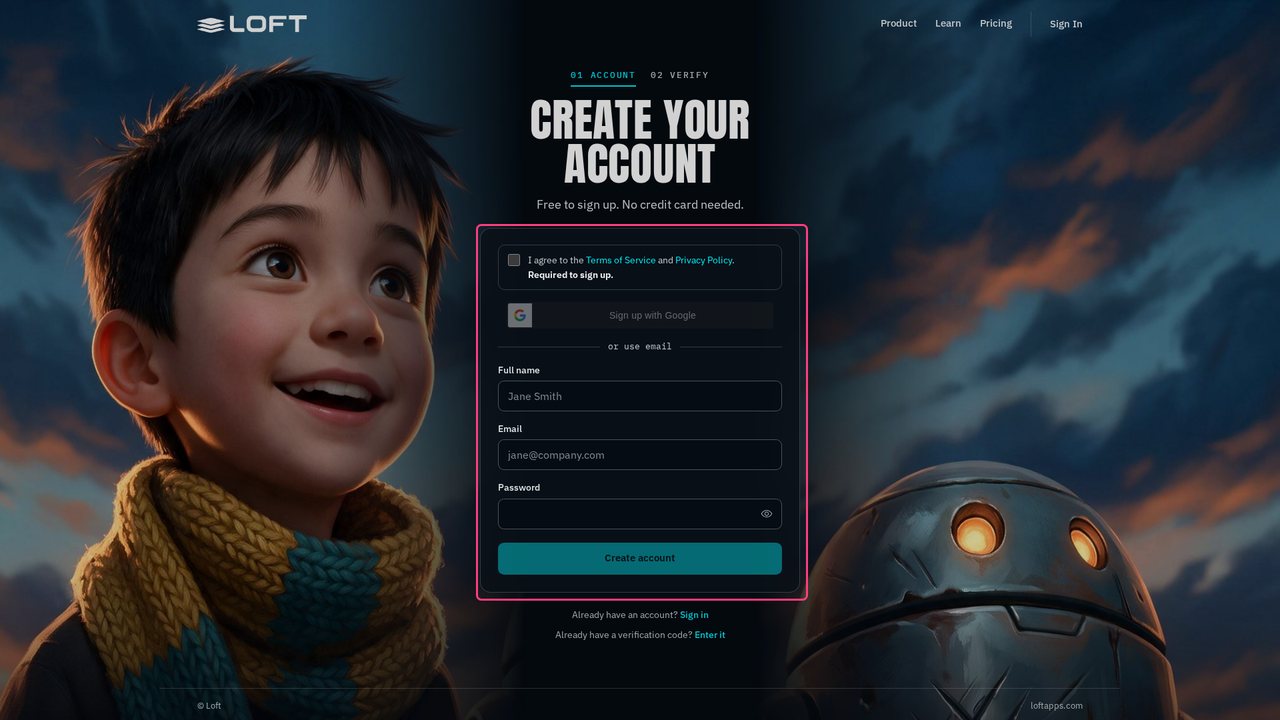
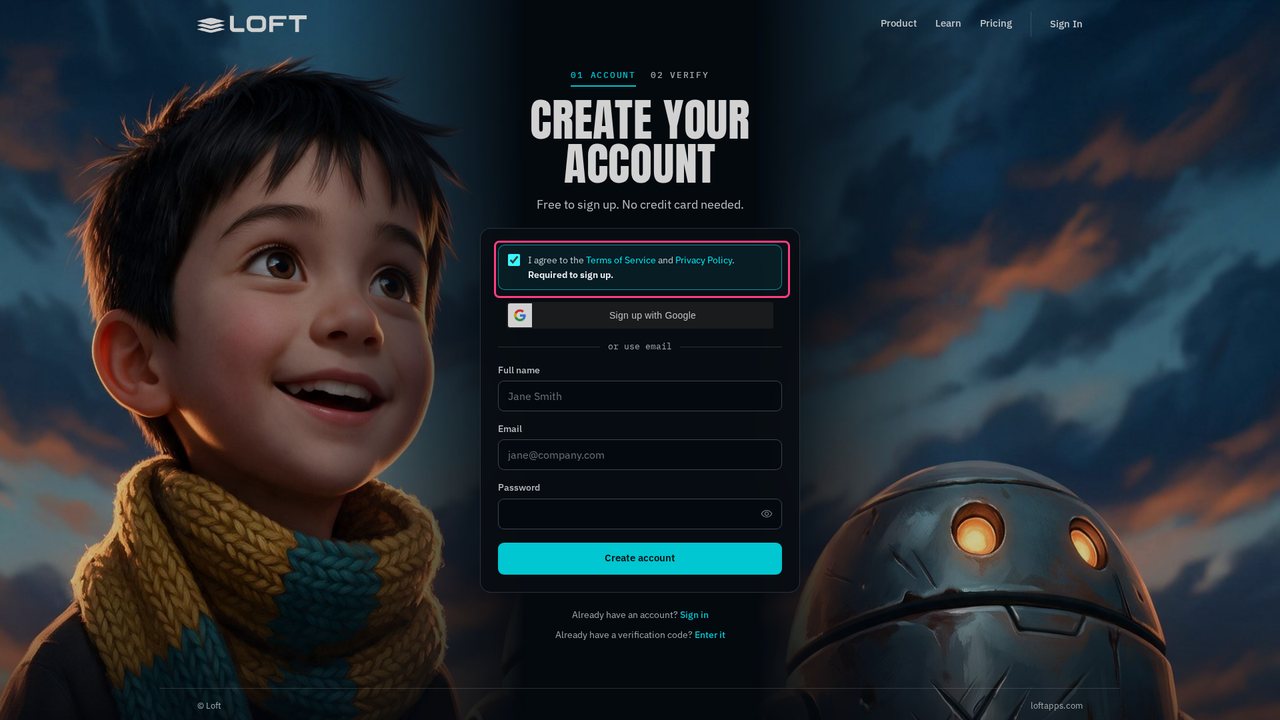
Tick the box to agree to the Terms of Service and Privacy Policy. You can sign up with Google from here too; this video uses an email address.
Type your full name, your email and a password. Use an address you can open now: Loft sends a code to it.
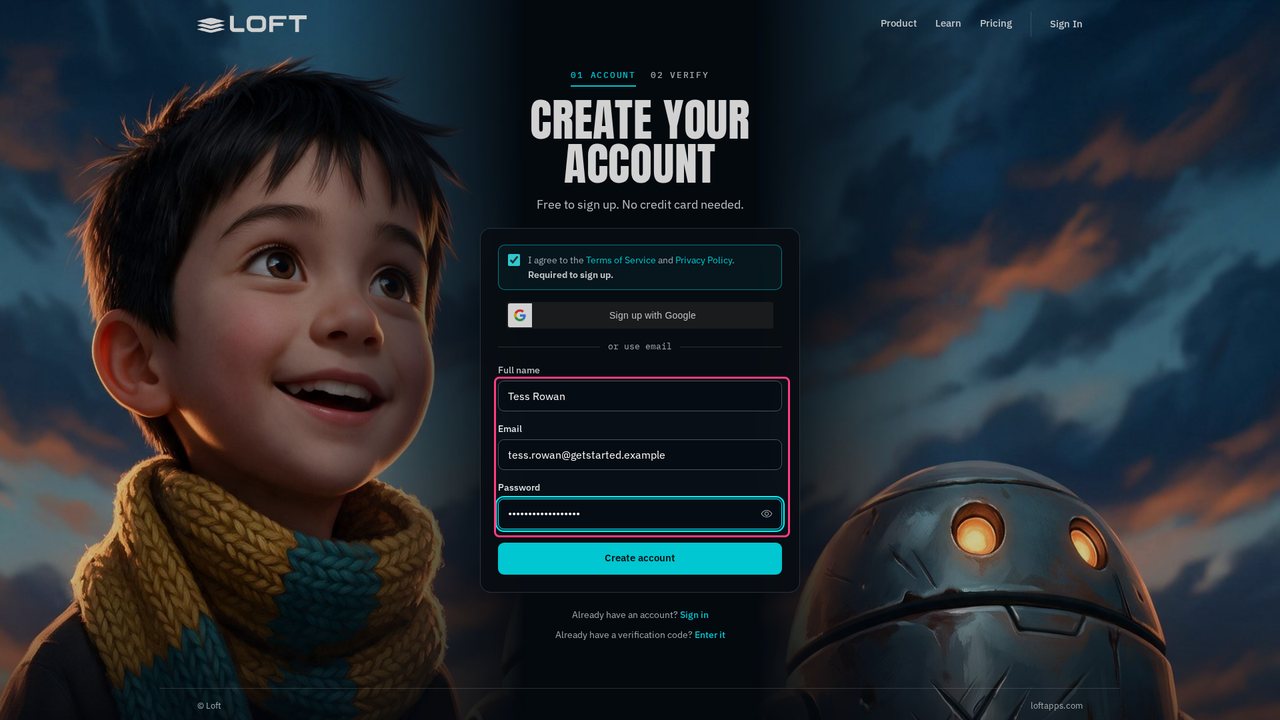
Click Create account. Loft emails you a six-digit code, to check the address is yours. It's good for fifteen minutes.
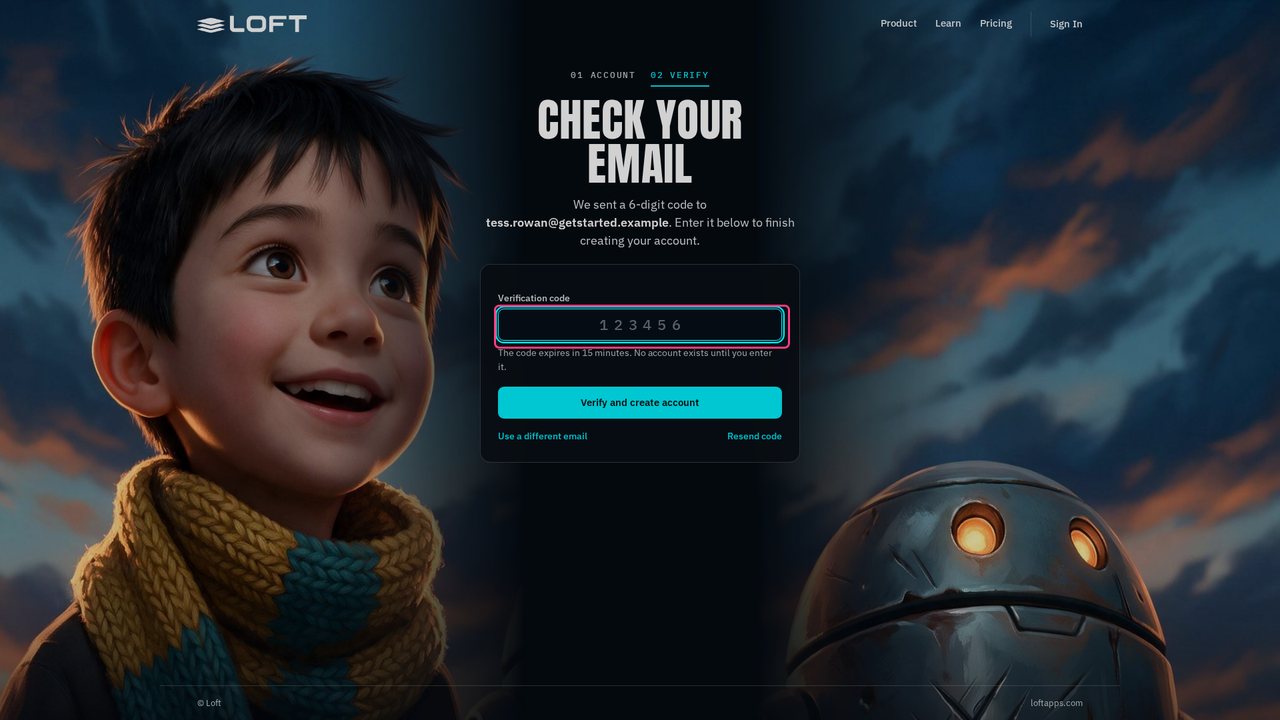
Open the email from Loft, Your verification code, and type the code here. Nothing came? Check your spam folder, or click Resend code.
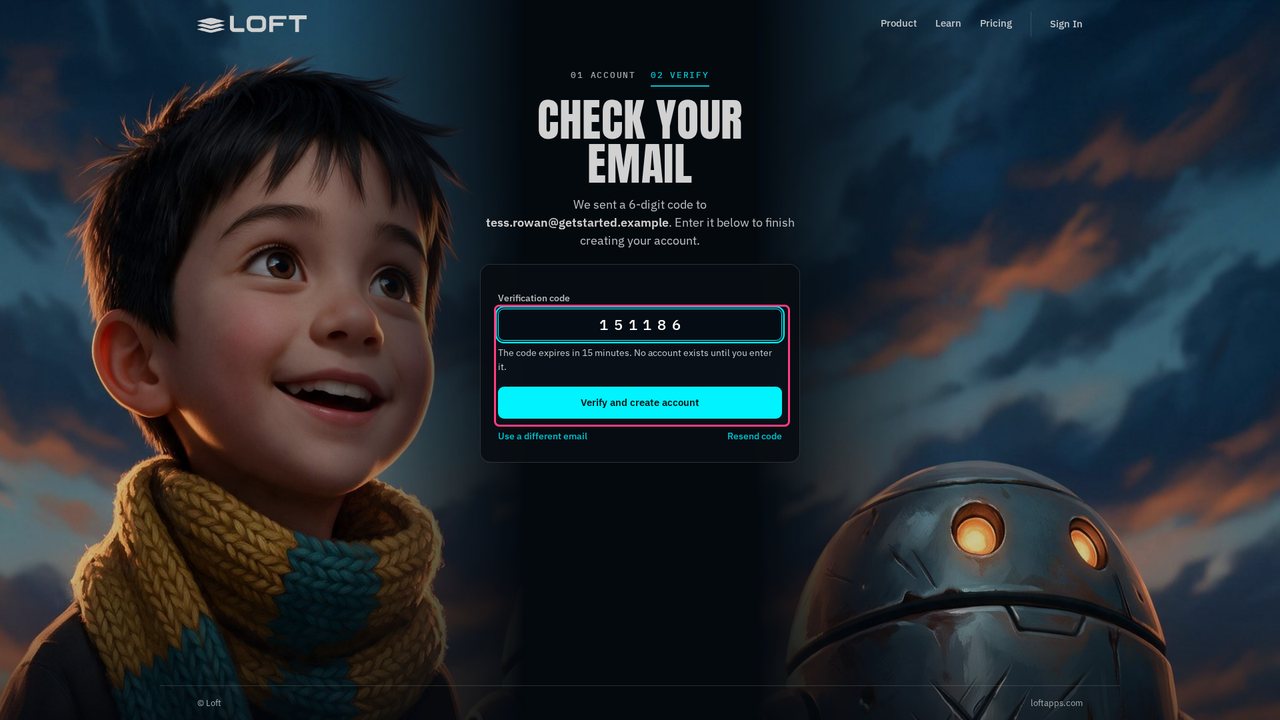
Click Verify and create account. Loft sets up your workspace, which takes a moment, and welcomes you by name.
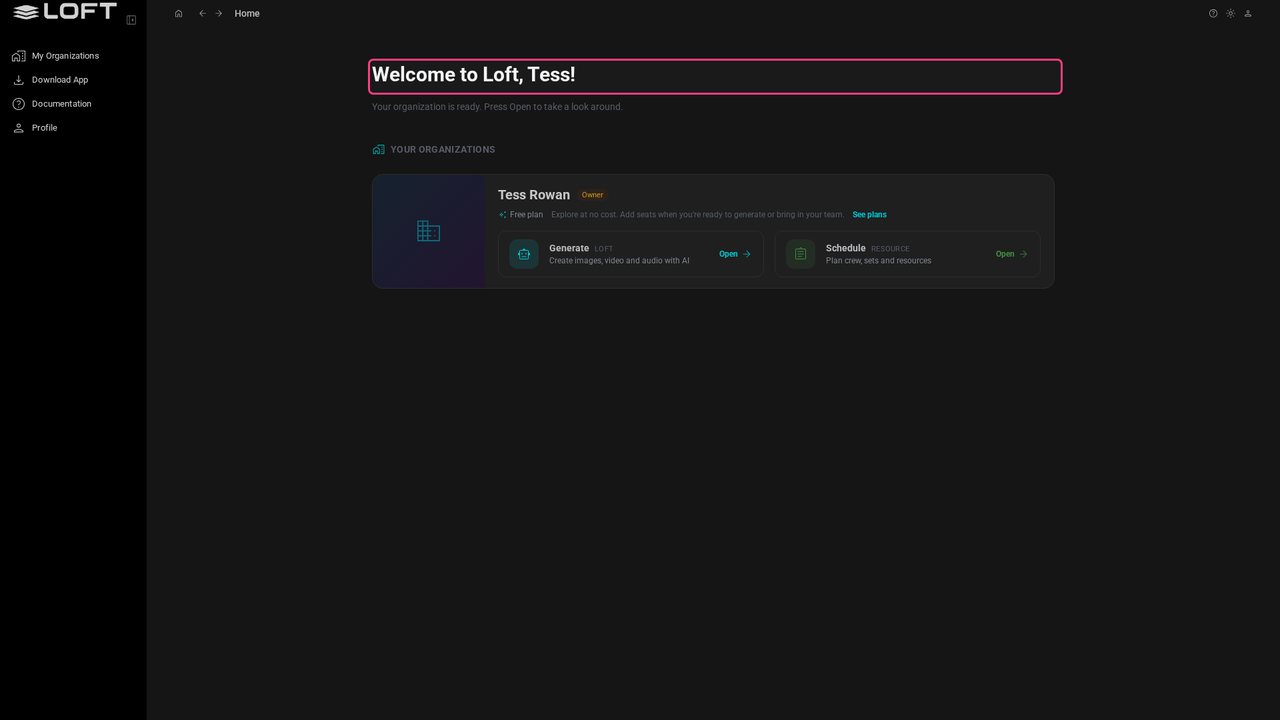
Loft made you an organization, named after you, and you're its owner. Everything you make lives in it, and it's where you'll invite people later. It starts on the Free plan.
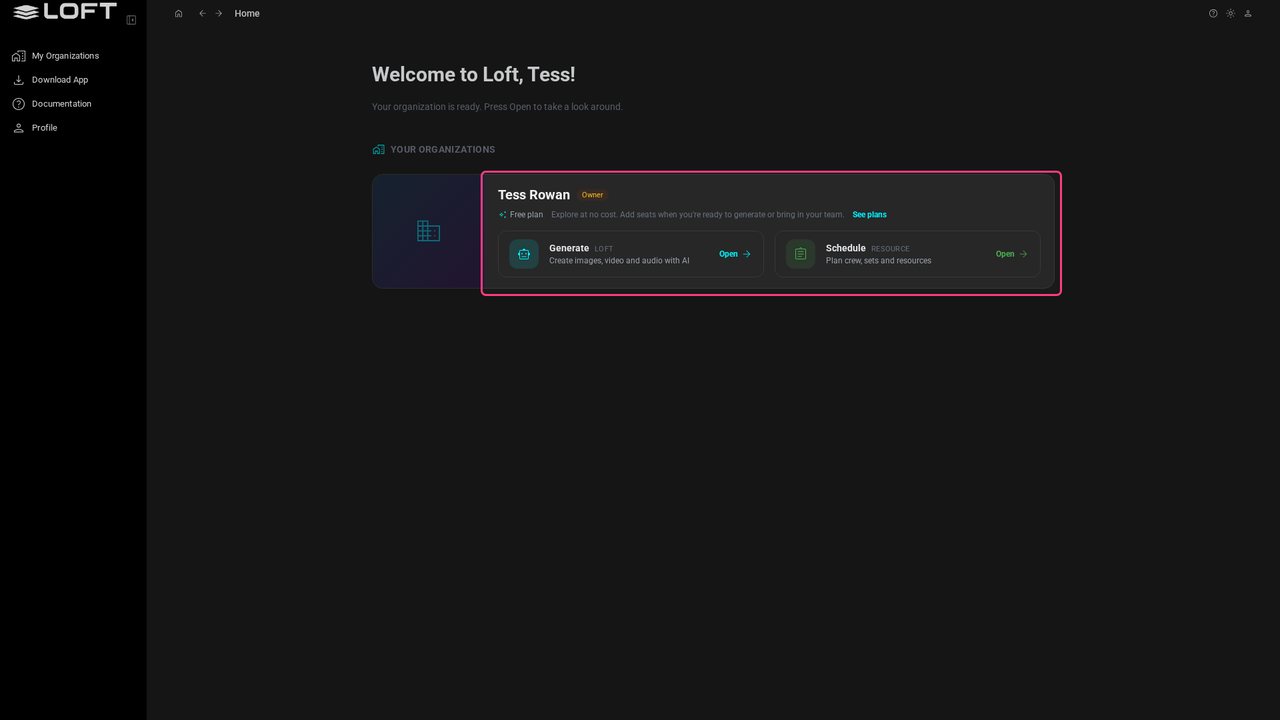
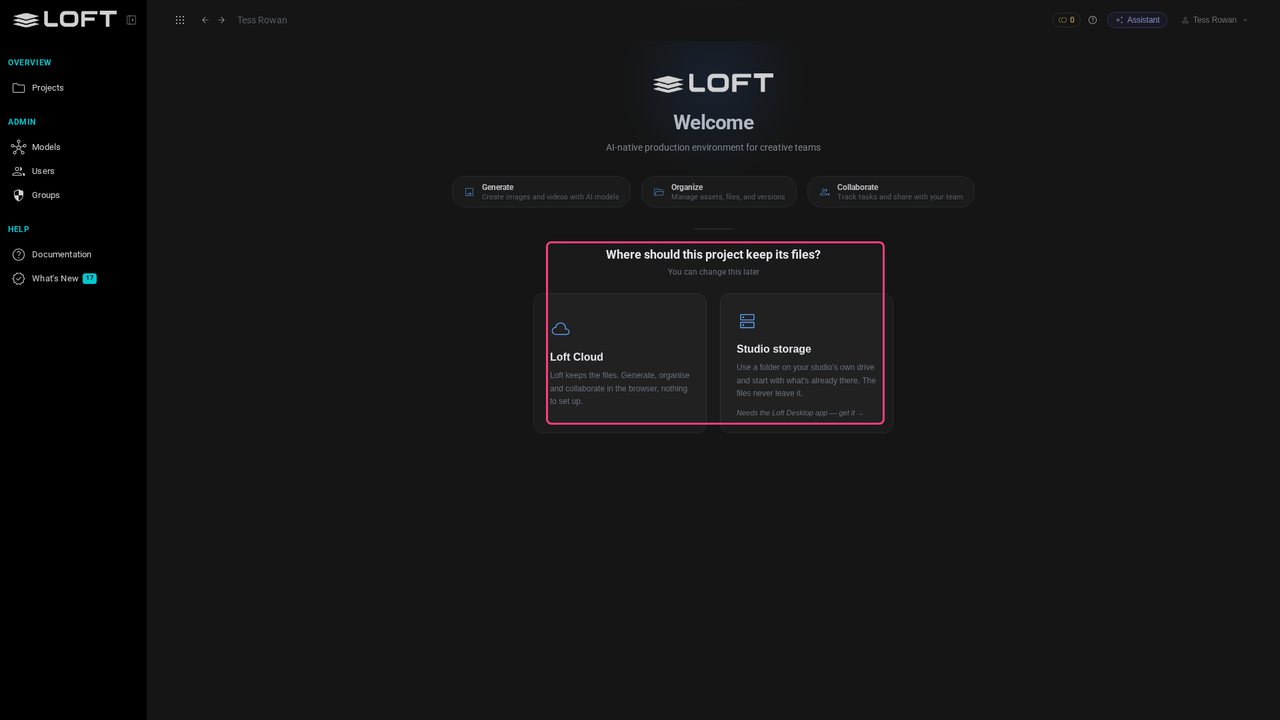
Your organization has two apps. Click Open on Generate: that's Loft, where these videos happen. It opens on your first project, which is the next video.