Beta Not the live site. Pages in review Live site →
Loft

Learn/Get started

Your first project

Make your first project, and learn the three things you'll use in every video after this one: the libraries, the Assistant, and your balance. Pick up where the last video ended, on Loft's welcome screen.

Follow along

Step by step

STEP 01

Where your files live

Loft asks where this project keeps its files. Loft Cloud keeps them for you, in the browser, with nothing to install. Studio storage uses a folder on your own drive and needs the Loft Desktop app. Click Loft Cloud; you can change it later.
Where your files live
STEP 02

Name it

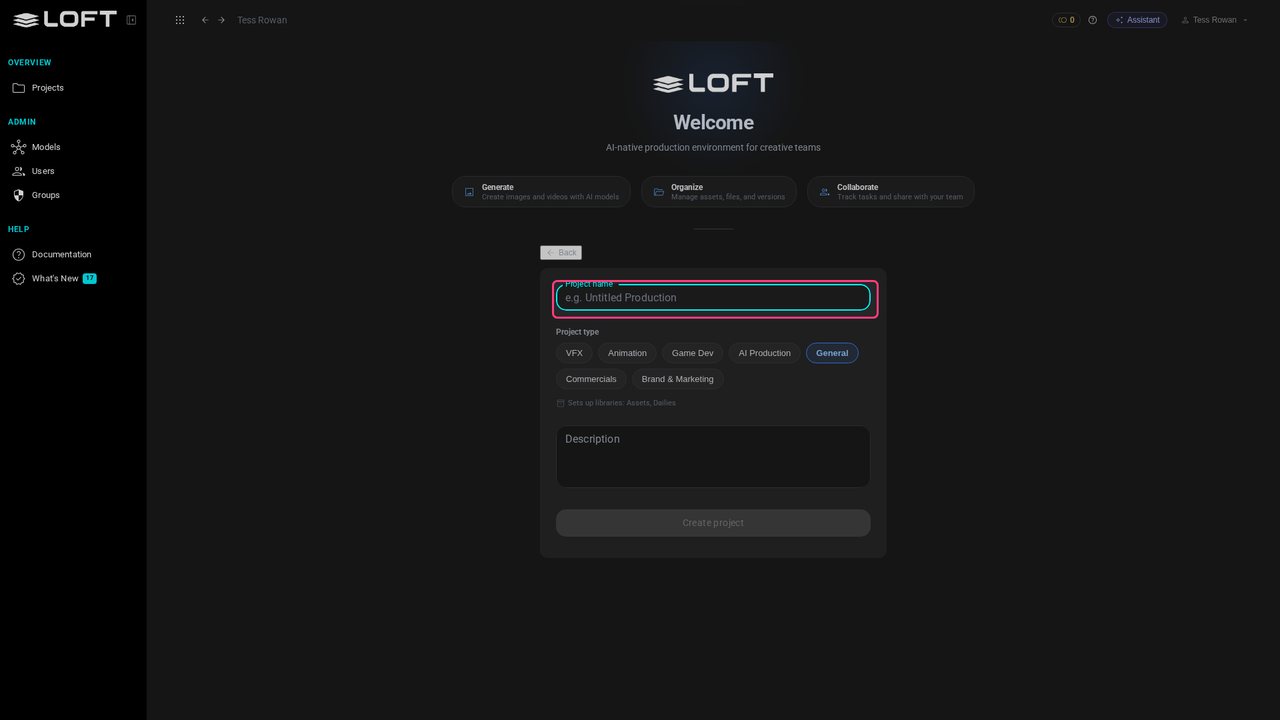
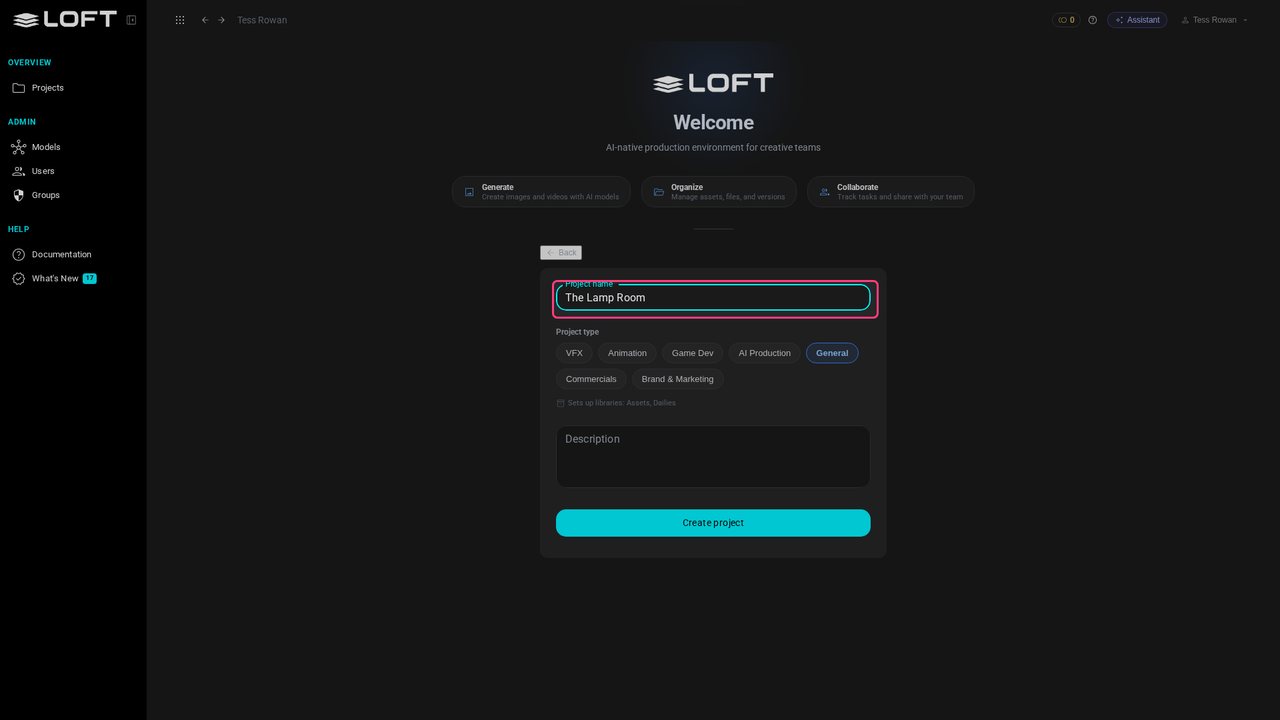
Give the project a name. This video makes The Lamp Room, a short film about a lighthouse; use your own.

Name it
STEP 03

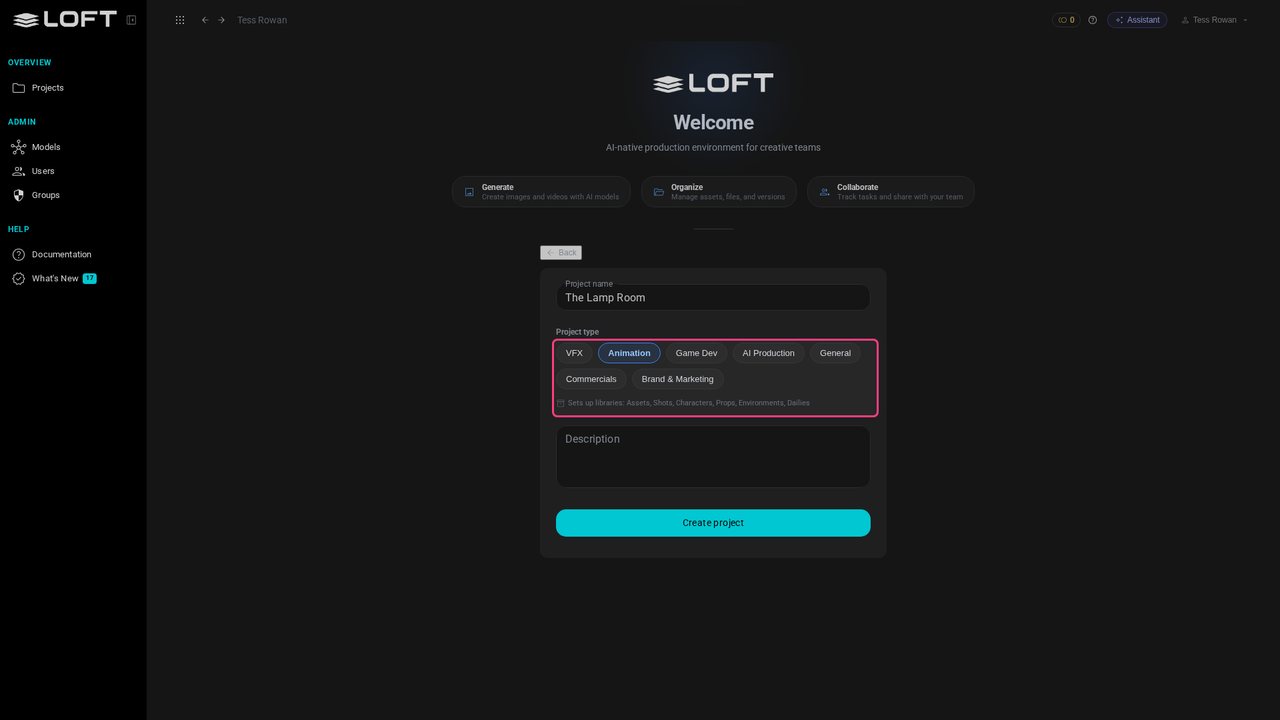
Pick a project type

Pick the kind of work. The type only decides which libraries the project starts with, listed underneath, and you can add more later. Choose Animation.

Pick a project type
STEP 04

Create the project

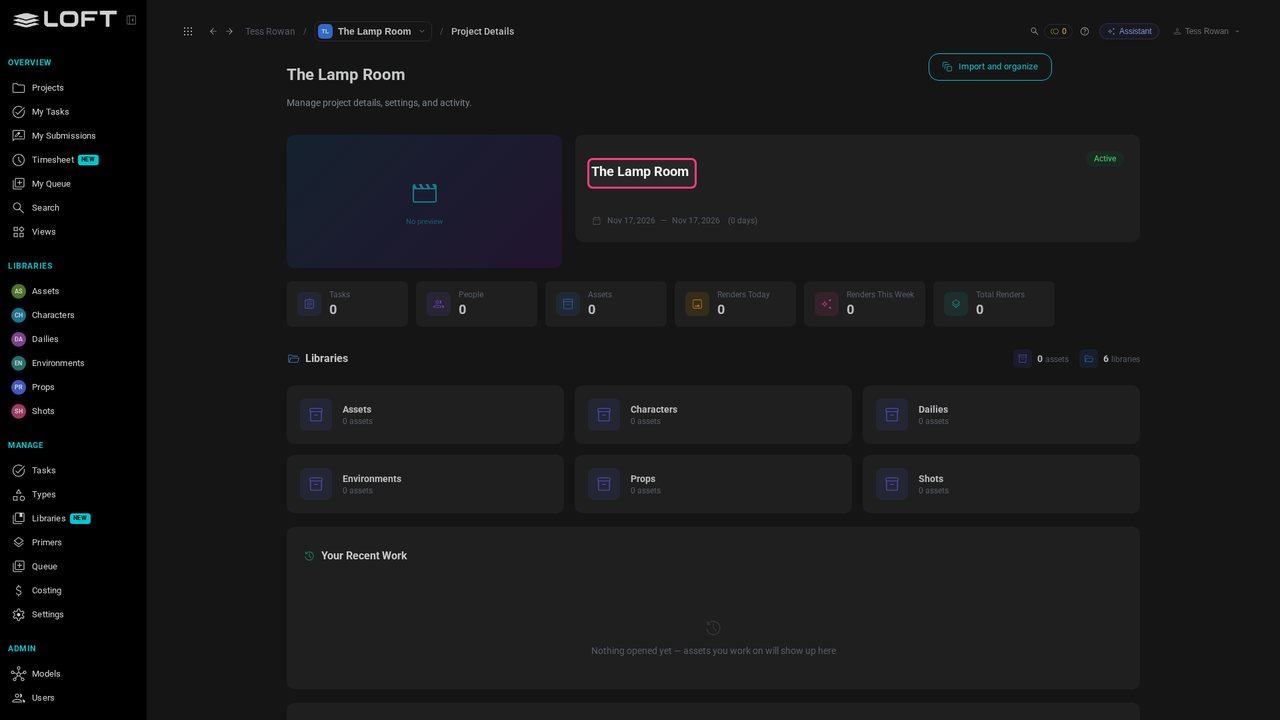
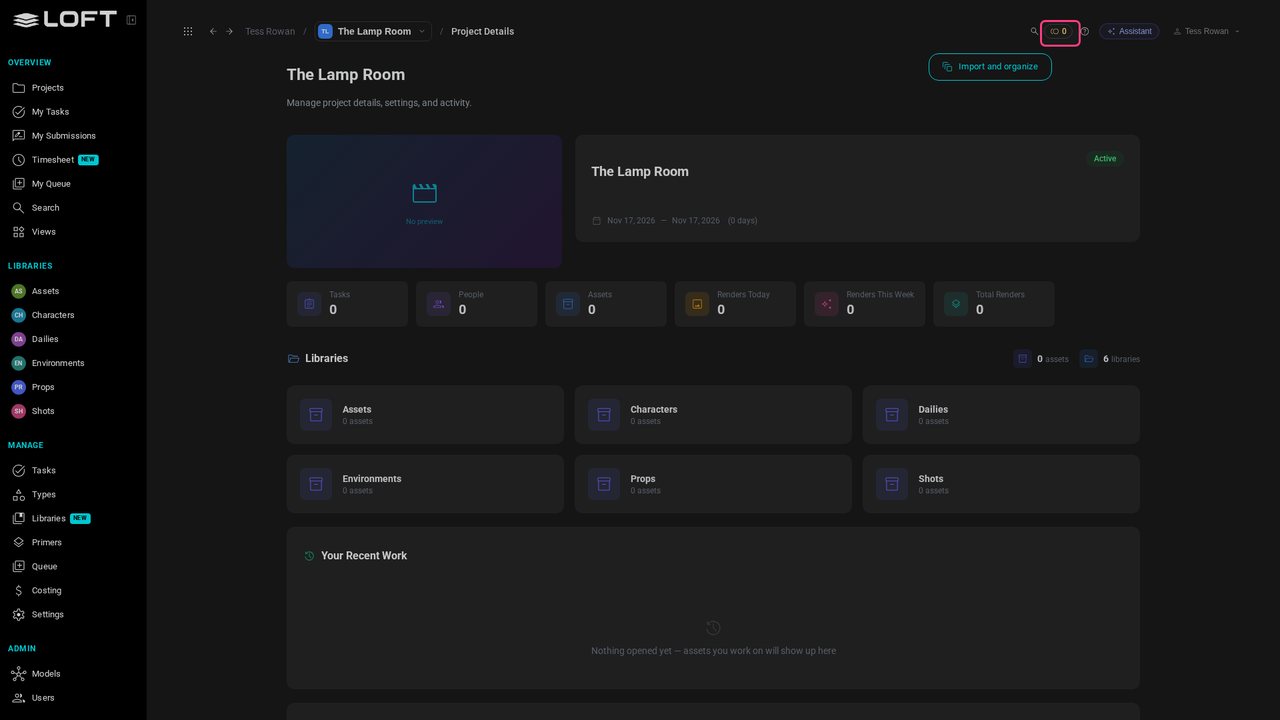
The description is optional. Click Create project. Loft opens the project's page: nothing in it yet.

Create the project
STEP 05

The libraries

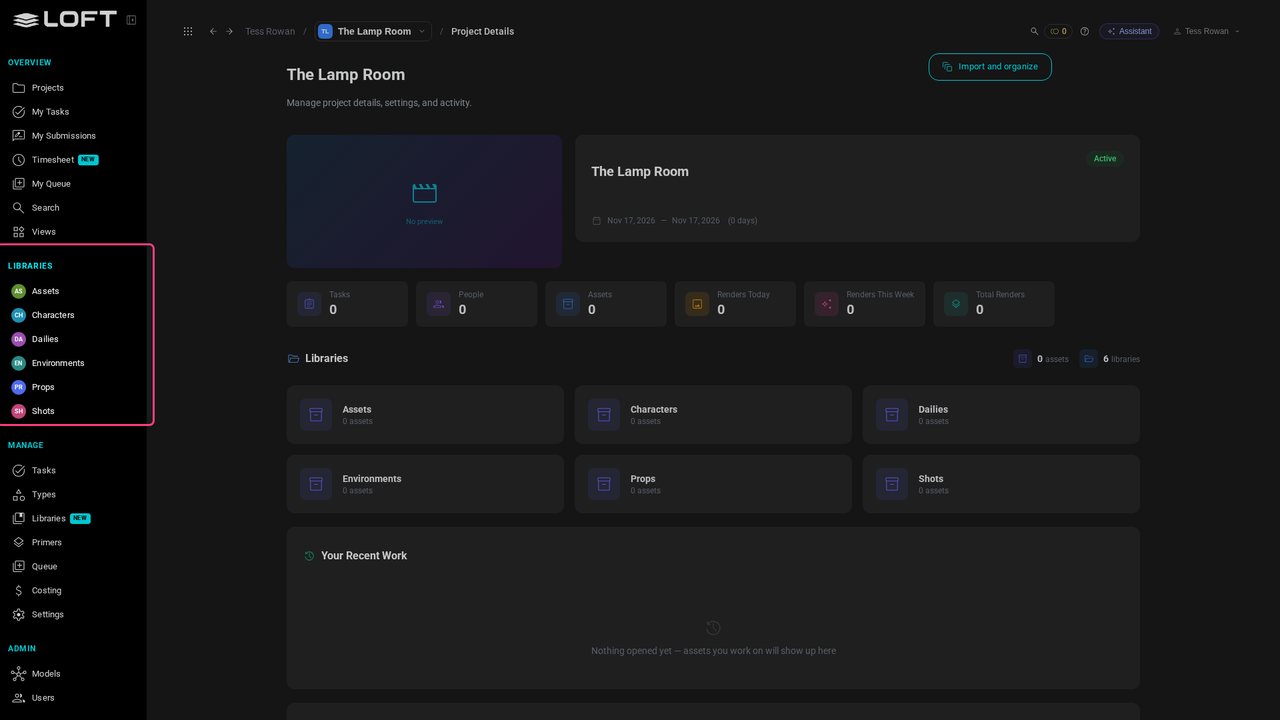
On the left, under LIBRARIES: Characters, Environments, Props, Shots, Dailies and Assets. A library holds one kind of thing, and everything you make goes into one. The next video fills them.

The libraries
STEP 06

The Assistant

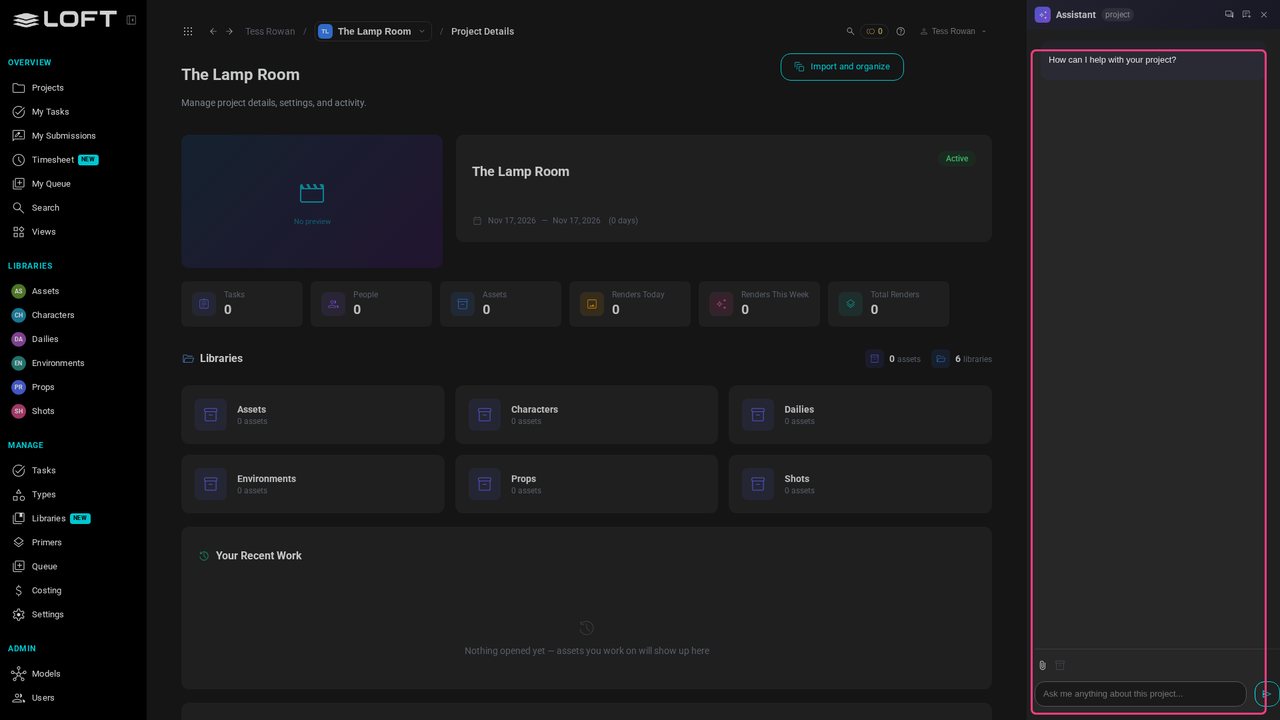
At the top right, Assistant opens a conversation beside whatever you're looking at. Ask it for things in your own words: from the video after next, most of the work starts here.

The Assistant
STEP 07

Your balance

Close it again. Next to the Assistant is your balance: the tokens generating spends. A new organization starts at zero; the video where you first generate shows how to get some.

Your balance