STEP 01
Your tokens
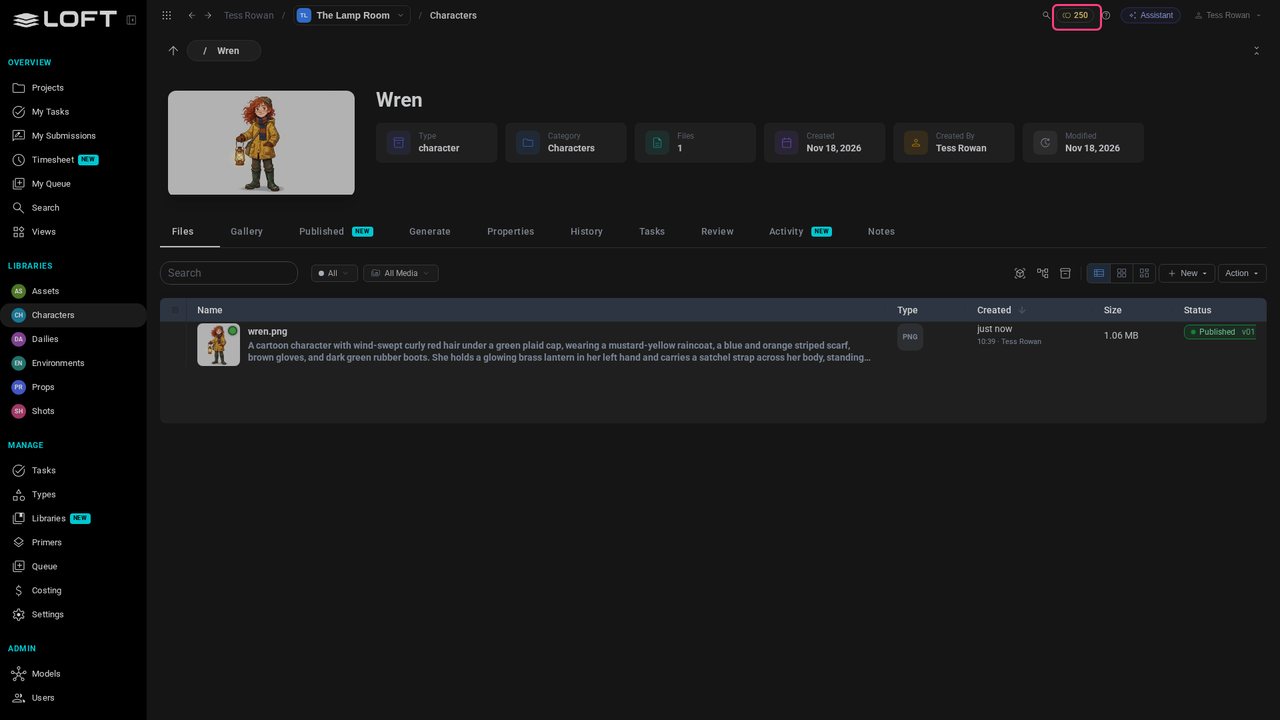
Your balance reads 250: the tokens a new organization gets to try Loft, enough for these videos. They last two days. Open Characters, then Wren.
Learn/Get started
Your first generation: ask the Assistant for a new image of your character, in plain words. Follow along in the project from the last video.
Follow along
Your balance reads 250: the tokens a new organization gets to try Loft, enough for these videos. They last two days. Open Characters, then Wren.
Click Assistant. On Wren's page, it knows you're talking about Wren.
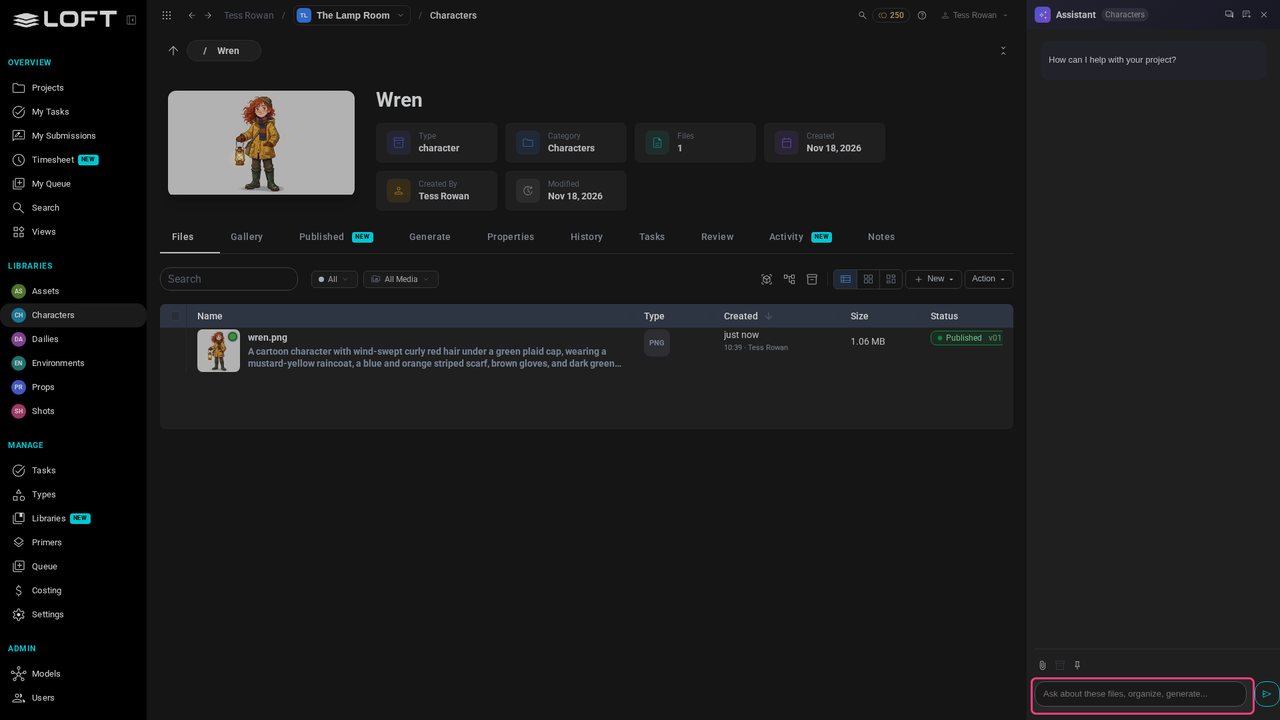
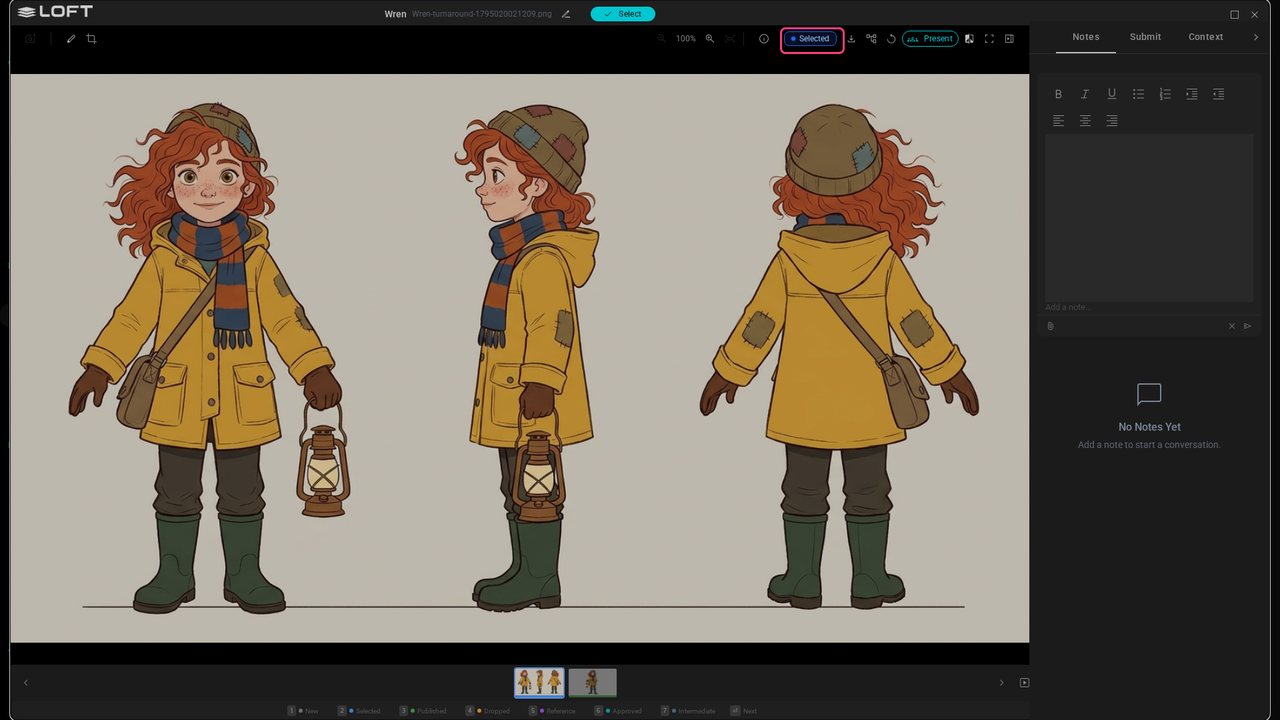
Say what you want, the way you'd brief an artist: Make a turnaround of Wren: front, side and back, full length, on a plain background.
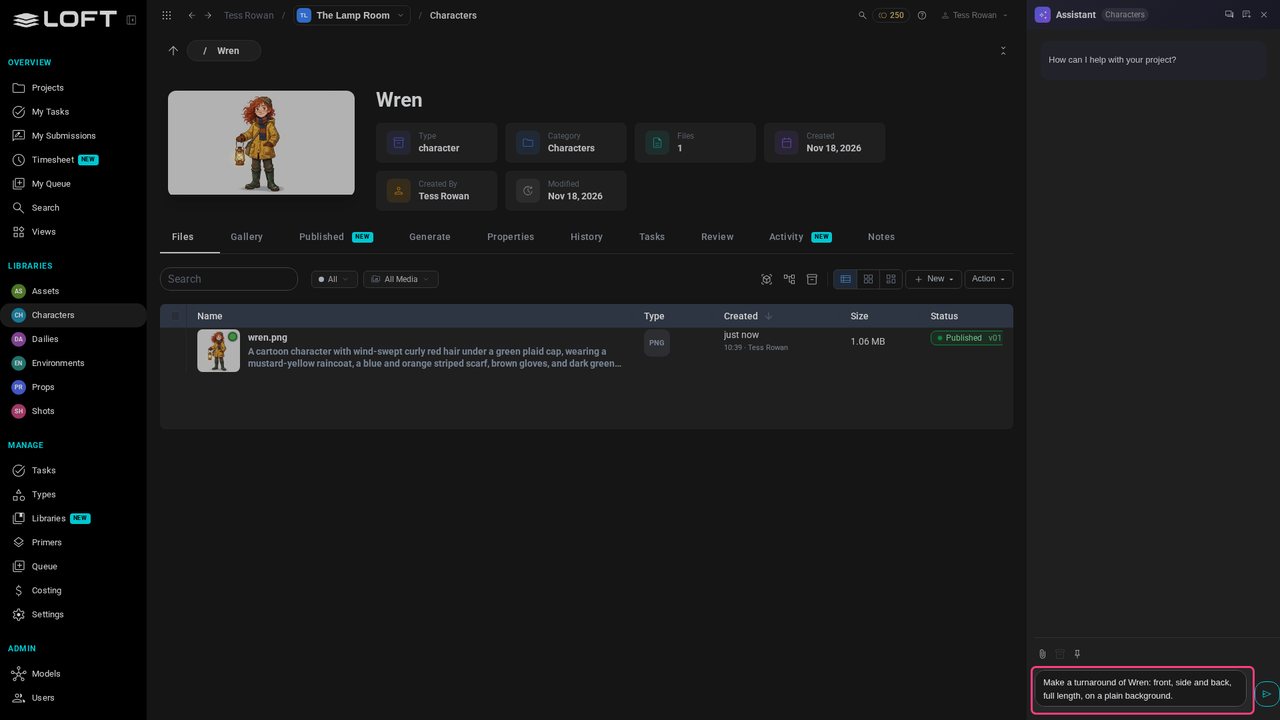
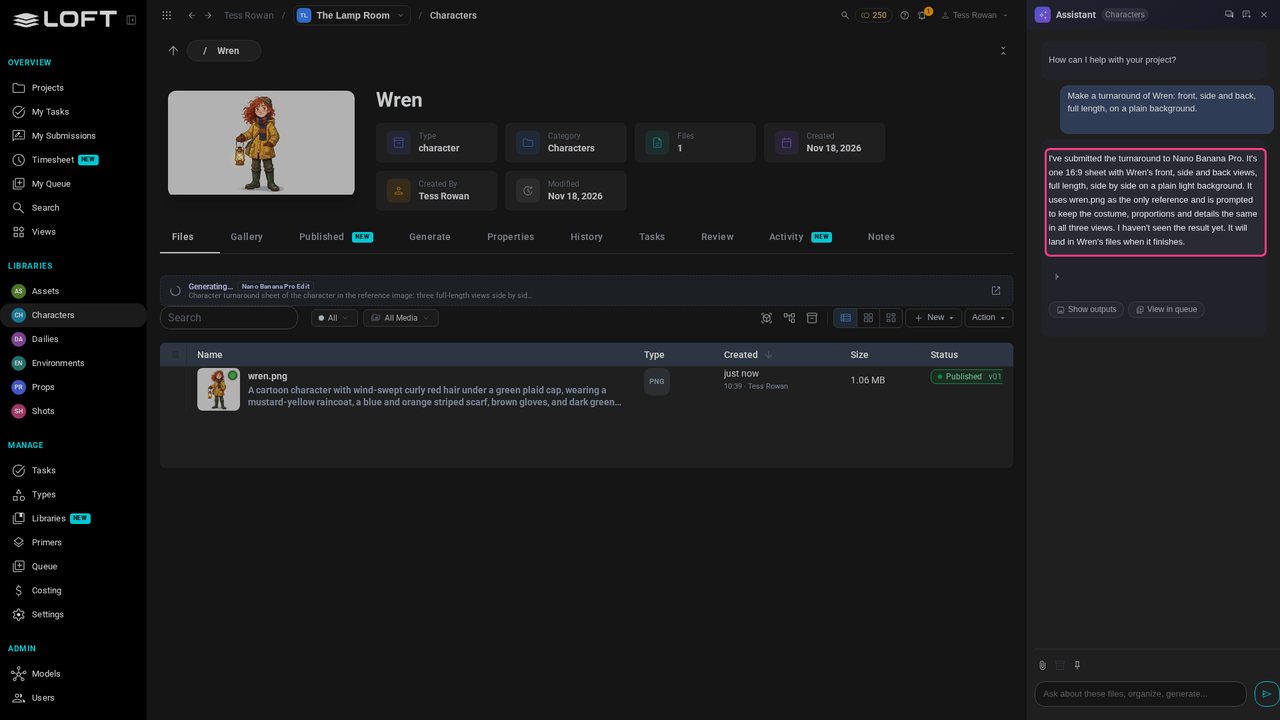
Press Enter. The Assistant chooses a model and uses Wren's published design as the reference, so the new image keeps her look. It says what it did, and that the image is on its way.
In a minute or so the image lands in Wren's files, marked New, and a note pops up to say it's done. Yours will look different from this one.
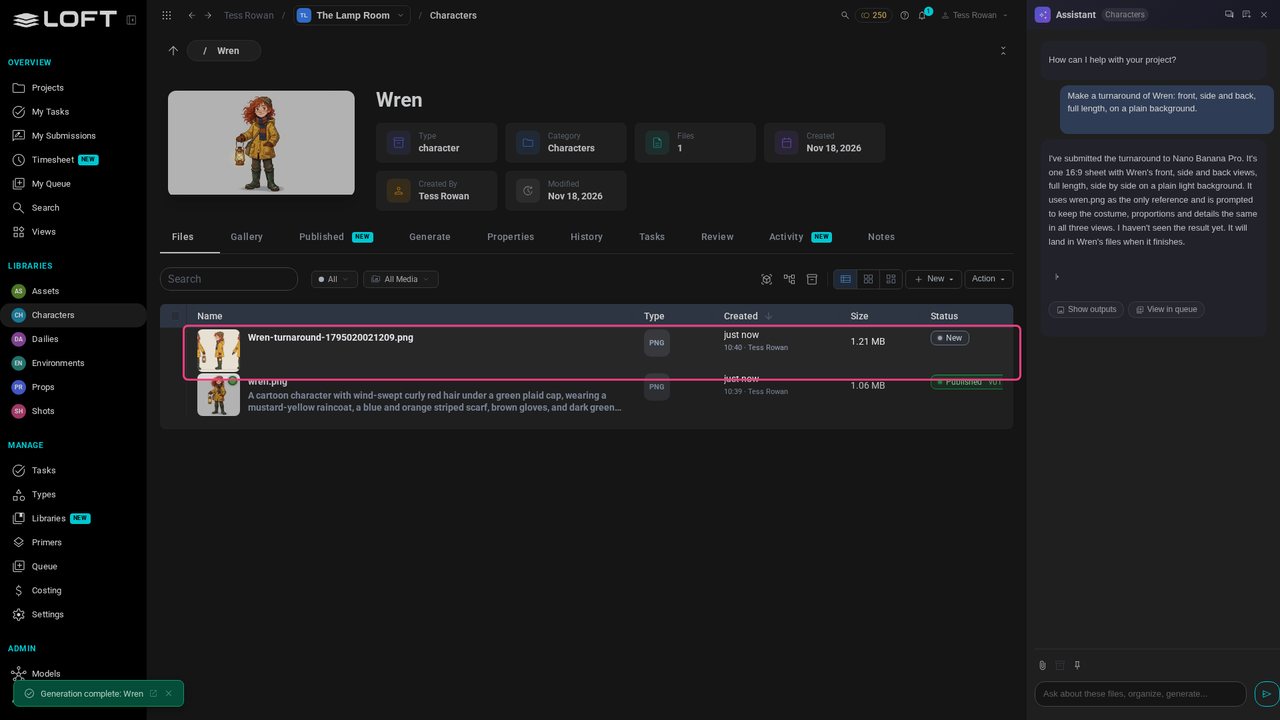
Close the Assistant, and click the new image to see it full size.
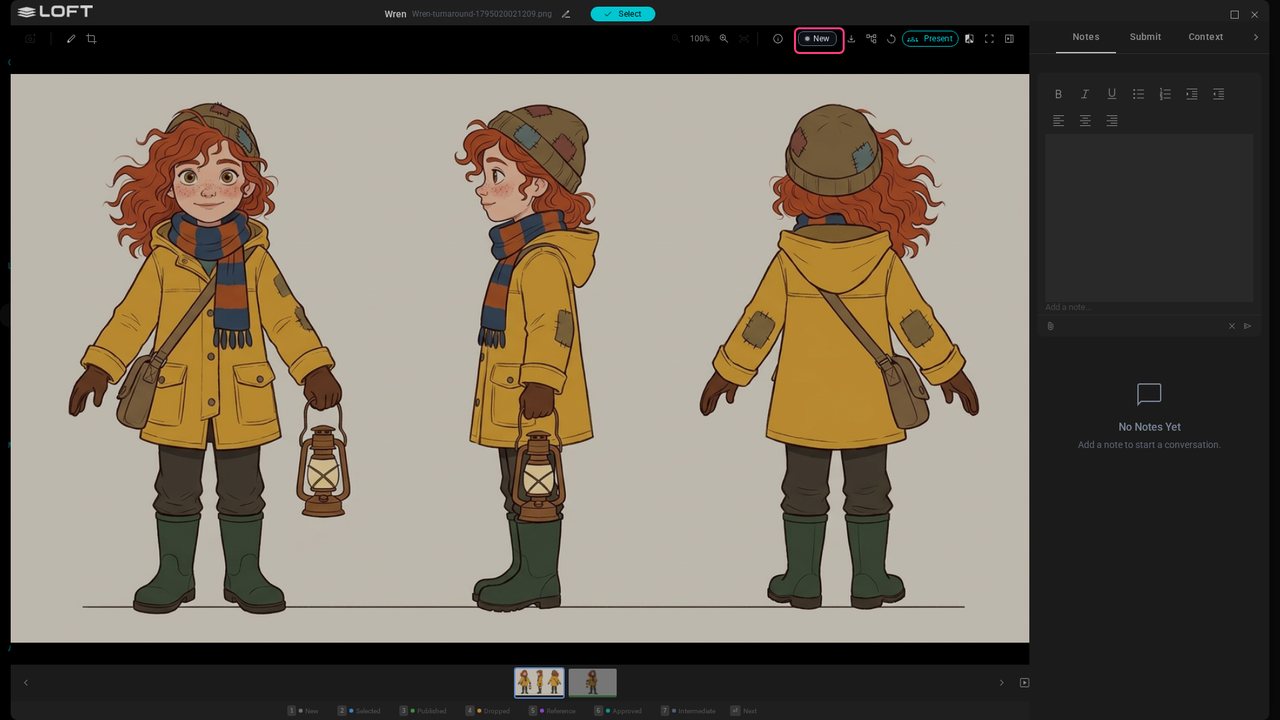
If you like it, press 2 to mark it Selected: your pick, for now. Publishing comes later, once you've decided. Not quite right? The next video directs it.
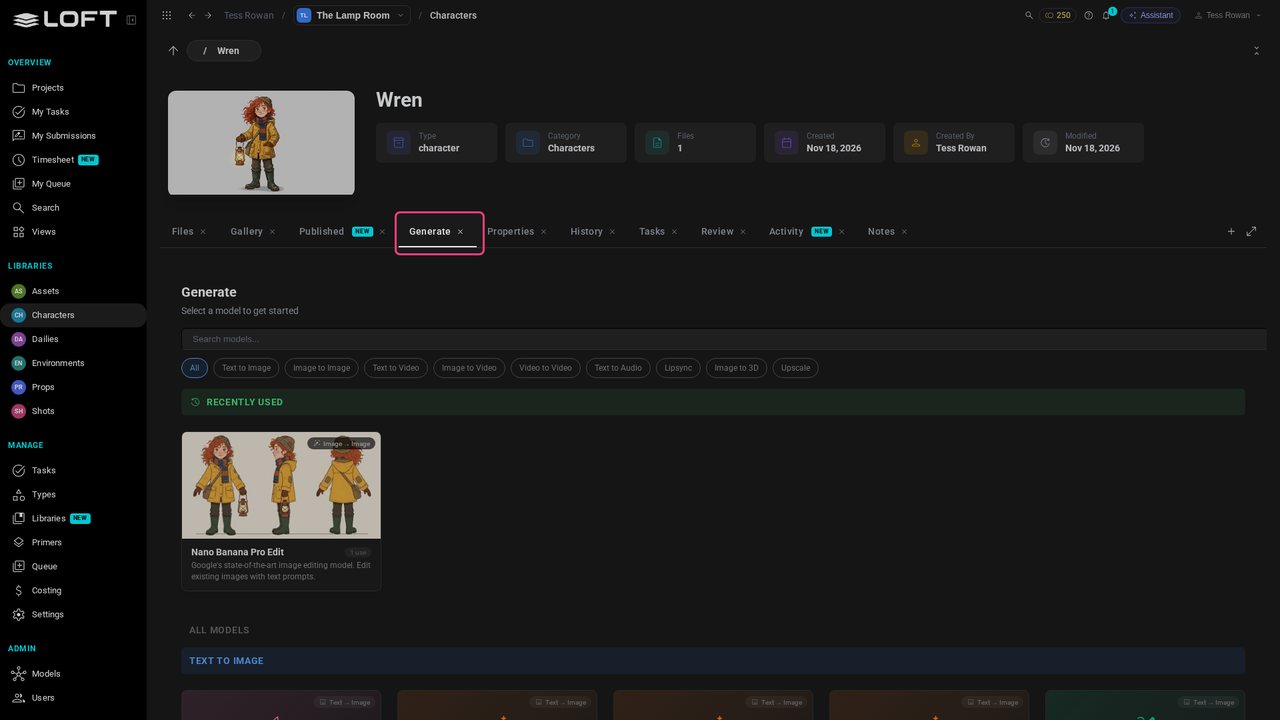
Close the viewer. Everything the Assistant did, you can do yourself on the Generate tab: pick a model, write the prompt, add images. The model it used is at the top, under Recently used. And the balance is a little lower: that's what the image cost.