
STEP 01
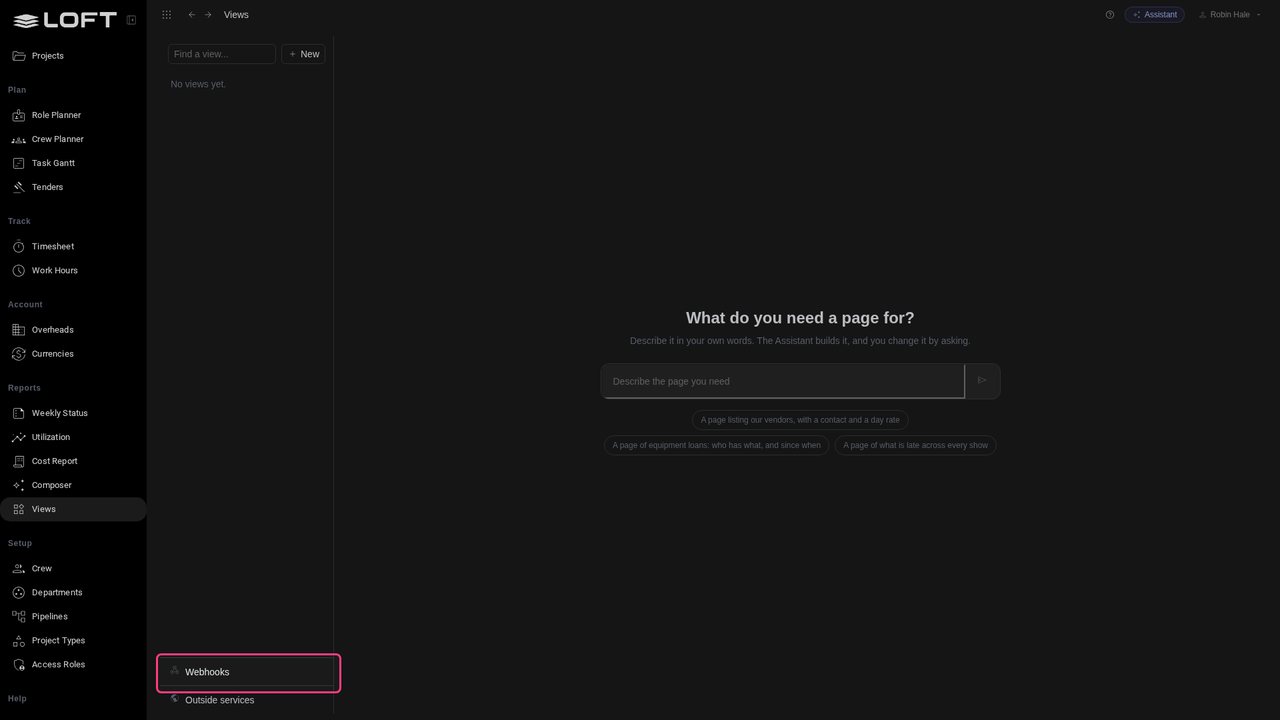
Open Views
In the sidebar, click Views. Robin Hale runs Harbour Lights Studio. The studio's render farm knows the state of every job, and nobody in Loft can see it.
Learn/Plan and run a production
Your render farm, your form tool, your tracker: each knows something Loft should show. A webhook is an address they post to. What arrives becomes a record of your own, on a page of your own, and the page updates as it arrives. Nothing to install on either side.
Follow along
In the sidebar, click Views. Robin Hale runs Harbour Lights Studio. The studio's render farm knows the state of every job, and nobody in Loft can see it.
At the bottom of the list, click Webhooks. A webhook is an address another tool posts to. Only the organization's owner can make one.
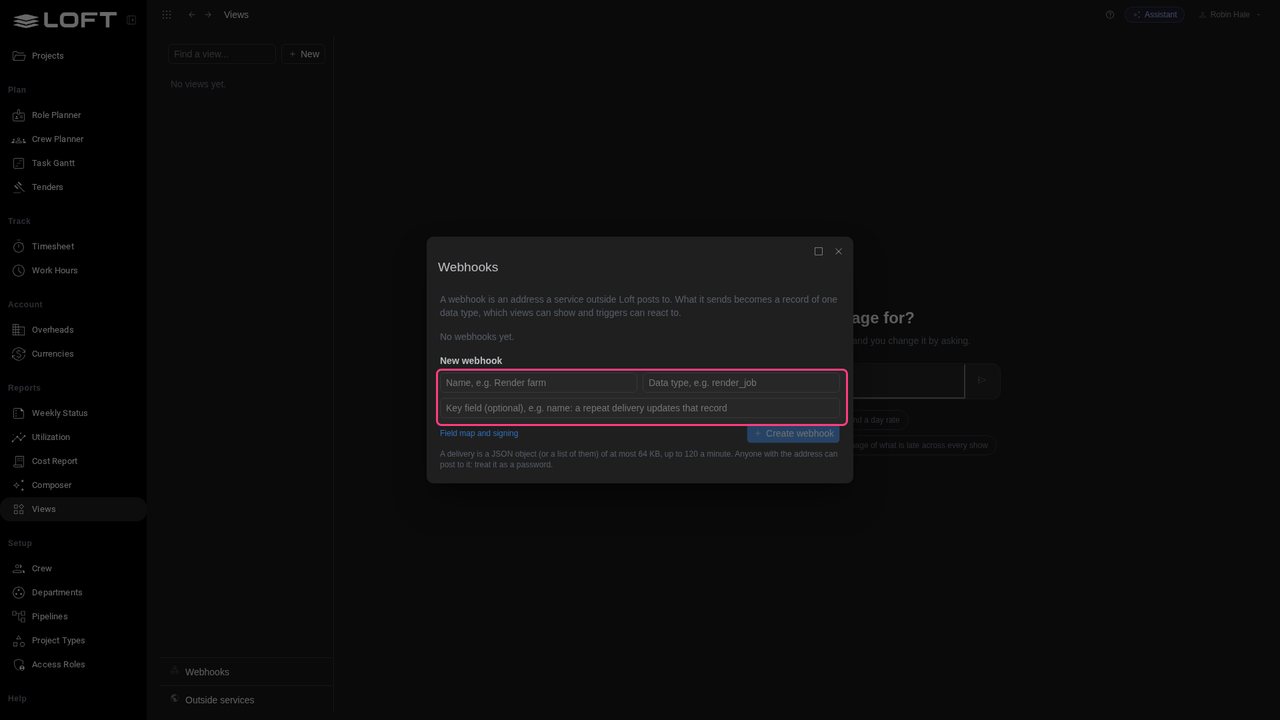
Type a name, Render farm, and what each delivery becomes, render_job. As the key field type name: a second report about the same job then changes its record instead of adding another.
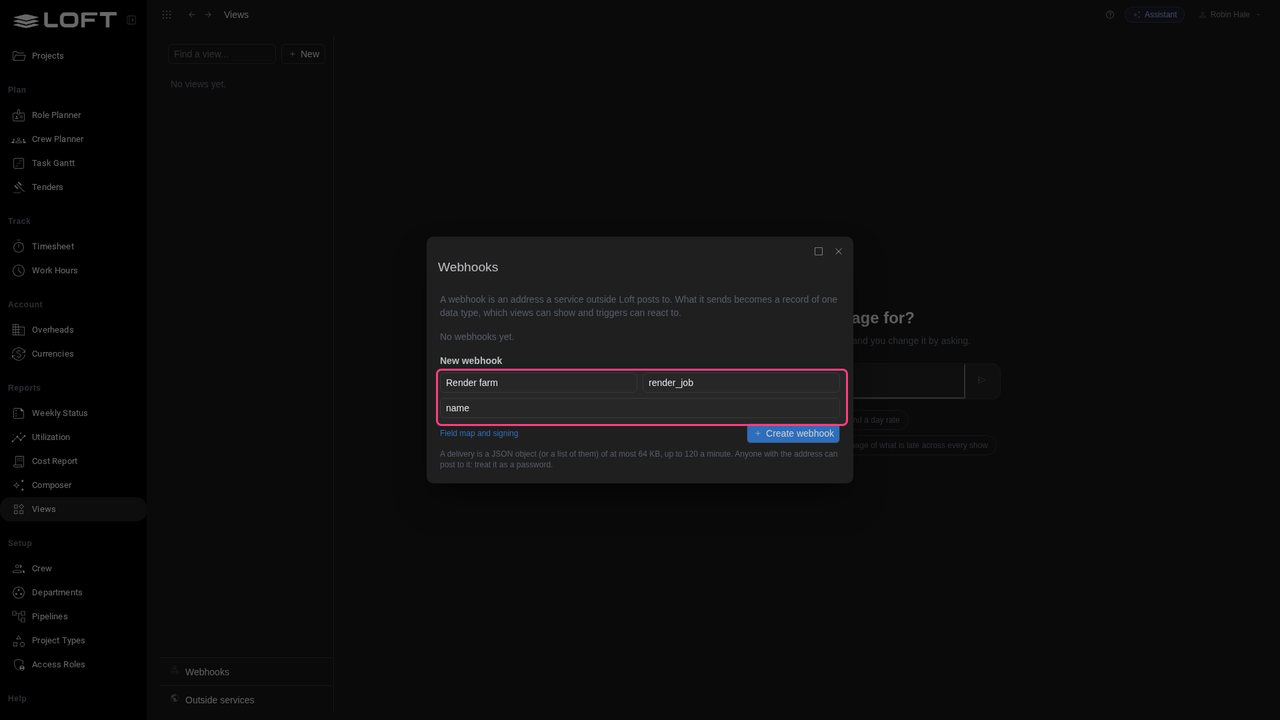
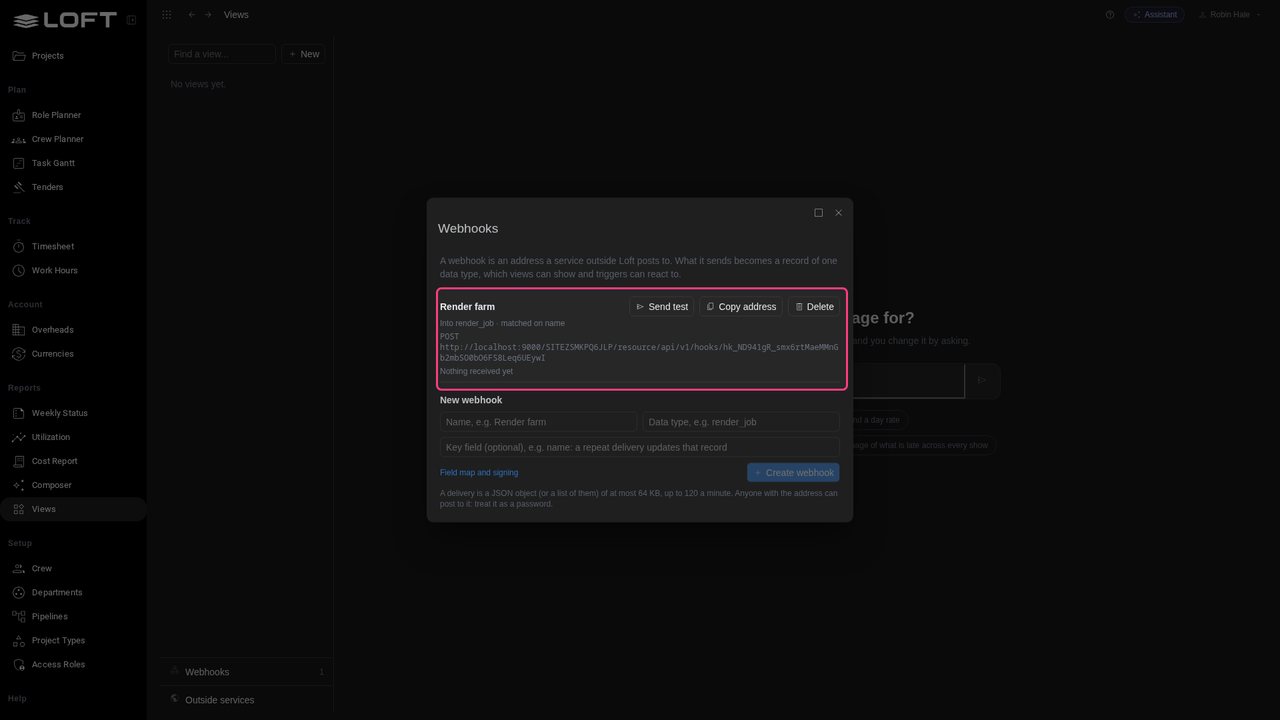
Click Create webhook. Loft makes an address for the farm to post to. Anyone who has it can post, so treat it like a password.
Click Send test. The box holds what the service would post; here it is what the farm sends for one job.
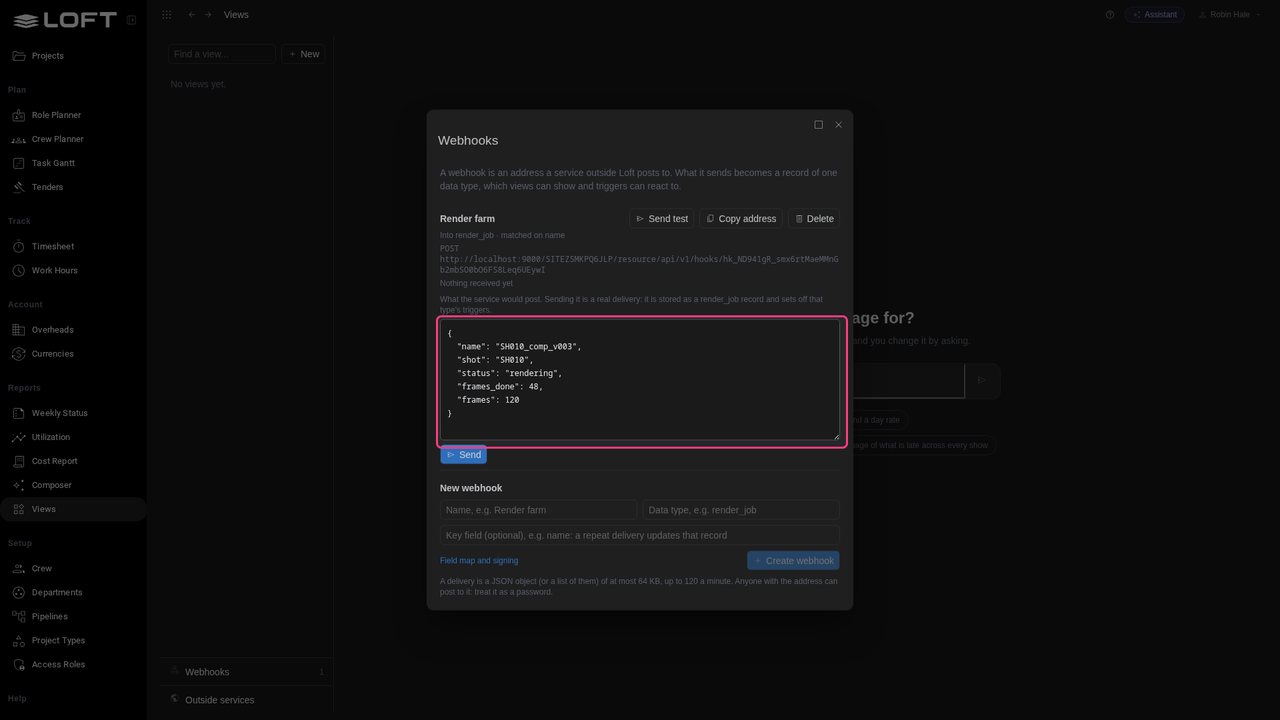
Click Send. It goes through the same door as a real delivery, and is stored as a render job.
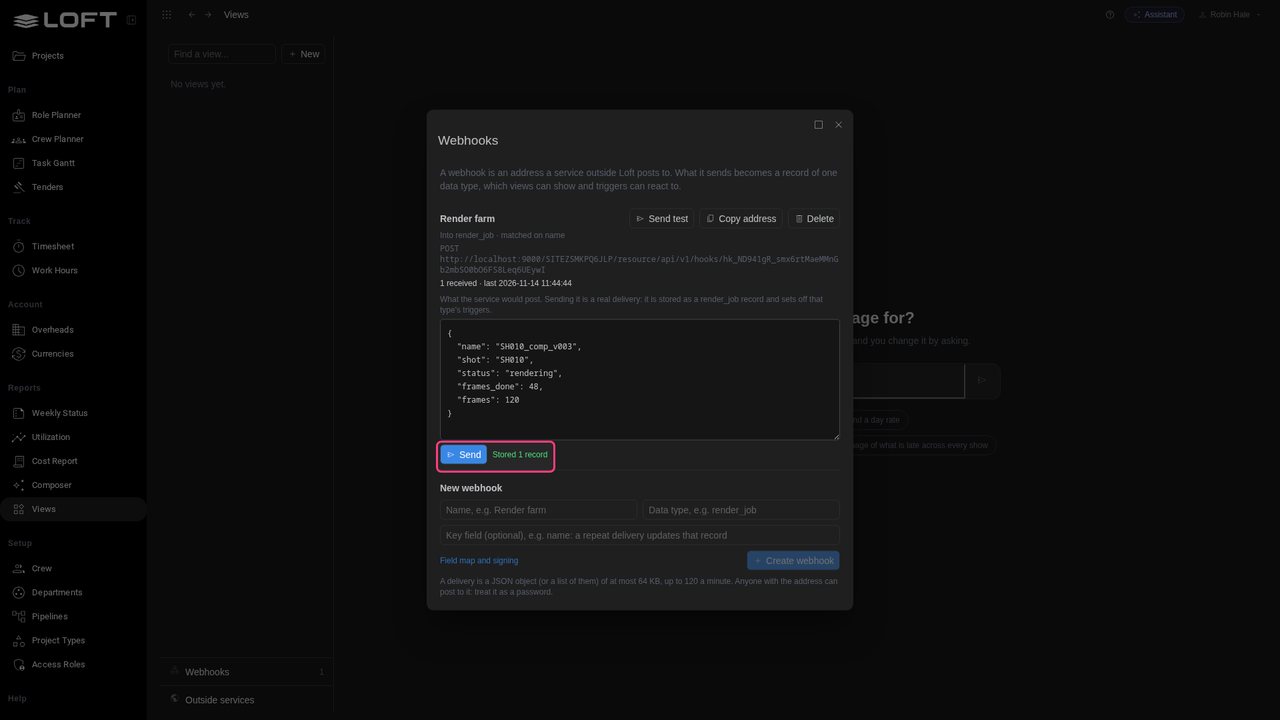
Close the dialog. The job is in Loft, but no page shows it yet. That is one sentence away.
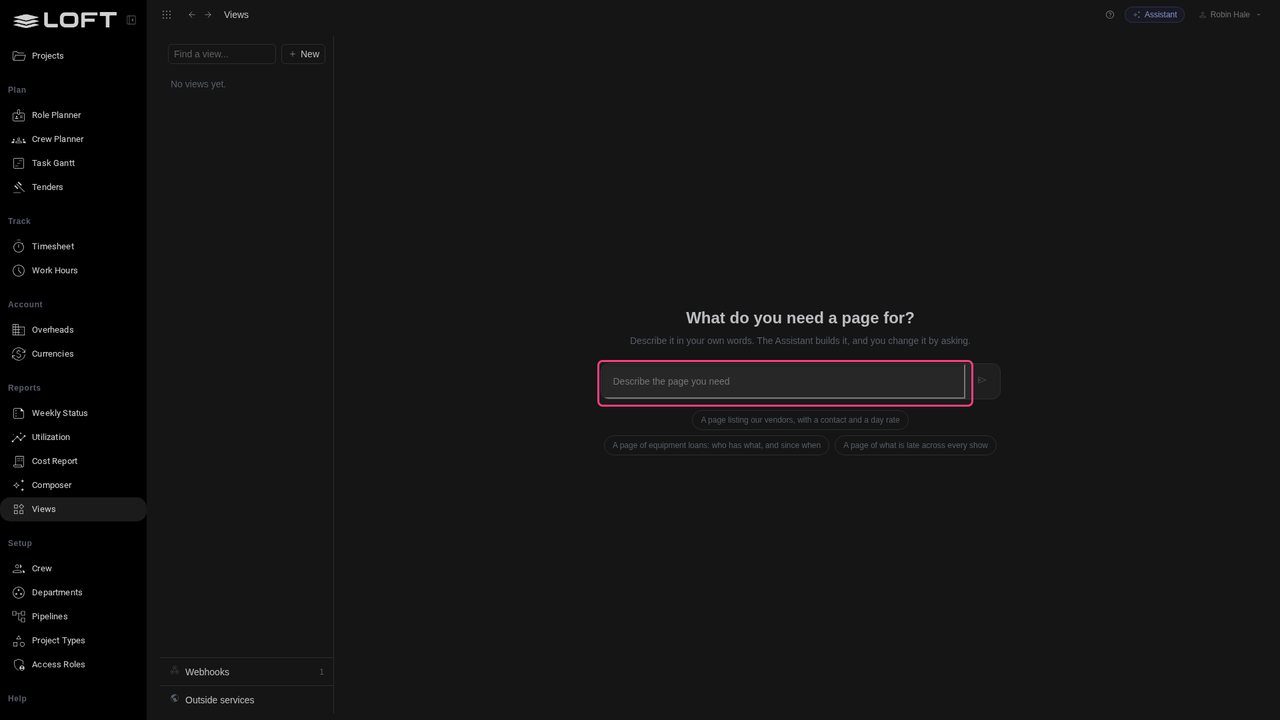
Type: A page called Render Jobs that lists our render jobs: name, shot, status and frames done out of frames.
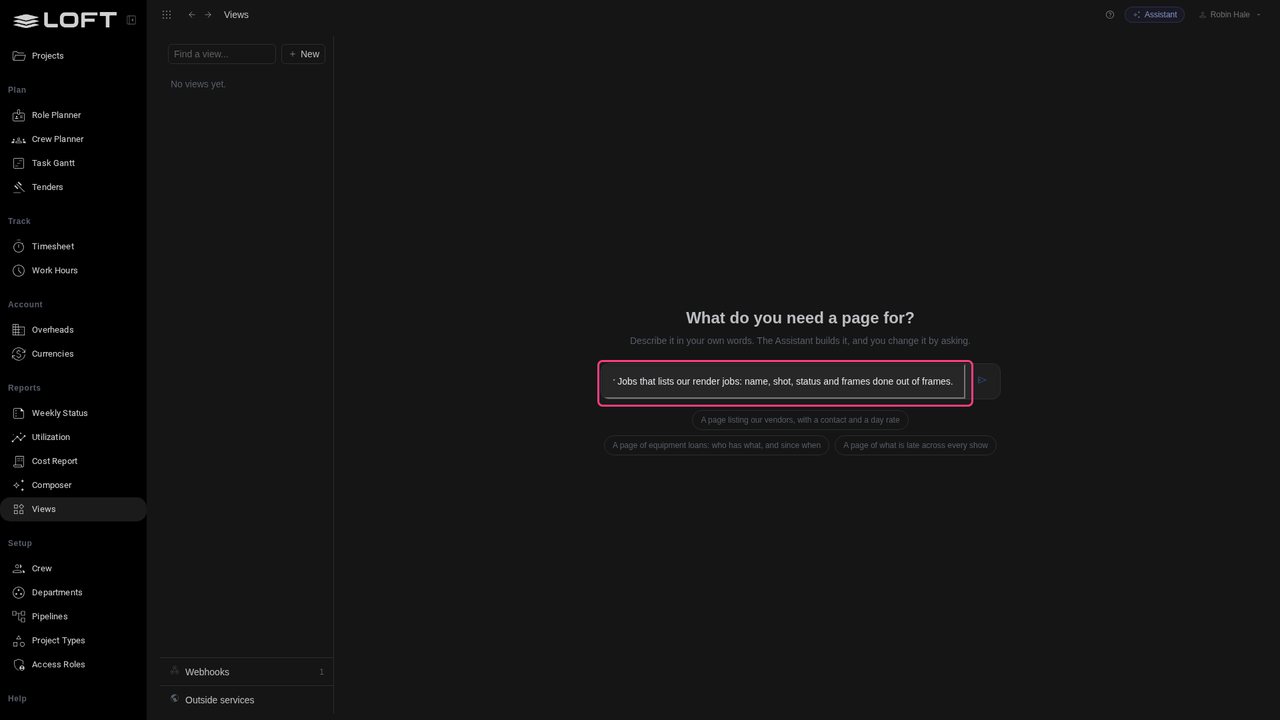
Press Enter. The Assistant finds the render jobs the webhook brought in, builds the page and adds it to the sidebar.
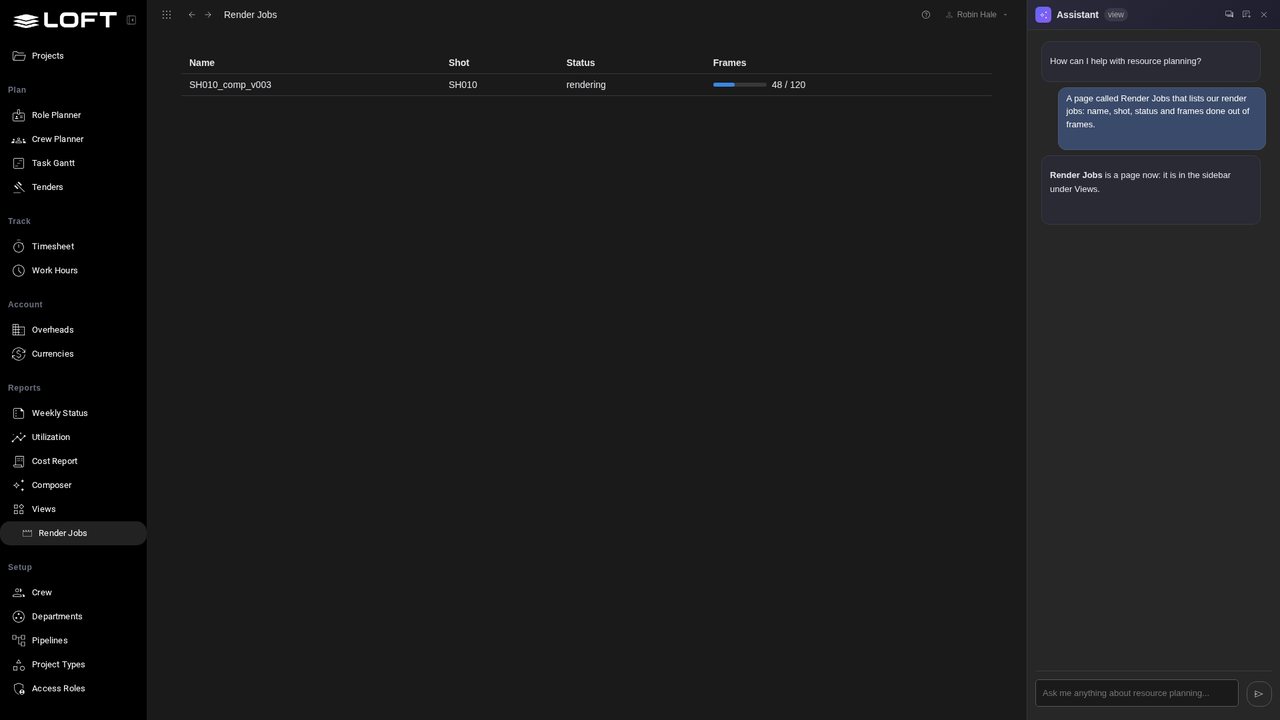
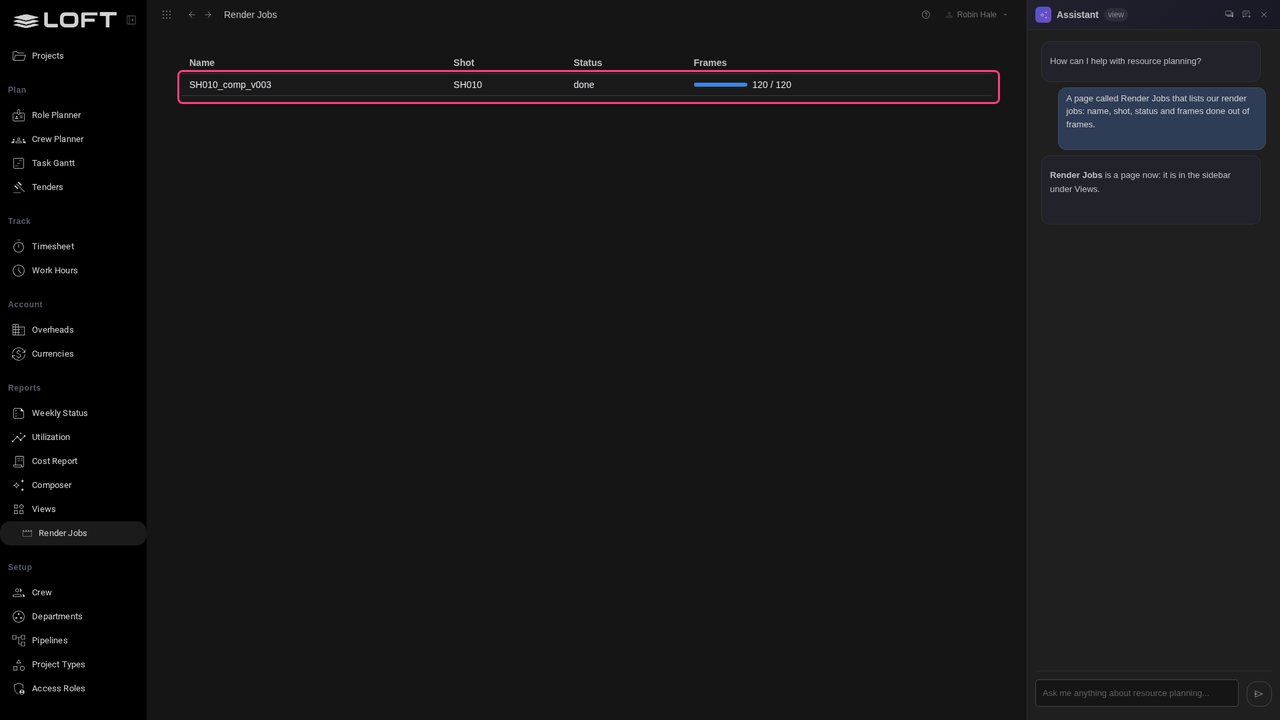
Watch the row. The farm finishes the job and posts again, and the page changes by itself: no reload, nobody touching it.
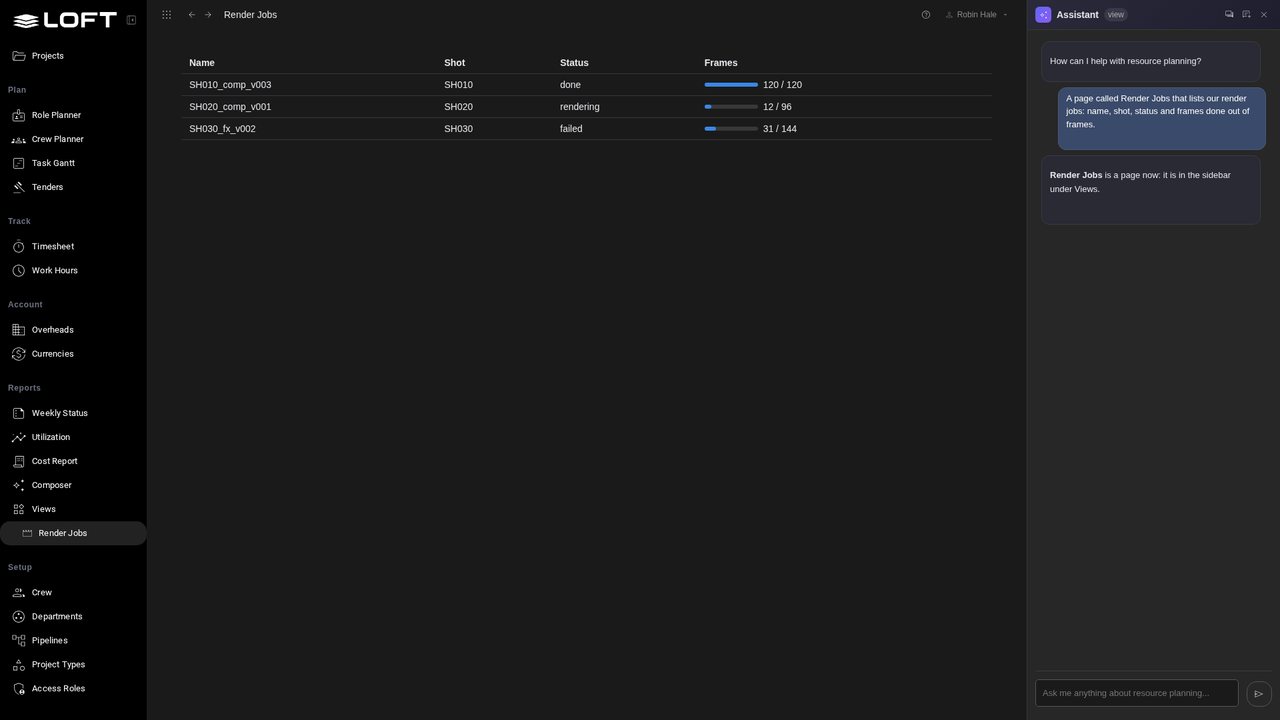
Keep watching. Two more jobs start on the farm, and each appears as it is reported. One of them has failed.
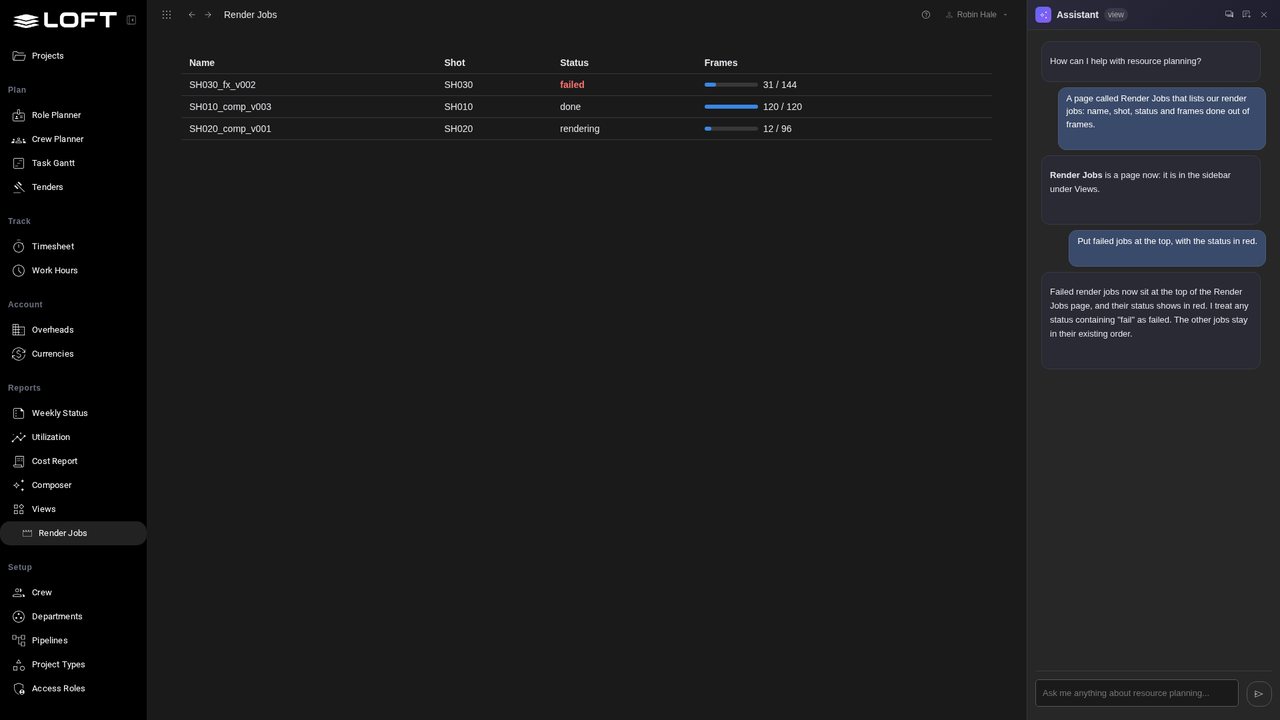
Ask the Assistant: Put failed jobs at the top, with the status in red. The data is the farm's; how it is shown is yours.
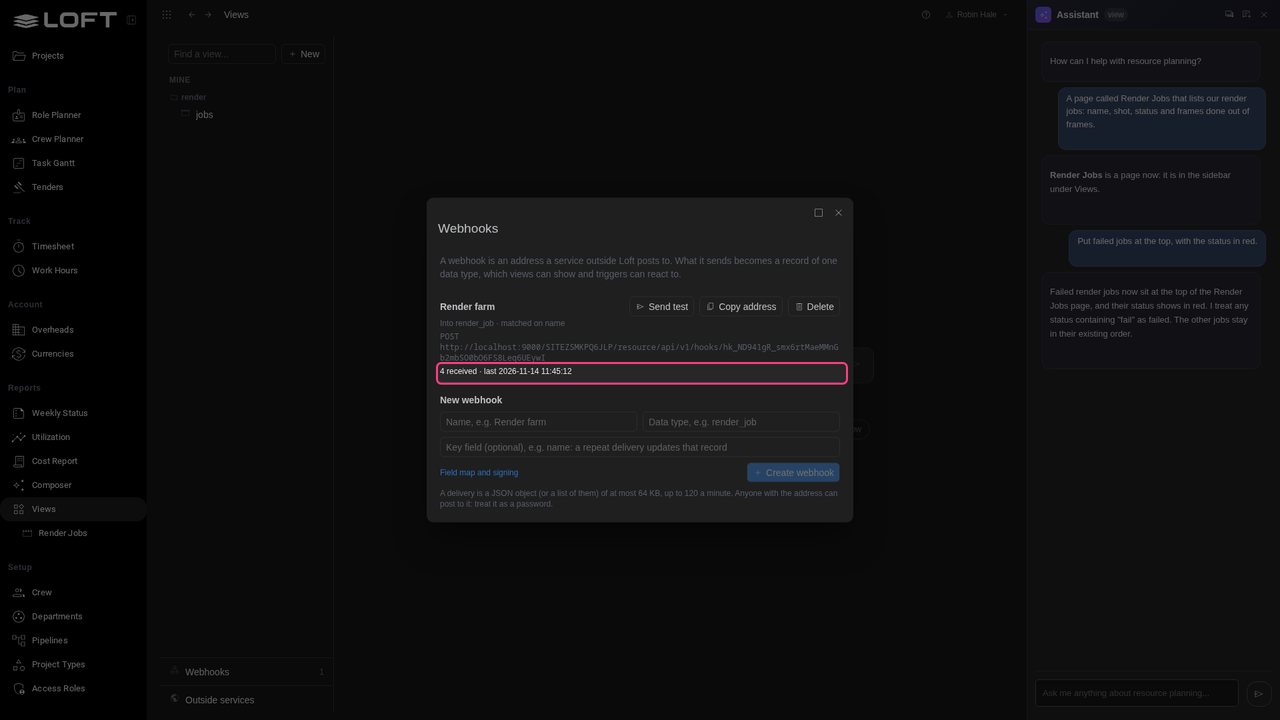
Go back to Views and open Webhooks. Each webhook counts what it has received, and says why the last delivery was refused if it was.
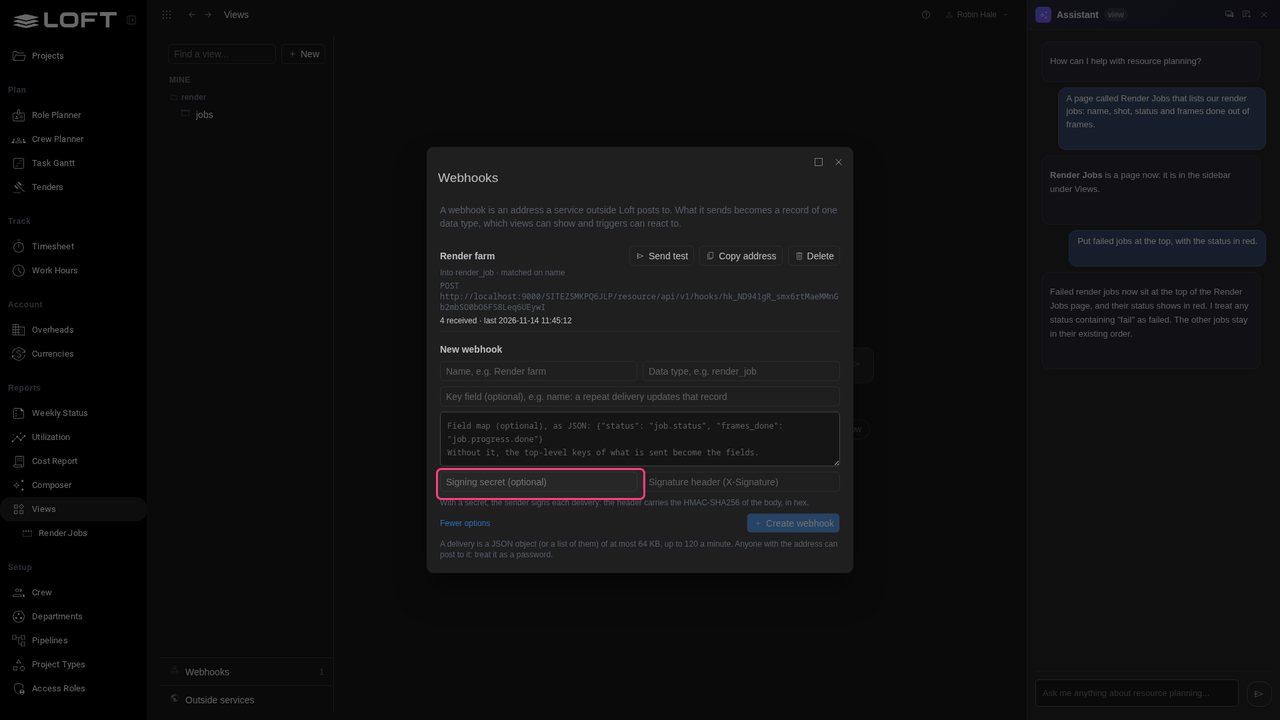
Click Field map and signing. With a signing secret, Loft refuses any delivery the farm did not sign. And a delivery is only ever stored and shown: nothing in it runs.
Up next in Plan and run a production
Every production tracks something its software has no page for. In Loft you describe the page and the Assistant builds it, inside your project: a view of your own that keeps its own data and sits next to the real files, notes and tasks of your shots. Change it by asking, and share it with the studio.
In the playlists Plan and run a production.